Retouch - Remove Objects
Transform Your Photos
• Don't let photobombers, power lines, or stray blemishes ruin your favorite memories.
• With Remove Objects - AI Retouch, you hold the power to turn ordinary snapshots into flawless works of art.
• Say goodbye to complicated editing software and hello to effortless perfection.
Explore our powerful suite of features:
1. Seamless Object Removal
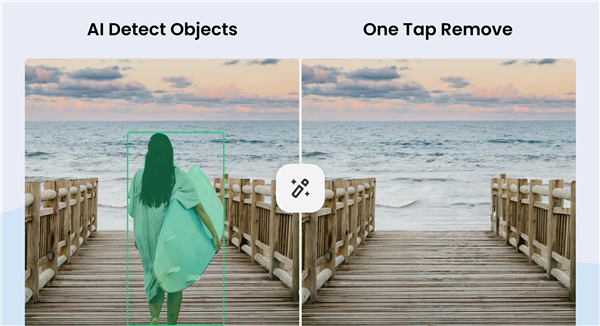
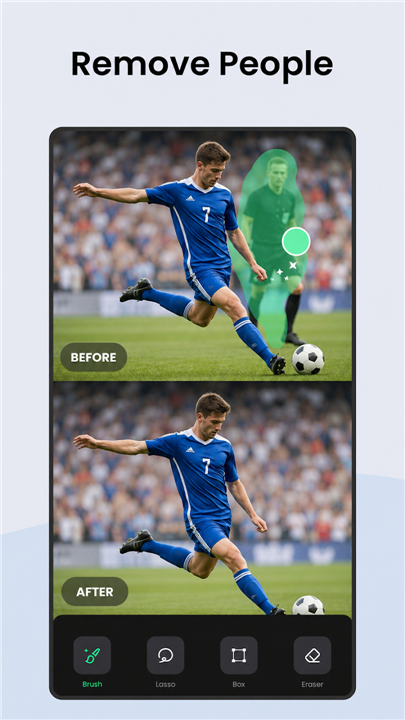
• Erase stray tourists, ex-partners, and background distractions instantly
• Clear away power lines, trash cans, and distracting street signs with a single tap
• Smooth out skin blemishes, acne, and imperfections to reveal your natural glow
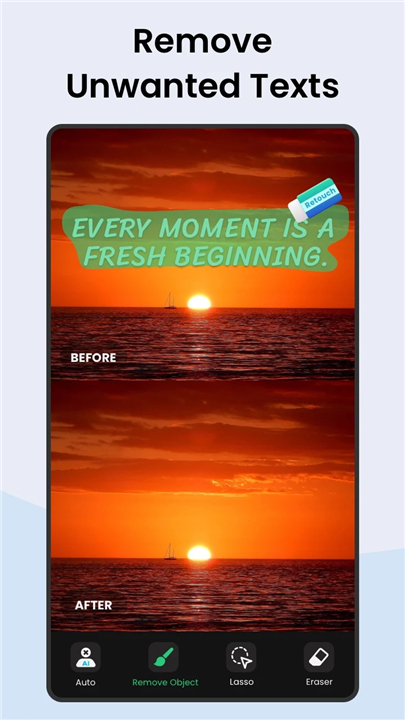
• Clean up watermarks, text, logos, and unwanted stickers effortlessly
2. Next-Level AI Creativity
• AI Expand: Smartly widen your frame and extend edges for breathtaking, expansive shots
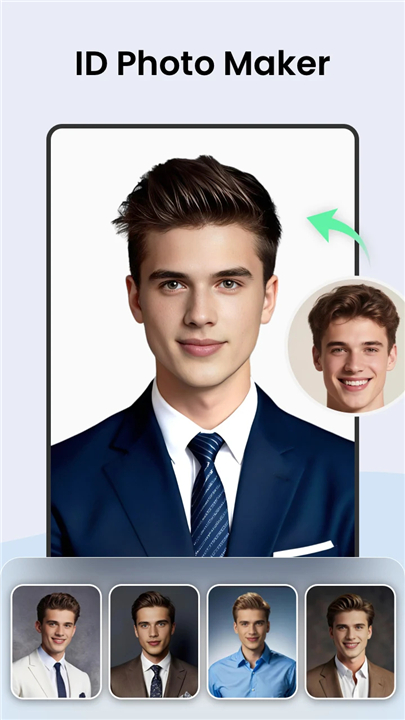
• Nano Banana: Transform selfies, friends, and pets into lifelike figures, designer toys, or celebrity swaps in seconds
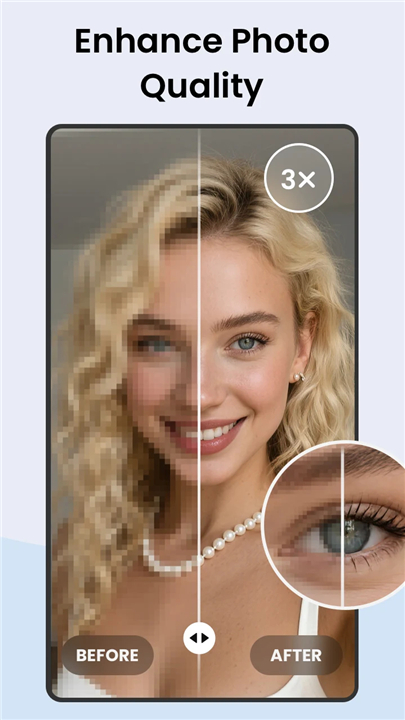
• HD Enhancer: Bring ultimate clarity and crisp detail to group photos, selfies, and text
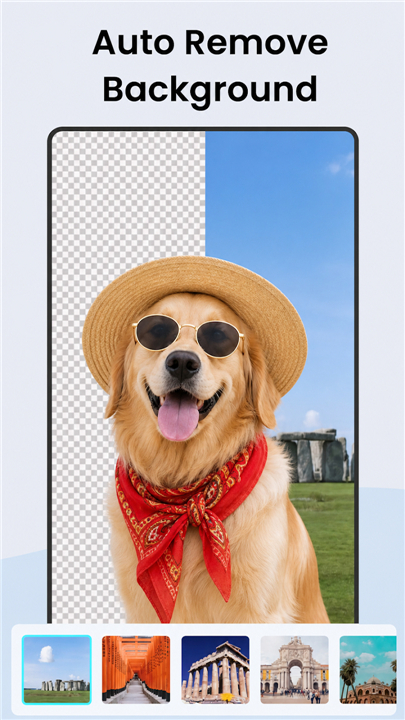
• Background Eraser: Instantly swap or change backgrounds to any scene or solid color
• AI Avatars: Upload your photos to generate striking, stylized profile pictures
3. Instant Sharing
• Post your polished masterpieces directly to Instagram, Facebook, and your favorite social platforms with one tap
Stop settling for almost-perfect photos
• Download Remove Objects - AI Retouch today and elevate every image to its highest potential.
Have feedback or ideas?
• Reach out to us anytime at photostudio.feedback@gmail.com.
FAQ
Q: Can I use the app to get rid of photobombers and stray tourists in the background?
A: Yes, absolutely! Our seamless object removal feature lets you instantly erase stray tourists, ex-partners, and any other background distractions with just a tap, leaving your main subjects looking clean and isolated.
Q: Is it possible to remove urban clutter like power lines and street signs?
A: Clearing away power lines, trash cans, and distracting street signs is one of the app's specialties. You can completely clean up your outdoor shots with a single tap so that nothing ruins your favorite memories.
Q: How does the app handle skin blemishes and acne on portraits?
A: The app features a smoothing tool designed specifically for skin imperfections. You can effortlessly clear away blemishes, acne, and other minor flaws to reveal your natural, glowing skin in selfies and portraits.
Version History
v1.351.93——23 Jul 2026
One-tap remove objects, logos, text & more with AI Retouch photo editor & eraser Download the latest version of Remove Objects - Photo Editor to enjoy new features and updates immediately!
*1.351.93
• Your Best Editing Experience Yet. We've polished features for a smoother, more enjoyable creative journey.
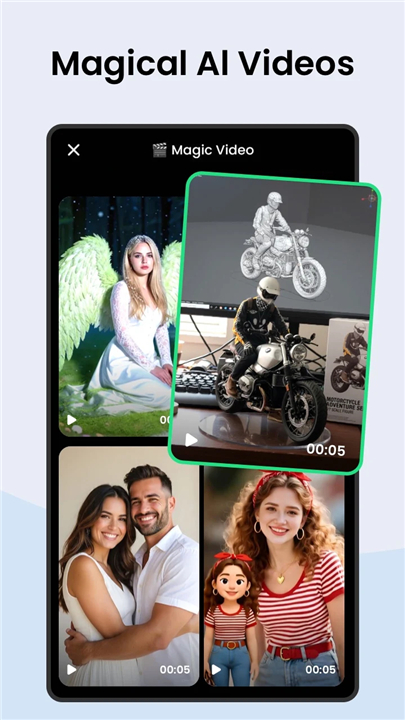
• Football AI Filters & Videos are Here! Feel the thrill of the world's biggest stage with our new football-themed AI effects collection.
• Glitch-Free: We've swept away the bugs and boosted stability.
*1.35.82
• Your Best Editing Experience Yet. We've polished features for a smoother, more enjoyable creative journey.
• Football AI Filters & Videos are Here! Feel the thrill of the world's biggest stage with our new football-themed AI effects collection.
• Glitch-Free: We've swept away the bugs and boosted stability.
*1.342.91
• One stroke, object gone. Upgraded AI Remove can now auto-select distractions for you. Just brush and erase in seconds!
• Remove Anywhere, Even Offline. Download the local removal model and erase unwanted objects anytime.
• Improved details for a better editing experience.