Visha-Video Player All Formats
Privacy & Security
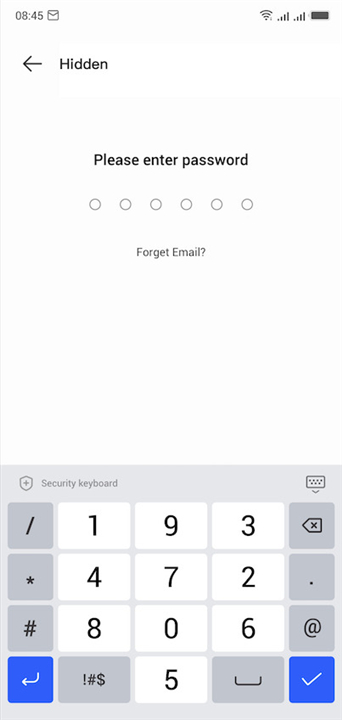
• Store secret clips in a hidden Privacy Folder and keep them out of sight.
Video Editing
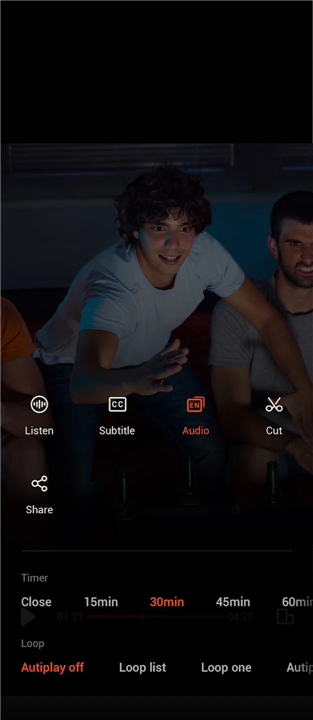
• Trim unwanted sections with a simple cut‑tool, right inside the player.
Video Playback
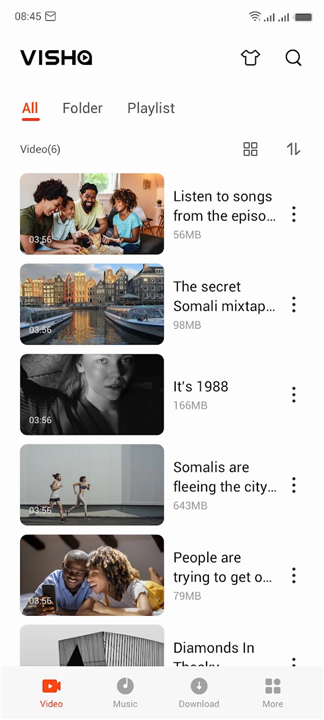
• Scan every video on your device—movies, trailers, home videos—and play them instantly.
• Organize files by source so you can locate a title in seconds.
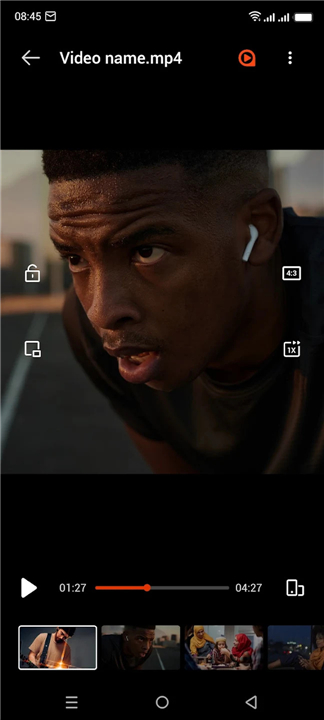
• Enjoy background and floating playback for multitasking.
• Adjust speed, toggle multiple audio tracks, and download subtitles on the fly.
• Use double‑tap shortcuts for quick forward or rewind, and let the player pause automatically when you switch apps.
• Review your watching history whenever you like.
Music Playback
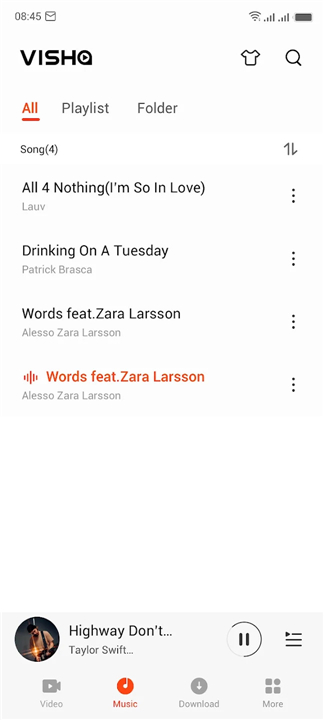
• Gather all songs from internal storage and SD cards in one library.
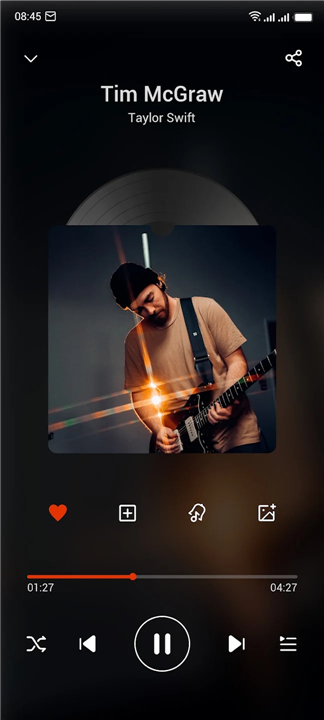
• Set a timer to shut off music automatically.
• Sort and filter tracks effortlessly, and fine‑tune sound with a built‑in equalizer.
Online Video
• Stream a worldwide catalog of movies, TV series, and variety shows.
• Bookmark favorite shows for easy access.
• Upgrade to VIP for an ad‑free experience, exclusive content, and crystal‑clear 1080p playback.
Downloads
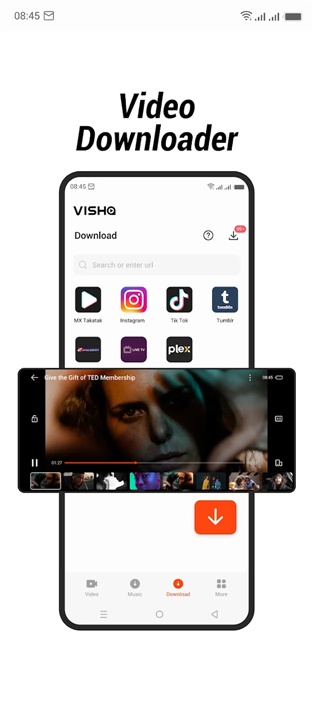
• Save videos and audio files for offline enjoyment.
Personalization
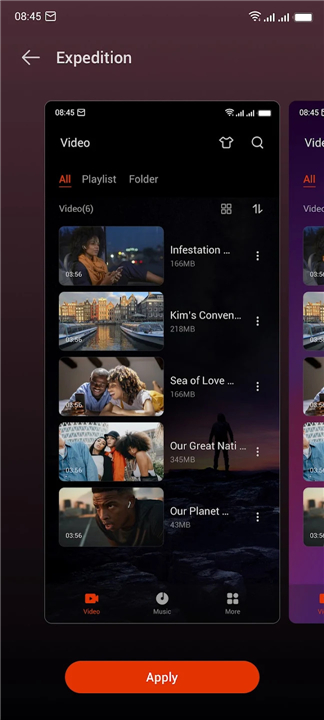
• Choose from a collection of skins to match your style.
• Convert any video to MP3 with a single tap.
Experience media without limits—your content, your way
• Visha blends sleek design with powerful features, turning every device into a personal cinema and music studio.
FAQ
Q: Does Visha automatically find all the videos stored on my device?
A: Yes, the app performs a comprehensive scan of your internal storage and SD cards to locate all movies, trailers, and home videos, allowing you to play them instantly once found.
Q: Can I multitask while watching videos on Visha?
A: Certainly, you can enjoy background playback or use the floating playback mode, which enables you to continue watching your content while you use other applications on your device.
Q: How do I manage audio tracks or subtitles while a video is playing?
A: You can easily adjust playback speed, toggle between multiple available audio tracks, and even download subtitles on the fly directly from the playback interface.
Version History
v8.2.0.29——3 Sep 2026
Visha-Video Player All Formats is a media player app that handles local playback and online streaming in one place. Download the latest version of Visha-Video Player All Formats to enjoy new features and updates immediately!
*8.2.0.29
Minor bug fixes and improvements. Install or update to the newest version to check it out!
*8.2.0.28
Minor bug fixes and improvements. Install or update to the newest version to check it out!
*8.2.0.20
Minor bug fixes and improvements. Install or update to the newest version to check it out!