Image Toolbox - Edit & Convert
Core Capabilities
• Batch‑process hundreds of files in a single click.
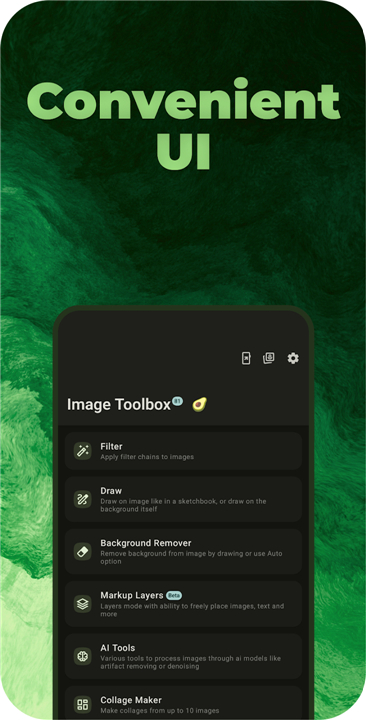
• Build, share, and import filter chains (300 + filters, QR‑code sharing).
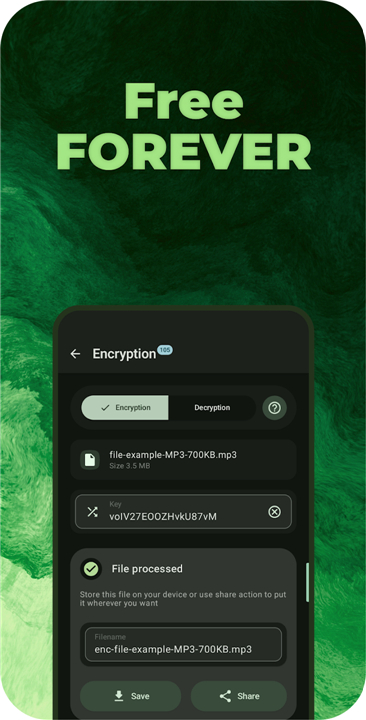
• Encrypt and decrypt files with more than 100 algorithms.
Markup & Drawing
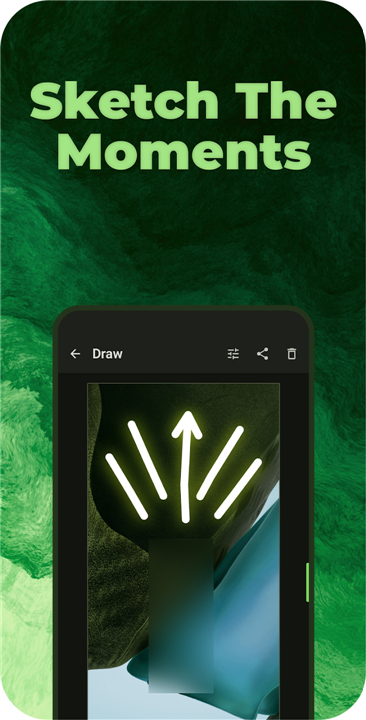
• Add stickers, text, arrows, shapes, and custom layers.
• Paint with pen, spray, neon, highlighter, warp, blur, pixelate, or image‑brush tools.
• Spot‑healing powered by an optional generative‑inpainting AI model.
Background Removal
• Manual erasing or one‑click AI removal using models such as MlKit, U2NetP, RMBG, InSPyReNet, BiRefNet, and ISNet.
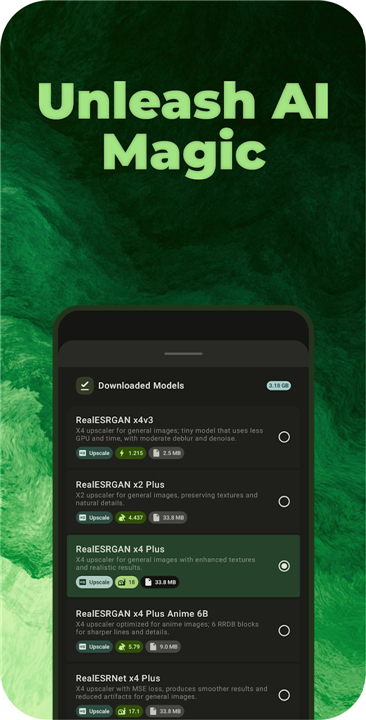
• AI Toolbox (81 ready‑to‑use models)
• Upscale, de‑JPEG, de‑noise, colorize, remove artifacts, enhance, anime‑style conversion, scan cleanup, barcode handling, and more.
OCR – Text Extraction
• Recognizes 120 + languages in Fast, Standard, or Best mode.
• Customizable Tesseract options, batch export, and direct writing to EXIF metadata.
Image Transformations
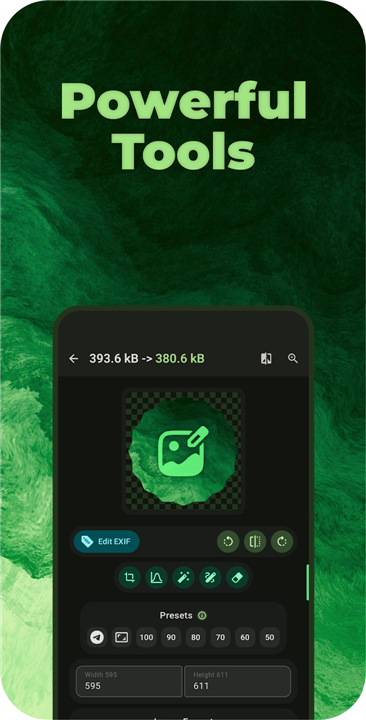
• Precise resizing (fixed dimensions, adaptive, aspect‑ratio lock, limit‑based scaling).
• Center‑crop with background fill or blur.
• Supports dozens of color spaces (Linear, sRGB, LAB, LUV, XYZ, Oklab, Jzazbz, …).
Format Conversion & Animation
• Convert between HEIF, HEIC, AVIF, WEBP, JPEG, PNG (lossless & lossy), MozJPEG, Jpegli, JXL, JP2, J2K, TIFF, QOI, ICO, SVG, DNG, PSD, GIF, and Telegram‑sticker PNG.
PDF & Document Handling
• Turn PDFs into images and vice‑versa, preview PDFs, and scan documents directly.
Image Operations
• Stitch, stack, split, batch‑crop, raster‑trace to SVG, create collages (2‑10 images, 180 + layouts).
• Quality‑driven compression, preset shrinking, or target‑size reduction by kilobytes.
Watermarks & Security
• Apply repeating text, image stamps, timestamps, or digital steganography watermarks.
Barcodes & QR Codes
• Generate and read 13 formats, including QR, Aztec, Code 128, Data Matrix, EAN, PDF417, UPC, and export them as images.
Color Utilities
• Generate palettes (Material You or custom), import/export 41 palette formats.
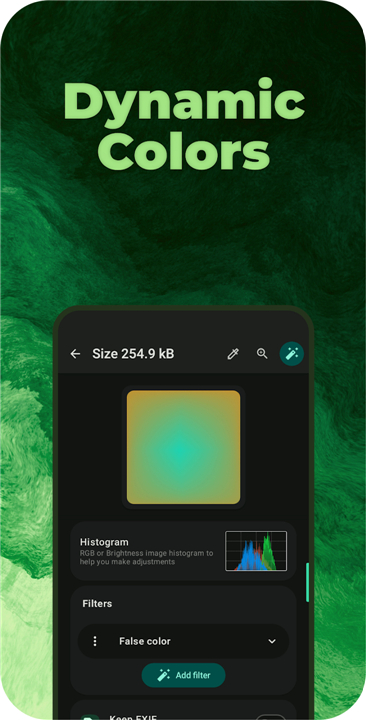
• Pick colors from images, craft gradients (including mesh), mix, convert, create harmonies, adjust tone curves, and view full RGB/brightness histograms.
Extra Tools
• Base64 encode/decode, rotate, flip, Perlin‑noise generator, preview SVG/DNG/PSD/DJVU, save anywhere, random or checksum filenames, 64 hashing algorithms, album‑cover export, embedded‑media picker, wallpaper export, ASCII‑art conversion.
Deep UI Customization
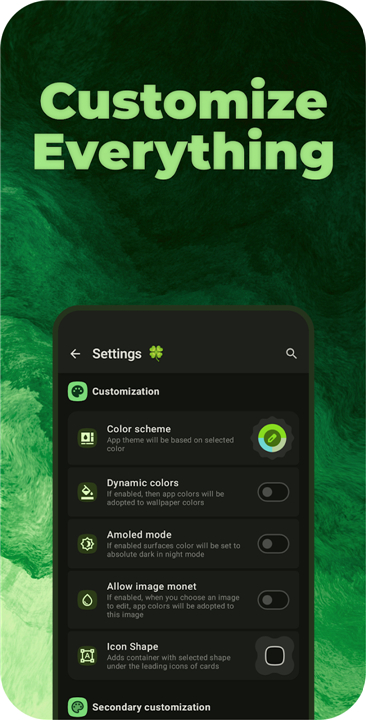
• Dynamic colors on every Android version, custom color schemes, palette styles, contrast & border controls, shadow toggles, haptic feedback, light/dark/AMOLED modes, emoji in the top bar, secure mode, brightness boost, in‑app language switch, confetti effects, custom fonts (OTF/TTF), font scaling, layout tweaks, and switch/slider styles inspired by Material You, Pixel, Fluent, Cupertino, HyperOS, Liquid Glass, plus multiple shape options for every UI element.
Why Choose Image Toolbox?
• One single app delivers professional‑grade editing, AI‑powered enhancements, batch automation, format conversion, security tools, OCR, animation, PDF work, barcode handling, color science, and deep UI personalization—without the bloat.
Ready to unleash the full potential of your images?
• Download Image Toolbox now and experience AI‑driven precision, limitless format control, and a truly customizable workflow.
FAQ
Q: How can I share a custom filter chain with a colleague?
A: After you’ve built a sequence of filters, the app generates a QR‑code that encodes the entire chain. Your colleague simply scans the code with Image Toolbox, and the exact same filter stack appears in their library, ready to be applied to any image. You can also export the chain as a small file and import it later.
Q: Which encryption algorithms are available, and do I need extra setup?
A: Image Toolbox bundles more than 100 encryption and decryption algorithms, ranging from classic AES‑256 to newer post‑quantum options like NTRU and Kyber. All of them are ready to use out of the box; you just pick the algorithm, set a password or key, and the app handles the rest. No external libraries or root access are required.
Q: I love adding stickers and text, but can I create my own custom layers?
A: Absolutely. Besides the built‑in sticker packs, you can import PNG, SVG, or PSD files as custom layers. Once added, each layer behaves like any other object—you can resize, rotate, apply blending modes, or even mask it with another shape. The layers are saved with the project, so you can reopen and edit them anytime.
Version History
v4.2.0-rc10——27 Aug 2026
Edit, create & convert images with powerful AI — your all-in-one studio Download the latest version of Image Toolbox - Edit & Convert to enjoy new features and updates immediately!
*4.2.0-rc10
Minor bug fixes and improvements. Install or update to the newest version to check it out!
*4.2.0-rc09
Minor bug fixes and improvements. Install or update to the newest version to check it out!
*4.2.0-rc08
Minor bug fixes and improvements. Install or update to the newest version to check it out!