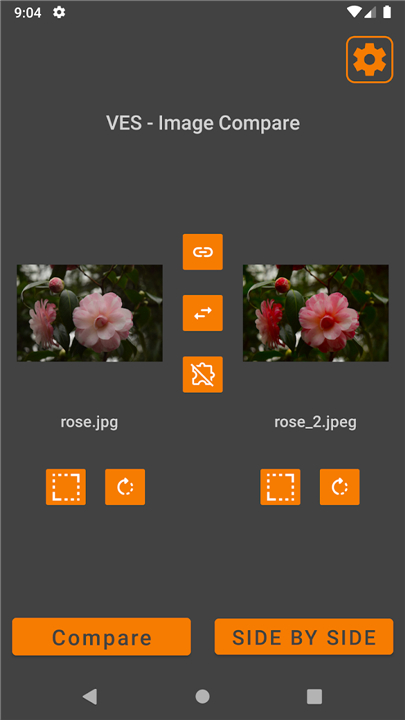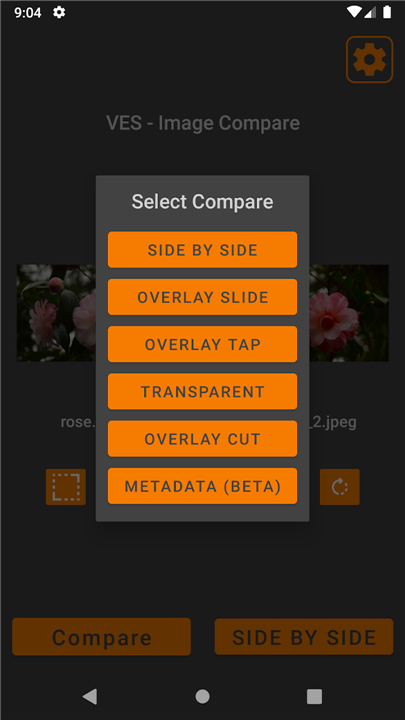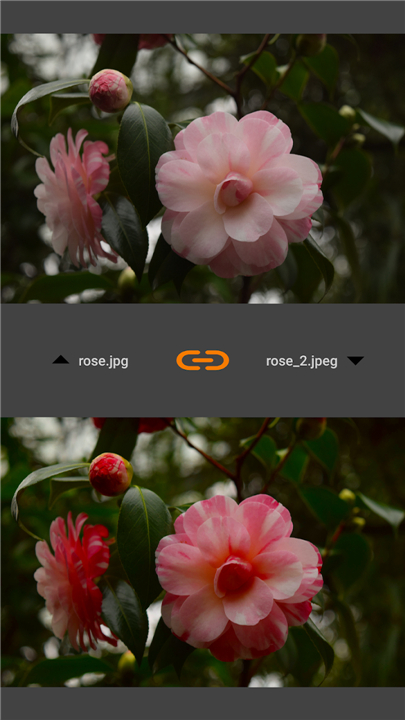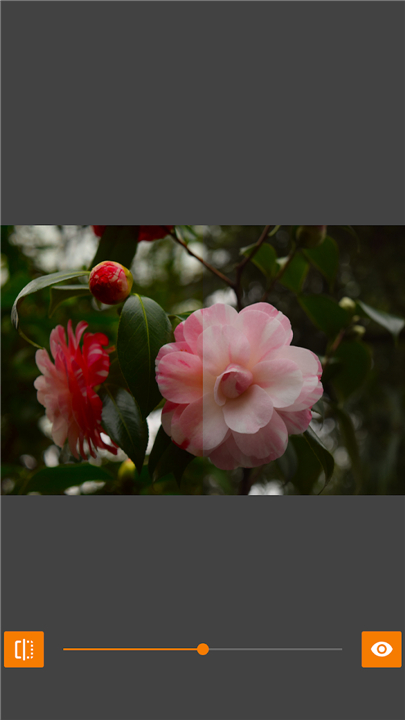
VES - Image and Photo Compare
Superior Image Comparison
• Stop settling for "good enough" and start seeing the truth in your photos.
• Whether you are choosing the perfect portrait or tracking a personal transformation, VES provides the professional-grade clarity you need to find perfection.
Advanced Comparison Modes
• Side by Side: The classic dual-view for immediate visual assessment.
• Overlay Tap: Seamlessly switch between two images to detect subtle motion or changes.
• Slider Reveal: Drag a real-time slider to see a smooth transition from "before" to "after."
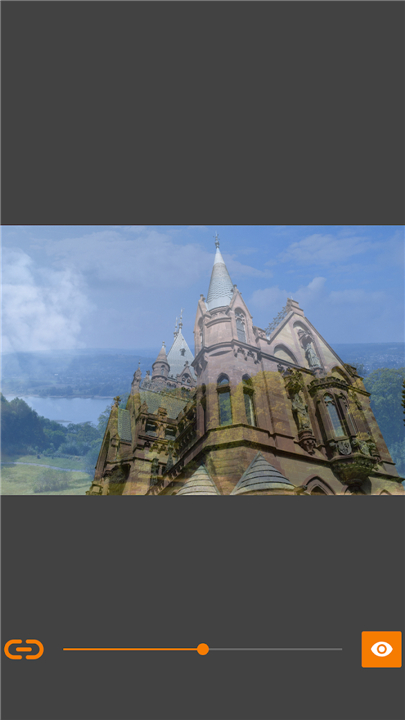
• Transparency Blend: Merge two images to verify alignment or shifts in color.
• Precision Cut: Use a vertical line-cut tool for high-detail, side-by-side analysis.
• Interactive Masking: Erase the top image with your finger to reveal what is beneath. Pause to zoom and pan both images in unison, ensuring every detail matches.
• Automatic Difference Detection: Let the app highlight pixel-level changes with high-contrast markers, eliminating the need for manual squinting.
Key Features for Professional Results
• Synchronized Navigation: Zoom into one image and the other follows instantly, making it easy to check focus and sharpness across both files.
• Absolute Privacy: Your images never leave your device. The app requires no internet access and operates entirely offline.
• Clean Experience: Focus on your work with a distraction-free interface that is completely free of advertisements.
• Efficient Workflow: Import images from your gallery, camera, or directly from other apps.
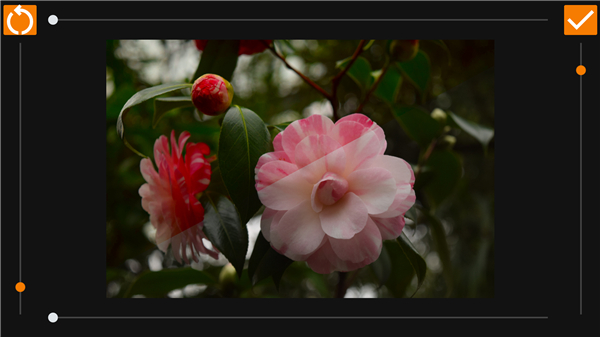
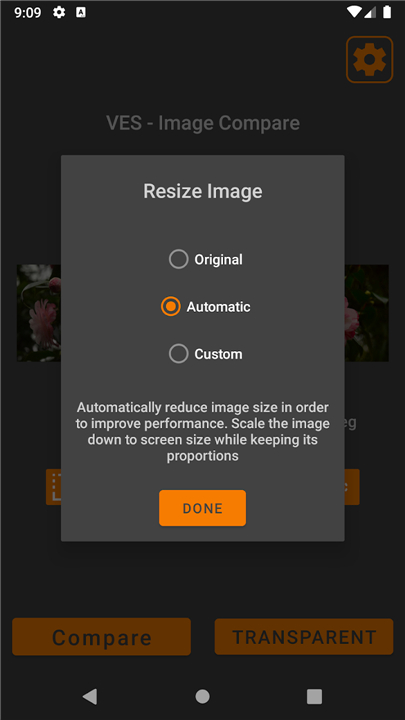
• Pre-Comparison Tuning: Rotate and resize your images before you begin to ensure a fair and accurate comparison.
The Perfect Tool For
• Progress Tracking: Document fitness journeys, home renovations, or creative DIY projects.
• Design Integrity: Compare iterations of logos, UI mockups, or website wireframes.
• Quality Control: Spot the differences between original and compressed files or various filter settings.
Private and Local
• Your data is your own.
• VES Image Compare works locally on your device, storing information only in your temporary cache.
• You can clear your data at any time through your system settings, ensuring your creative process remains yours alone.
Contact:
• vincentengelsoftware@gmail.com
FAQ
Q: What are the different comparison modes available in the app?
A: You have access to seven distinct modes, including Side-by-Side, Overlay Tap, Slider Reveal, Transparency Blend, Precision Cut, Interactive Masking, and Automatic Difference Detection. Each of these tools is specifically crafted to help you analyze alignment, color shifts, or movement between two specific images in a way that suits your specific project.
Q: How does the Synchronized Navigation feature improve my workflow?
A: This feature allows you to zoom into a specific area of one image while the second image follows your movements instantly and precisely. It ensures that you can check focus, sharpness, and fine details across both files simultaneously without having to manually realign or zoom each photo individually.
Q: Can I use VES to spot differences that my eyes might miss?
A: Yes, the app includes an Automatic Difference Detection tool that highlights pixel-level changes using high-contrast markers. This eliminates the need for manual squinting and makes it incredibly easy to identify even the smallest variations between an original and a modified version of a file.
Version History
v2.3.6——29 Jul 2026
Compare photos by side-by-side, overlay, slider, transparent, differences, zoom Download the latest version of VES - Image and Photo Compare to enjoy new features and updates immediately!
*2.3.6
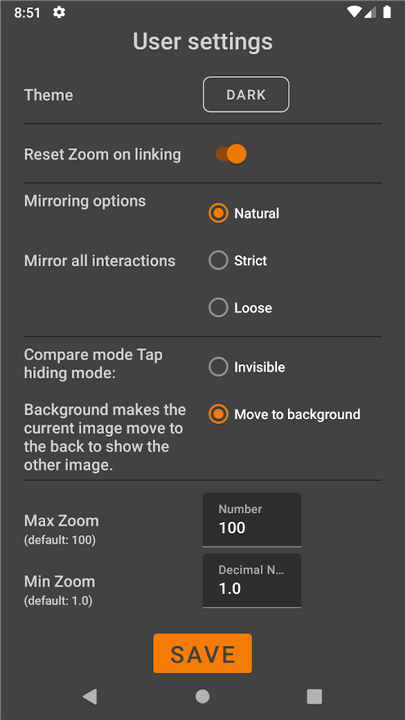
* Add setting to allow custom double tap zoom
*2.3.4
* Fix MainActivity navigation bar issue on Android 15
*2.3.2
* Add toggle Navigation Bar in settings to show or hide them in compare modes
* Greatly reduce memory usage in the following Activities: Tap, Transparent, SideBySide
* Add Image mirror button