Gallery for PhotoPrism
Overview
• Unleash the full potential of your self-hosted media with Gallery for PhotoPrism.
• Designed to bring a fast, intuitive mobile experience to your personal cloud, this app transforms how you interact with your most cherished memories.
Seamless Browsing and Viewing
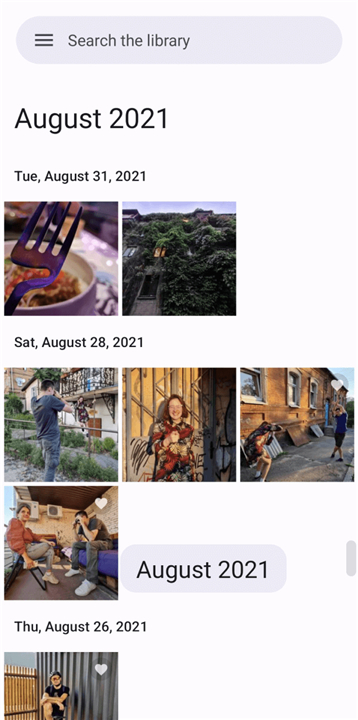
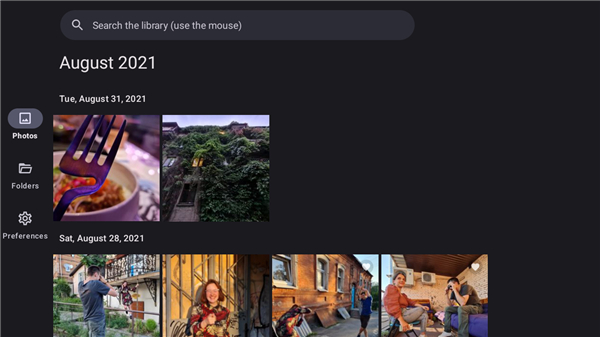
• Navigate your history with a dynamic timeline grouped by day and month, featuring five adjustable grid sizes.
• Locate specific dates instantly using the rapid timeline scroll bar.
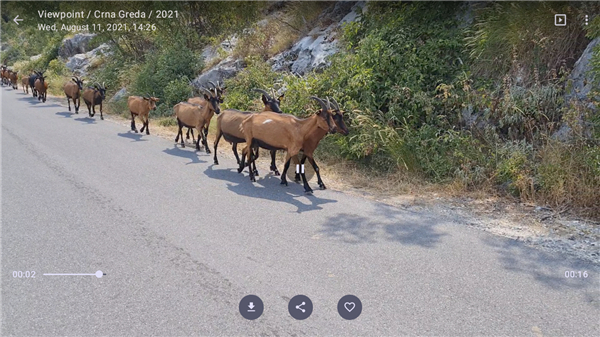
• Enjoy enhanced playback optimized for Apple and Samsung live photos.
• Launch custom, full-screen slideshows with adjustable transition speeds.
Effortless Sharing and Management
• Send media directly to external apps like Gmail, Telegram, and more.
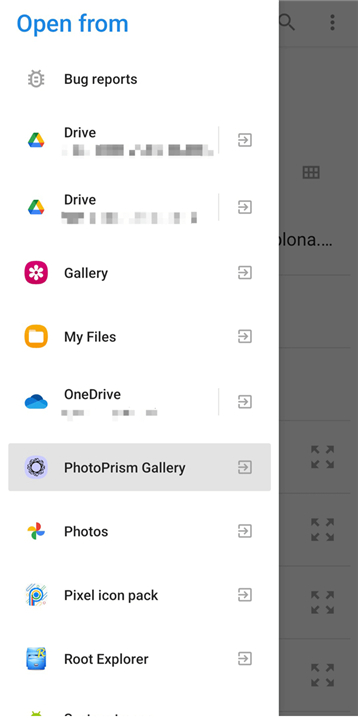
• Import new photos and videos instantly through your system's share menu.
• Streamline cleanup by deleting unwanted items permanently without archiving them first.
Smart Discovery and Personalization
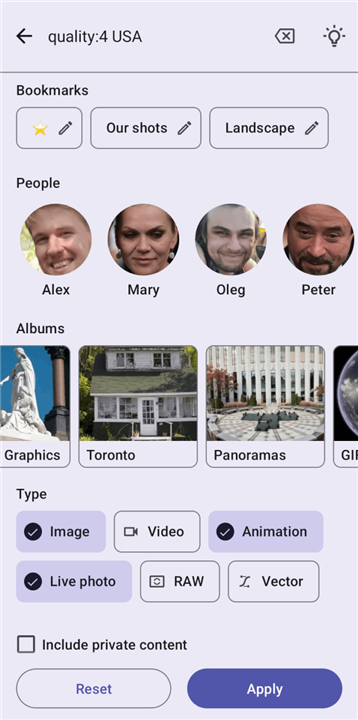
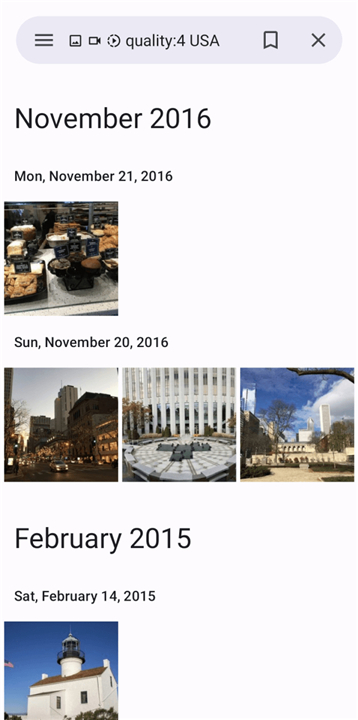
• Tailor your searches and save your favorite configurations as bookmarks for quick access.
• Rediscover your past daily with automated throwbacks from the same calendar day in previous years.
• Display random library photos on your home screen using the dedicated widget.
Universal Access and Security
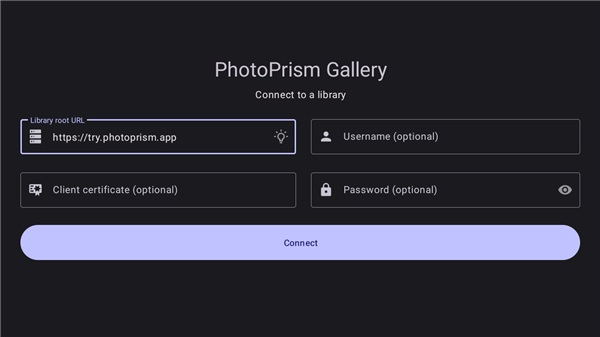
• Stay connected seamlessly without needing to constantly re-enter your password.
• Secure your library with support for mTLS, HTTP basic auth, and SSO services like Authelia and Cloudflare Access.
• Browse your timeline on the big screen with remote-control TV compatibility (available via sideloaded APK).
Compatibility and Source Code
• Compatible with Android 5.0 and above, this app is fully optimized for the PhotoPrism July 28, 2026 release (older versions may have limited support).
• Experience true digital ownership with this completely free, open-source project.
• Access the source code here: https://github.com/Radiokot/photoprism-android-client
FAQ
Q: Can I customize how my photos are displayed in the timeline view?
A: You can easily adjust your view using five different grid sizes to match your preferences. The dynamic timeline automatically groups your media by day and month, and you can quickly jump to specific dates using the rapid timeline scroll bar.
Q: Is there a built-in slideshow feature for displaying my photo collection?
A: There is a custom full-screen slideshow mode available inside the app. You can launch slideshows directly from your collection and fine-tune the transition speeds so you can sit back and enjoy your media hands-free.
Q: How does media deletion work in the app, and can I bypass the PhotoPrism archive?
A: YouThe app simplifies media cleanup by allowing you to delete unwanted photos and videos permanently right away. You do not need to send them to the PhotoPrism archive first, saving you extra steps when decluttering your library.
Version History
v1.45.0——25 Aug 2026
A convenient gallery for PhotoPrism with plenty of useful features Download the latest version of Gallery for PhotoPrism to enjoy new features and updates immediately!
*1.45.0
Added
• Two new shapes for the Photo frame widget
Changed
• Now the date in certain Photo frame widget shapes is at the bottom
Fixed
• Enabling the map for devices without Vulkan graphics, like an emulator
*1.44.0
Full: https://radiokot.com.ua/pp-changes
Added:
- Ability to search for content with any of the selected people, rather than only with all of them at once
Fixed:
- Not being able to download or share files with the July 28th server update
*1.43.0
Ability to play videos without borders (zoom to fill)