App Cloner
✦Introduction✦
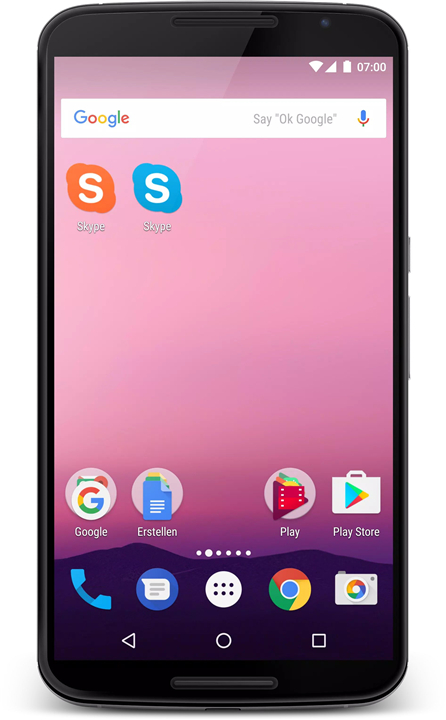
App Cloner is a powerful application that allows you to create and install multiple copies of your existing apps on your Android device.
With App Cloner, you can run independent clones of apps alongside their original counterparts, making it easy to manage multiple accounts or enjoy modified versions of your favorite apps.
-------✦ App Features ✦-------
• Independent Cloning:
Create and run copies of apps that work independently from the original versions.
• Multiple Accounts:
Use different logins simultaneously in apps like Facebook, Instagram, or Twitter.
• Stable Versions:
Cloned apps do not receive automatic updates, allowing you to maintain a stable working version alongside the original app.
Customization Options
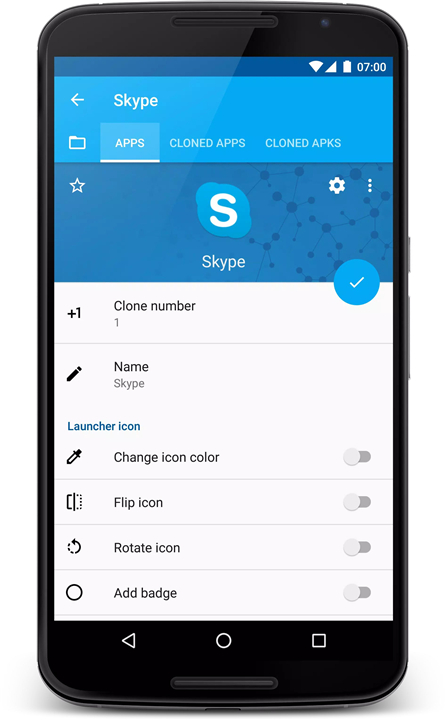
• Rename and Rebrand:
Change the app name and icon to personalize your cloned apps.
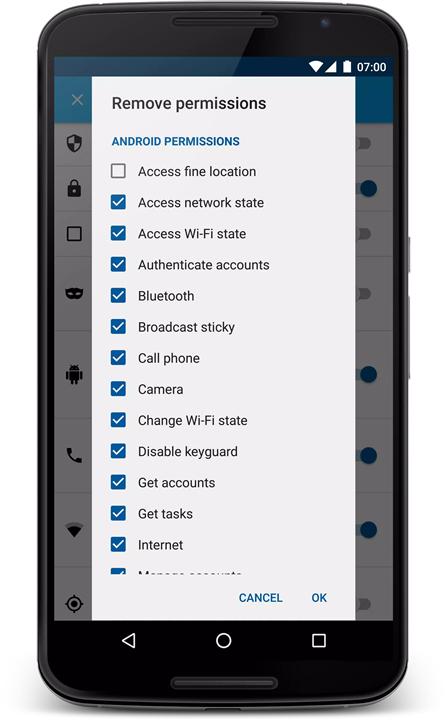
• Permission Management:
Remove specific permissions or allow the clone to be installed on the SD card.
• Disable Auto-Start:
Options to disable auto-start and wake locks for better app management.
• Floating Window Apps:
Convert cloned apps into floating window apps for enhanced multitasking.
Advanced Features (Premium Version):
• Clone Premium Apps:
Clone popular premium apps such as Messenger, Snapchat, and VK with advanced features.
• Batch Cloning:
Create multiple app clones at once for efficiency.
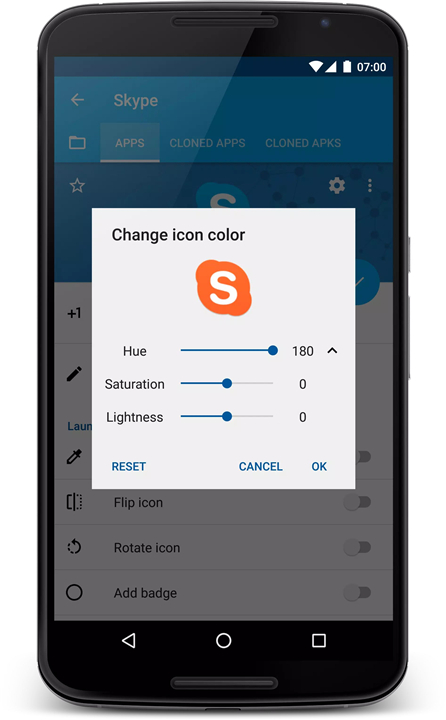
• Custom Icon Replacement:
Replace launcher icons of cloned apps for better organization.
• Customization Overload:
Access over 100 customization options including changing color themes, app sizes, and more.
Privacy and Security Features:
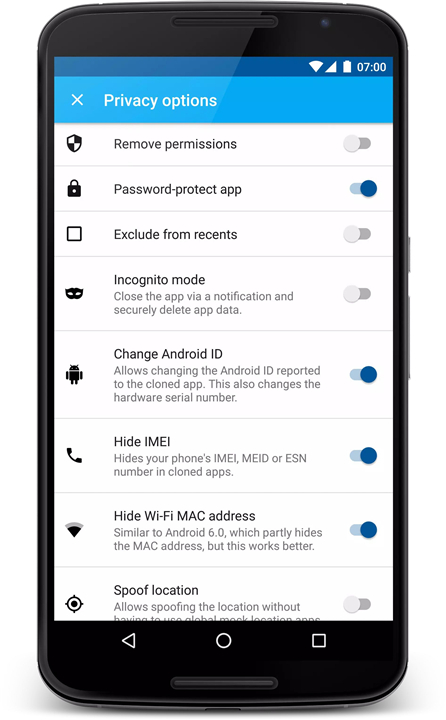
• Password Protection:
Apply password protection to cloned apps for enhanced security.
• Incognito Mode:
Use apps in incognito mode to maintain privacy.
• Change Android ID:
Hides your device's unique identifier for privacy.
• Prevent Screenshots:
An option to prevent screenshots being taken of the cloned app.
Networking and Automation Features:
• Networking Controls:
Disable mobile data and background networking for cloned apps.
• Notification Management:
Filter and silence notifications, or change notification colors.
• Automation Tools:
Set app-specific brightness, and control Wi-Fi and Bluetooth settings on app launch.
Storage and Launching Options:
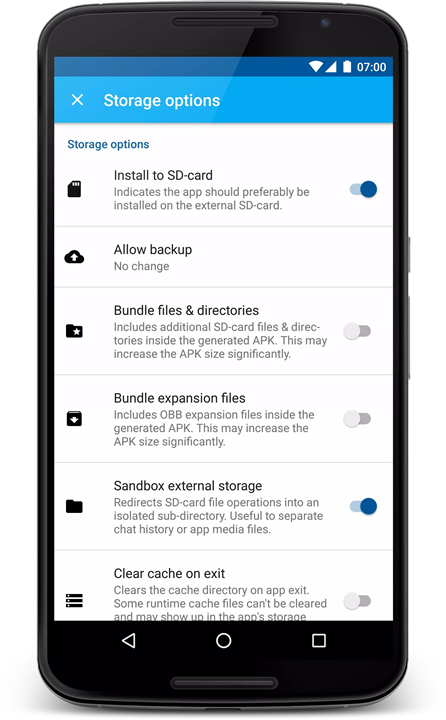
• Support for SD Card Installation:
Allow cloned apps to be installed directly on the SD card.
• Custom Launch Options:
Remove widgets and app icons, disable auto-start, and more to customize how your apps launch.
-------✦ Noted That ✦-------
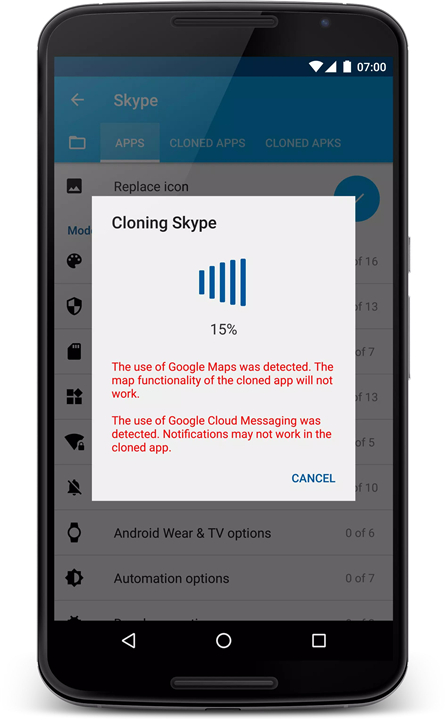
• Not all apps can be cloned due to issues with app certificates. Apps relying on Google account logins, in-app purchases, or advanced copy-protection may not function correctly when cloned.
• Some popular apps like WhatsApp, Skype for Business, and YouTube may not be successfully cloned.
• Antivirus applications may flag cloned apps, which can be disregarded as false positives due to the unofficial certificate used in cloning.
-------✦ Q & A ✦-------
Q1: Can I customize cloned apps?
A1: Absolutely! App Cloner offers over 100 customization options, including changing the app's name, icon, permissions, display settings, and even adding features like password protection and incognito mode.
Q2: Is there a premium version of App Cloner?
A2: Yes, the premium version of App Cloner unlocks additional features such as the ability to clone premium apps (like Messenger and Snapchat), perform batch cloning, and customize launcher icons.
Q3: Will antivirus apps flag cloned apps?
A3: Yes, antivirus software may flag cloned apps as potential threats. These are generally false positives due to the unofficial certificate used for cloning and can be safely ignored.
-------✦ Reach Us At ✦-------
Join us at our Community: https://goo.gl/MHCiG8
------------------------------------------
What's New in the Latest Version v2.19.17 —— 3 Mar 2025
Minor bug fixes and improvements. Install or update to the newest version to check it out!