Autosync - File Sync & Backup
Effortless File Harmony
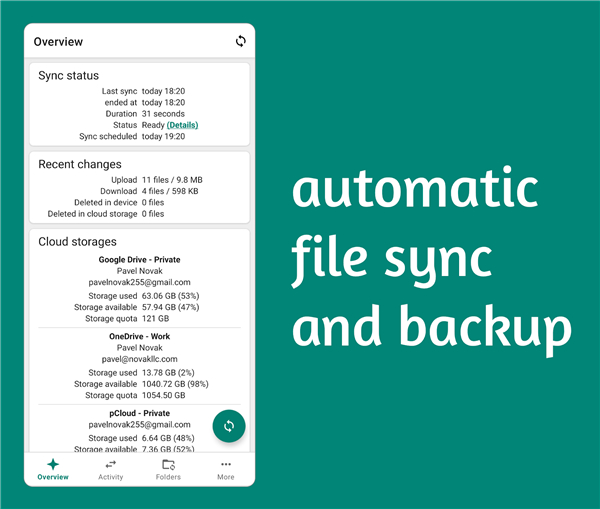
• Take control of your digital life with Autosync, the ultimate tool for seamless file synchronization and backup.
• While standard cloud apps offer basic uploads, Autosync provides the robust, automated synchronization you need to keep your files consistent across all your devices.
Note:
• This is a trial version.
• Continued use after the trial period requires a one-time purchase.
Why Choose Autosync?
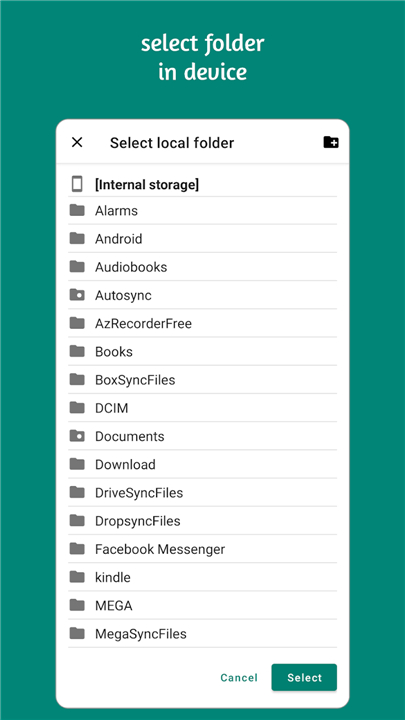
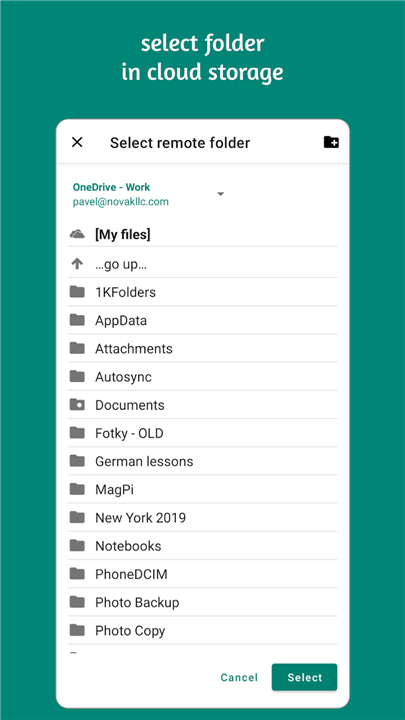
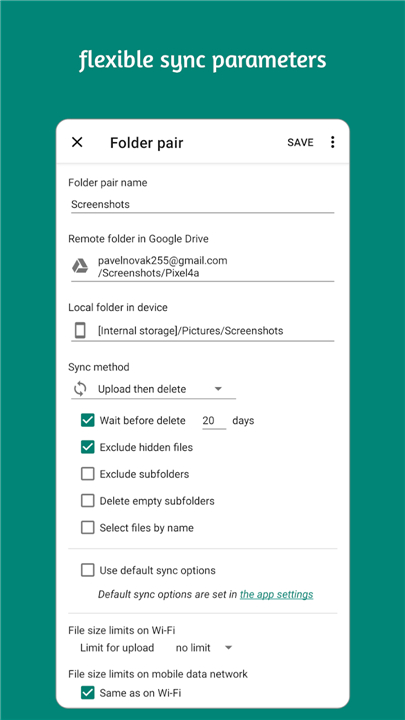
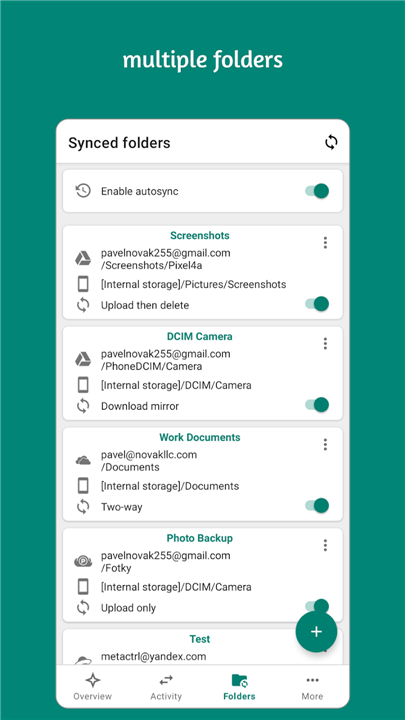
• Total Automation: Forget manual uploads. Simply pair your local folders with your cloud storage, and Autosync handles the rest in the background.
• Versatile Workflows: Whether you are backing up precious photos, syncing documents for offline access, or sharing files between multiple devices, Autosync adapts to your needs.
• Privacy First: Your data remains yours alone. All transfers are fully encrypted, and no content ever passes through our servers. We cannot access, decrypt, or modify your files.
Broad Connectivity
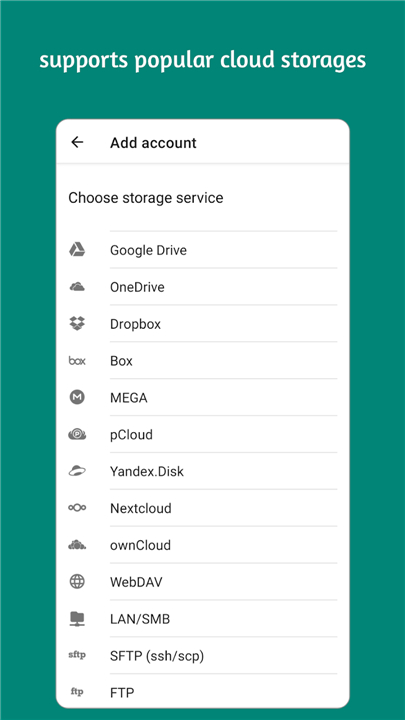
Autosync acts as a universal bridge, connecting your device to a wide array of platforms, including:
• Google Drive, OneDrive, SharePoint Online, Dropbox, Box, MEGA, Nextcloud, ownCloud, pCloud, and Yandex Disk.
• Support for WebDAV, FTP, SFTP (ssh/scp), and local LAN/SMB network drives (Windows/Mac/Linux/NAS).
Choose the Right Tool for You
• This "Autosync Universal" app is our most comprehensive solution, designed to manage multiple cloud accounts in one place.
• If you only use a single cloud provider, consider our dedicated "Autosync for [Provider]" variants; they offer a leaner, more streamlined experience perfect for specialized use.
Get Started
• Ready to streamline your workflow?
• Visit our website at https://metactrl.com/autosync/ or reach out to us at autosync@metactrl.com for assistance.
FAQ
Q: What happens to the app once the trial period ends?
A: After your trial expires, the app will require a one-time purchase to continue using the automated synchronization features, ensuring you maintain uninterrupted access to your cloud backups.
Q: Does Autosync store my files on its own servers?
A: Absolutely not, as your privacy is a top priority. All file transfers occur directly between your device and your chosen cloud provider, and we never have access to, decrypt, or modify your files.
Q: How does Autosync differ from the standard cloud storage apps I already have?
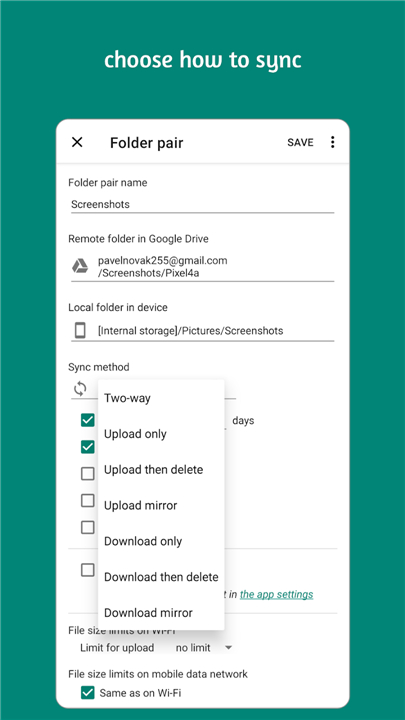
A: While standard cloud apps usually require manual uploads or offer limited background activity, Autosync provides robust,Two-way automated synchronization that keeps your local and cloud-based folders perfectly consistent at all times.
Version History
v7.6.1——25 Jun 2026
Universal file sync and backup tool for cloud storages and NAS devices Download the latest version of Autosync - File Sync & Backup to enjoy new features and updates immediately!
*7.6.1
In this update we fixed a few bugs and made some performance improvements.
If you like our app, please give it a nice 5-star rating. If you run into issues or have questions, don't hesitate to email us at autosync@metactrl.com. We'll follow up.
*7.5.10
In this update we fixed a few bugs and made some performance improvements.
If you like our app, please give it a nice 5-star rating. If you run into issues or have questions, don't hesitate to email us at autosync@metactrl.com. We'll follow up.
*7.5.9
In this update we fixed a few bugs and made some performance improvements.
If you like our app, please give it a nice 5-star rating. If you run into issues or have questions, don't hesitate to email us at autosync@metactrl.com. We'll follow up.