KeePassDX Passkey Vault
Secure Your Credentials, Your Way
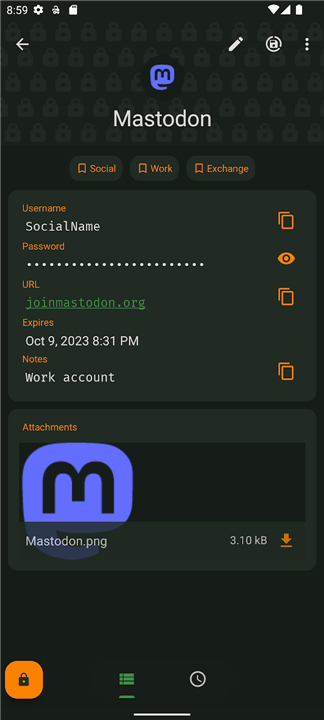
• KeePassDX is an open‑source password and passkey manager that stores all your secrets in a single encrypted file using the trusted KeePass format.
• It works completely offline, follows Android design guidelines, and contains no ads.
Core Functionality
• Create and edit encrypted .kdb/.kdbx databases (versions 1‑4)
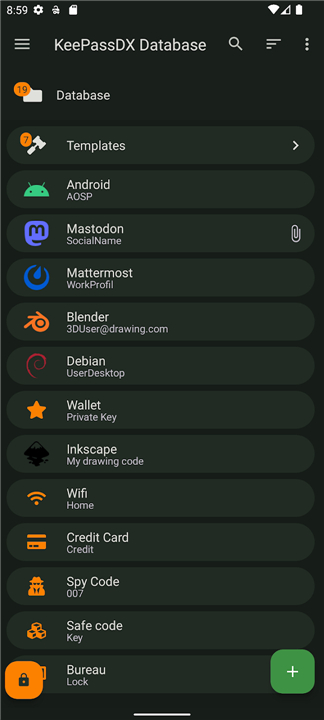
• Organise entries with hierarchical groups and templates
Security & Authentication
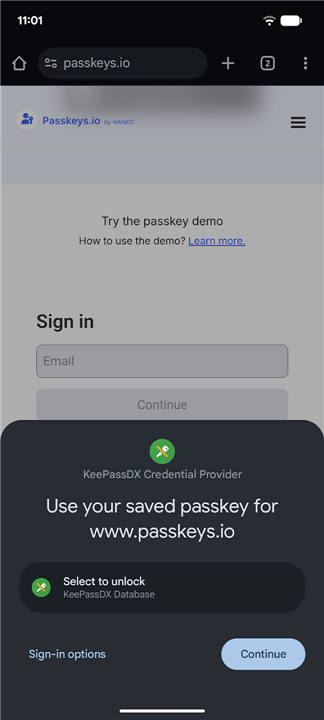
• Store and use passkeys for modern, password‑free logins
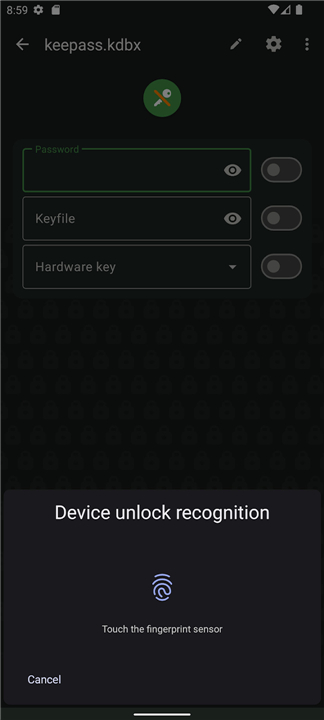
• Biometric unlock (fingerprint, face, etc.) for instant access
• One‑time password support (HOTP/TOTP) for two‑factor authentication
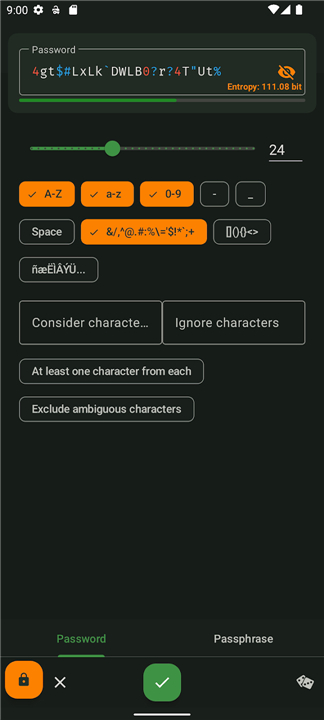
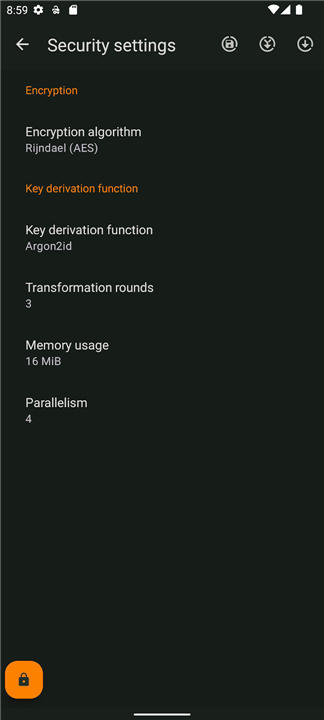
• Strong encryption: AES, Twofish, ChaCha20 with Argon2 key‑derivation
Usability & Convenience
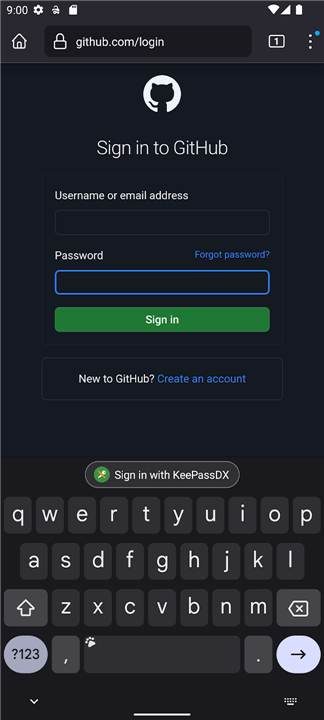
• Autofill passwords and passkeys into any app or website
• Magikeyboard to populate fields quickly and accurately
• Easy URI/URL copying and dynamic entry templates
• Full entry history and granular settings control
Compatibility & Customization
• Native code (Kotlin/Java/JNI/C) ensures smooth performance
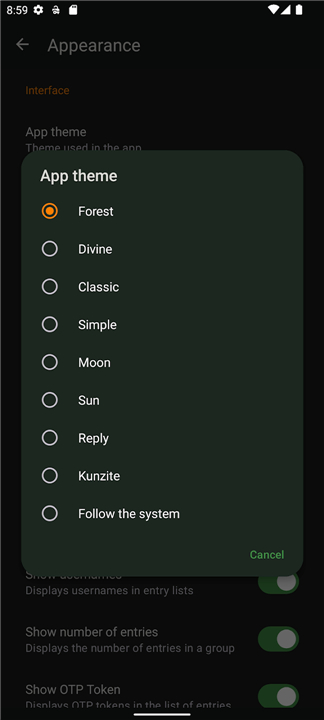
• Material Design with selectable themes
• Full interoperability with KeePass, KeePassXC, KeeWeb and other tools
Development & Support
• Pro version available for faster feature updates: https://play.google.com/store/apps/details?id=com.kunzisoft.keepass.pro
• Follow progress and upcoming releases: https://github.com/Kunzisoft/KeePassDX/projects
• Report bugs or suggest improvements: https://github.com/Kunzisoft/KeePassDX/issues
Choose KeePassDX
• Keep your digital life safe, simple, and under your control.
FAQ
Q: Can I use KeePassDX to store modern passkeys as well as traditional passwords?
A: Yes. KeePassDX supports the storage and retrieval of FIDO2 passkeys, allowing password‑free logins alongside conventional username‑password entries. Passkeys are treated like any other entry and can be unlocked with the same master password or biometric methods.
Q: How does biometric unlock work in KeePassDX, and is my master password still required?
A: You can enable fingerprint, face, or other biometric sensors to unlock the app quickly. The biometric check only grants temporary access to the already‑decrypted database; your master password (or key file) is still required to decrypt the vault initially and after a reboot or when the app is killed.
Q: What encryption algorithms and key‑derivation functions does KeePassDX use?
A: The app employs strong symmetric ciphers—AES, Twofish, or ChaCha20—combined with Argon2 as the key‑derivation function. You can choose the cipher and adjust Argon2 parameters (memory, iterations, parallelism) to balance security and performance on your device.
Version History
v4.5.0_beta05——25 Aug 2026
Manage Passkey / Password in a local and open-source vault Download the latest version of KeePassDX Passkey Vault to enjoy new features and updates immediately!
*4.5.0_beta05
Minor bug fixes and improvements. Install or update to the newest version to check it out!
*4.5.0_beta04
Minor bug fixes and improvements. Install or update to the newest version to check it out!
*4.5.0_beta03
Minor bug fixes and improvements. Install or update to the newest version to check it out!