My Notes - Take notes anywhere
Empower Your Mind: Capture Every Idea Instantly
• Great ideas are fleeting, arriving when we least expect them.
• Whether it is a sudden spark of inspiration, a crucial daily task, or a deeply personal thought, having a reliable space to preserve these moments is essential for personal growth and productivity.
• My Notes is designed to be that sanctuary for your mind.
• Crafted specifically for Android, this lightweight digital notepad empowers you to capture, organize, and reflect on your thoughts instantly, ensuring that no brilliant idea is ever lost to distraction.
Seamless Idea Capture
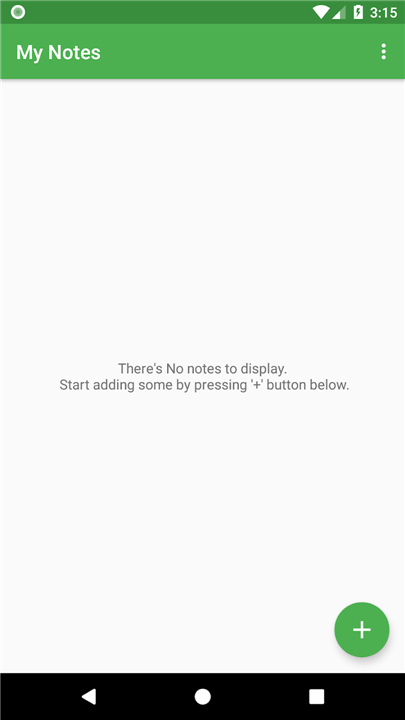
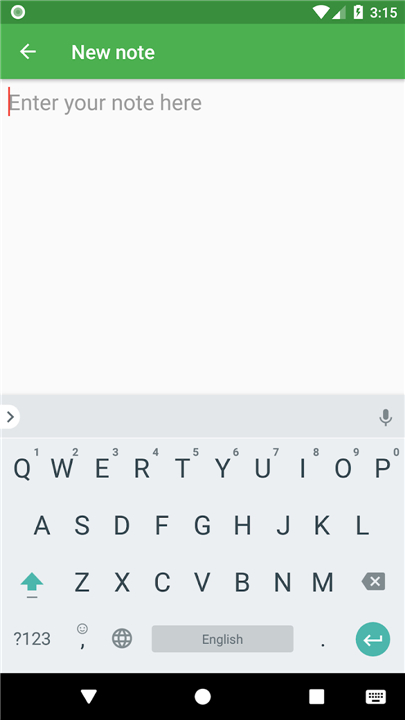
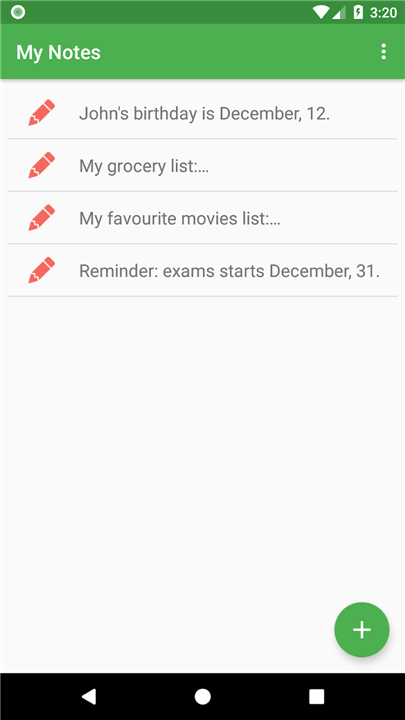
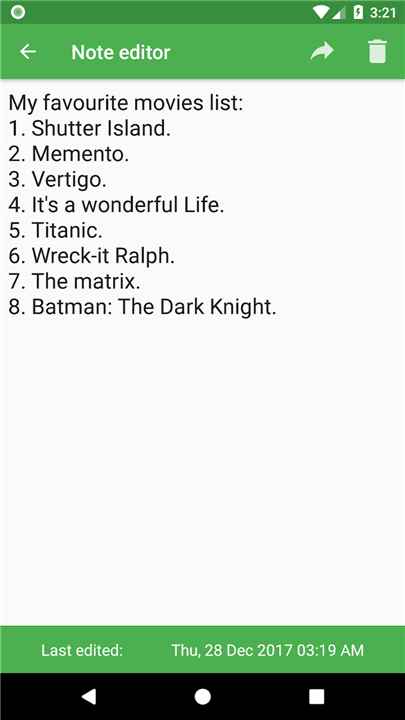
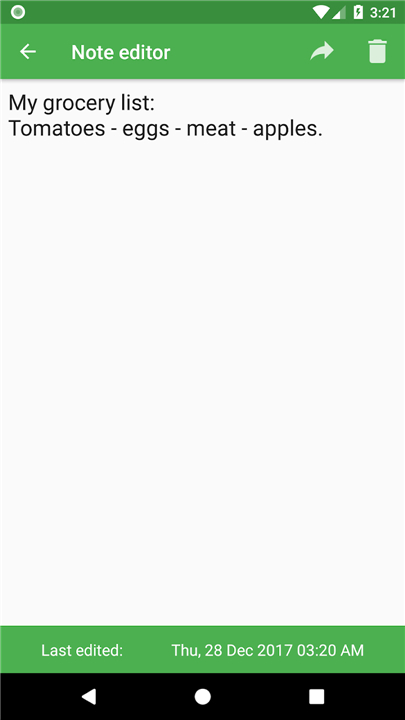
• Capture spontaneous thoughts and essential tasks instantly through an intuitive, streamlined interface.
• Access your saved information without delay, keeping your momentum going wherever life takes you.
• Enjoy a clutter-free space designed to fuel your focus, spark innovation, and boost daily productivity.
Total Privacy and Offline Freedom
• Take control of your digital life with a tool that works completely offline, requiring no internet connection.
• Keep your personal information safe on your device, ensuring your thoughts remain strictly yours.
• Preserve your battery life and hardware power by avoiding background syncing and remote cloud storage.
Open-Source Transparency
• Trust in software built on community integrity, complete transparency, and shared growth.
• Benefit from continuous improvements driven by an active community of independent developers.
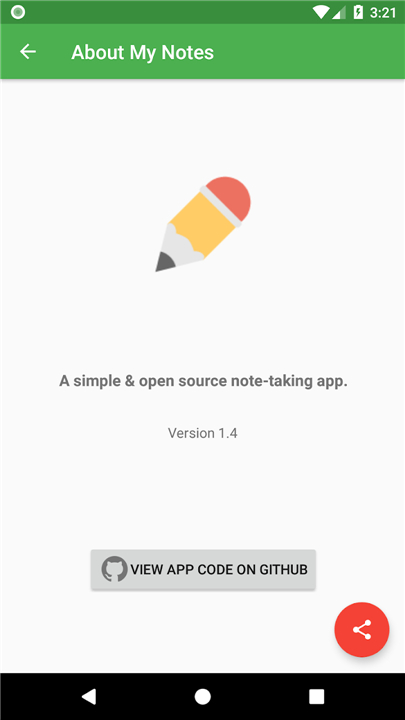
• Access, review, and contribute to the open-source codebase on GitHub: https://github.com/Abdallah-Abdelazim/mynotes-app
FAQ
Q: How does My Notes protect my personal privacy?
A: Your privacy is a top priority with My Notes. Because the app works entirely offline, all your personal data and notes stay stored strictly on your local device. Nothing is ever sent to remote servers or third-party advertisers, keeping your private thoughts entirely in your hands.
Q: Are my notes automatically synced to cloud storage services?
A: No, My Notes intentionally avoids cloud storage and background remote syncing. This design choice ensures complete privacy and control over your data while preventing unexpected background data usage.
Q: How does using My Notes impact my phone's battery life?
A: My Notes is exceptionally light on your device's battery and hardware. Because it skips background synchronization, remote cloud checks, and heavy tracking scripts, it preserves your phone's processor power and battery life throughout the day.
Version History
v1.6.0——19 Aug 2026
A very simple & open source offline note-taking app. Download the latest version of My Notes - Take notes anywhere to enjoy new features and updates immediately!
*1.6.0
Minor bug fixes and improvements. Install or update to the newest version to check it out!
*1.5.1
Minor bug fixes and improvements. Install or update to the newest version to check it out!
*1.5
Minor bug fixes and improvements. Install or update to the newest version to check it out!