Intra
Overview
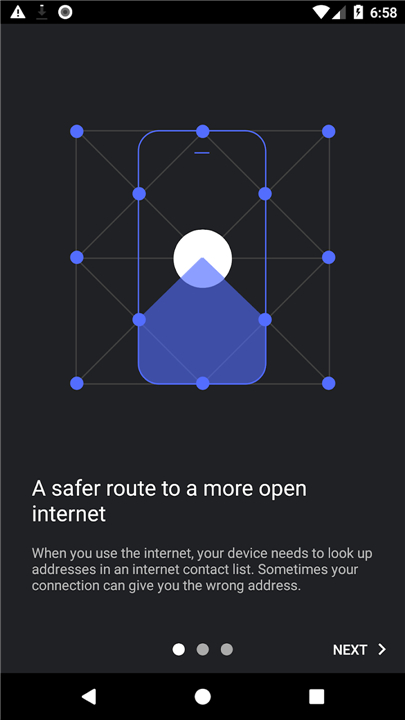
• Intra is a lightweight Android app designed to shield users from DNS‑based censorship and manipulation.
• By encrypting and routing DNS queries through a secure tunnel, it restores access to news sites, social media platforms, and messaging services that may be blocked by malicious actors.
How It Works
• Utilizes Android’s VpnService to create a virtual private network tunnel on the device.
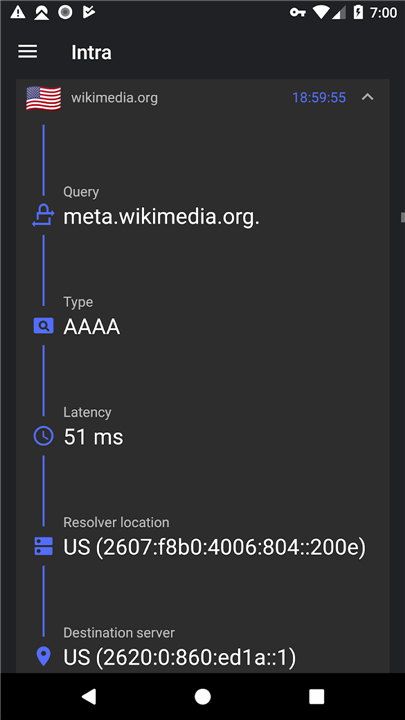
• Intercepts all DNS requests made by apps and the system.
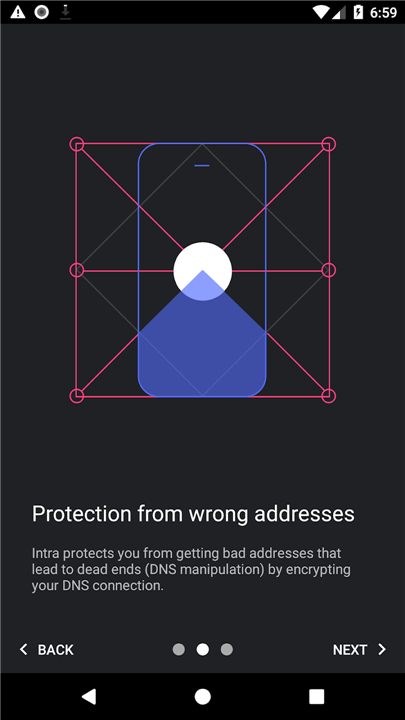
• Encrypts those queries before they leave the device, preventing tampering or spoofing.
• Sends the encrypted queries to a trusted DNS resolver (user‑chosen or default).
• Returns the resolved IP addresses to the originating app, completing the lookup securely.
Key Benefits
• Restores access to content blocked via DNS manipulation.
• Provides an additional layer of protection against certain phishing and malware attempts that rely on falsified DNS responses.
• Operates transparently; once enabled, it runs in the background without user intervention.
• Does not throttle bandwidth or impose data caps, preserving normal internet speeds.
• Maintains privacy by not logging which apps or websites you visit.
Limitations
• Defends only against DNS‑level tampering; it does not stop IP‑based blocking, deep‑packet inspection, or sophisticated routing attacks.
• Cannot protect against threats that exploit vulnerabilities outside the DNS resolution process (e.g., malicious apps, zero‑day exploits).
• Relies on the trustworthiness of the chosen DNS provider; a compromised resolver would still pose a risk.
Features
• Free access to websites and apps that are censored through DNS manipulation.
• Unlimited data usage with no impact on connection speed.
• No tracking of app usage or browsing history.
• Ability to select a custom DNS server or choose from popular public providers.
• Per‑app bypass option to disable Intra for specific applications that experience compatibility issues.
• Open‑source code available for public review and contribution.
FAQ
Q: How does Intra use Android’s VpnService to work?
A: Intra leverages Android’s built‑in VpnService to create a virtual private network tunnel directly on your device. All DNS requests made by apps and the system are intercepted inside this tunnel, encrypted before they leave the phone, and then forwarded to a trusted DNS resolver you choose. The resolver sends back the IP address, which Intra returns to the originating app, completing the lookup securely without affecting other traffic.
Q: Do I need to configure anything after installing Intra?
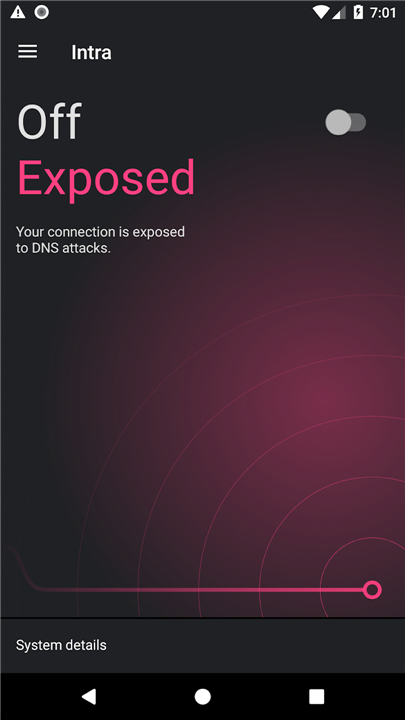
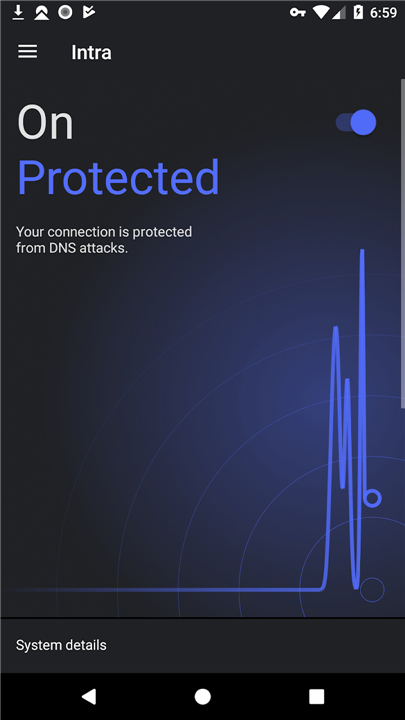
A: No, once you install Intra and grant the VPN permission, the app works automatically in the background. You can start protecting your DNS queries with a single toggle, and Intra will handle the rest without further user intervention.
Q: Can I choose which DNS provider Intra uses?
A: Yes, Intra lets you either keep the default resolver or select a custom DNS server from a list of popular public providers such as Google, Cloudflare, or Quad9. You can also enter any other DNS address you trust, giving you control over where your encrypted queries are sent.
Version History
v1.5.0——25 Aug 2026
Intra is a network privacy app that encrypts DNS lookups to reduce censorship and tampering. Download the latest version of Intra to enjoy new features and updates immediately!
*1.5.0
Minor bug fixes and improvements. Install or update to the newest version to check it out!
*1.4.1
Minor bug fixes and improvements. Install or update to the newest version to check it out!
*1.3.10
Minor bug fixes and improvements. Install or update to the newest version to check it out!