USB Connect - TV Share Screen
Overview
• USB Connect - TV Share Screen is a versatile application designed to provide seamless screen mirroring and content sharing capabilities between smartphones and television screens.
• The app eliminates the complexity traditionally associated with connecting mobile devices to larger displays, offering users a straightforward solution for casting phone screens to TVs via USB and HDMI connections.
• Whether you want to share photos, stream videos, present work materials, or simply mirror your entire phone interface on a bigger screen, this application delivers reliable performance with minimal setup required.
• The platform supports both wired and wireless connection methods, ensuring compatibility across various device configurations and user preferences.
• By leveraging USB connectivity standards and advanced casting protocols, the application transforms any television into an extended display for your mobile device.
Connection Methods
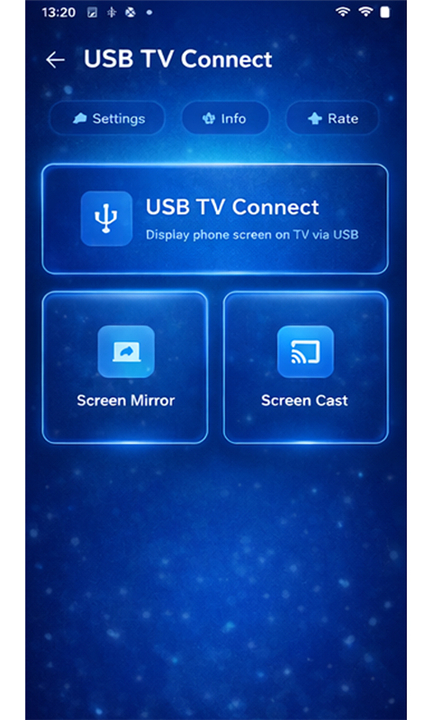
The application provides users with two primary connection options to accommodate different usage scenarios and hardware availability.
1. USB Cable Connection
• The USB connection method offers the most stable and reliable screen mirroring experience available through the application.
• By utilizing a physical USB cable, this approach eliminates wireless interference and maintains consistent high-quality video transmission.
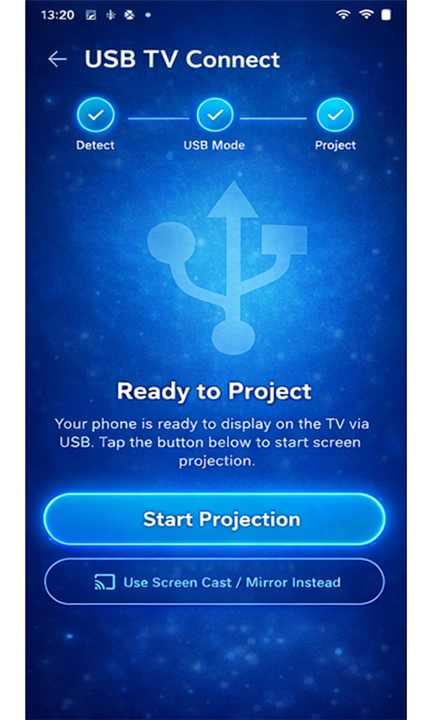
• Users simply connect their phone to the TV using a compatible USB cable, and the application handles the remaining configuration automatically.
• This method proves particularly valuable in environments where wireless signals are congested or unavailable.
2. Wireless Connection
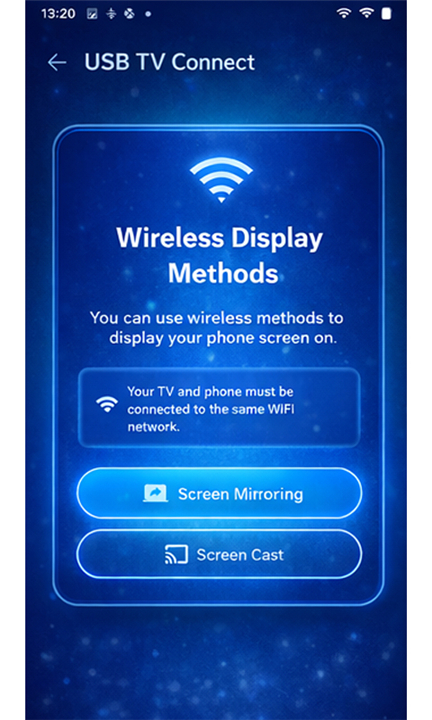
• For users who prefer cable-free operation, the wireless connection feature enables screen casting without physical connections.
• This method utilizes local network protocols to establish communication between the phone and television, providing convenient mobility during presentations or entertainment sessions.
• The wireless mode maintains impressive video quality while allowing users to move freely within the coverage area.
Key Features
1. USB Screen Mirroring
• The core functionality of USB Screen Mirroring delivers stable, high-quality screen sharing specifically optimized for wired connections.
• When wireless alternatives prove unreliable, this feature ensures uninterrupted performance for all screen sharing requirements.
• The application maintains synchronization between phone and TV displays, preserving original video resolution and frame rates.
2. HDMI MHL Support
• Built-in HDMI MHL (Mobile High-Definition Link) support enables high-definition content casting from compatible devices.
• This technical standard allows direct video transmission in resolutions up to 1080p, ensuring crisp, clear visuals on larger television displays.
• The feature automatically detects MHL-capable outputs and configures optimal transmission settings.
3. USB Screen Sharer
• The USB Screen Sharer component provides direct, secure connections characterized by minimal latency and lag-free operation.
• This feature protects data integrity during transmission while delivering real-time screen content to the connected television.
• Users experience responsive interaction whether navigating menus, playing games, or streaming multimedia content.
FAQ
Q: Do I need any special technical knowledge to use this application?
A: Not at all. The application is designed with simplicity in mind, so even users who aren't particularly tech-savvy can get up and running quickly. The basic workflow involves connecting your phone to your TV either via a USB cable or through your wireless network, and then letting the application handle the setup automatically. The interface presents clear options and prompts, and most users find they can successfully mirror their screen within minutes of downloading the app. For intermediate users, there are additional settings available if you want to customize your experience, but these are entirely optional since the default configuration works well right out of the box.
Q: How do I connect my phone to my TV using a USB cable with this app?
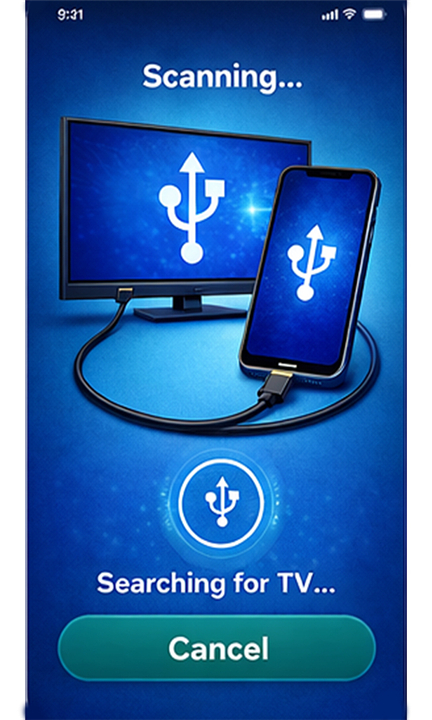
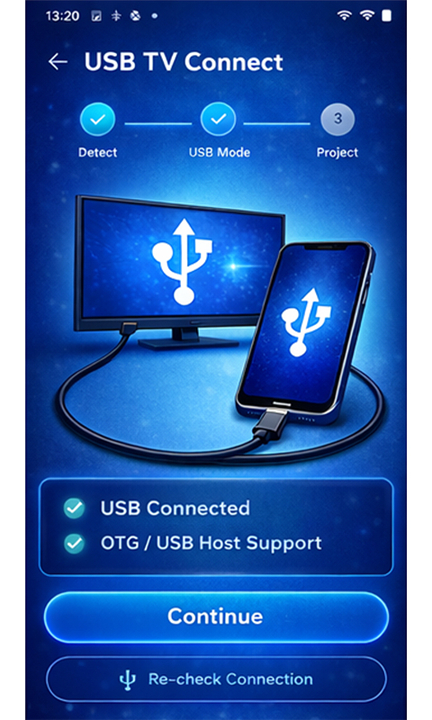
A: onnecting your phone to your TV via USB is straightforward. First, ensure you have a compatible USB cable that fits your phone's charging port. Connect one end of the cable to your phone and the other end to your TV's USB port, or alternatively to an adapter that connects to your TV's HDMI port if you're using MHL support. Once the physical connection is established, open the USB Connect - TV Share Screen application on your phone. The app will automatically detect the connection and guide you through any remaining setup steps. Usually, you may need to authorize the connection on your phone when prompted, and then your phone's screen should appear on the TV within moments.
Q: What makes USB connection better than wireless for screen mirroring?
A: USB connections offer several distinct advantages that make them preferable in many situations. Since you're using a physical cable, the connection is extremely stable and won't be affected by interference from other wireless devices, walls, or distance limitations. The video quality tends to be higher and more consistent because you're not compressing and transmitting data through the air. There's also virtually no latency or delay, which is crucial when you're playing games, navigating through menus interactively, or doing anything that requires real-time response. USB connections are particularly valuable in environments with lots of wireless traffic, such as busy offices, cafés, or crowded homes where many devices are competing for network bandwidth.
Version History
v2.0——4 May 2026
Phone Connect To TV - HDMI USB & WiFi Screen Mirroring or Screen Cast Download the latest version of USB Connect - TV Share Screen to enjoy new features and updates immediately!
*2.0
Minor bug fixes and improvements. Install or update to the newest version to check it out!
*1..0
Minor bug fixes and improvements. Install or update to the newest version to check it out!