Onshape 3D CAD
Overview
• Meet Onshape—the professional-grade 3D CAD platform built to bring your ideas to life from anywhere.
• Designed for modern teams and individual creators, Onshape runs entirely in the cloud.
• This means you can say goodbye to the hassles of file management, license keys, and IT overhead, and spend your time doing what you do best: designing.
Design Anywhere, Anytime
• Access your workspace from any computer or mobile device with an internet connection.
• Start a project on one device and pick up right where you left off on another.
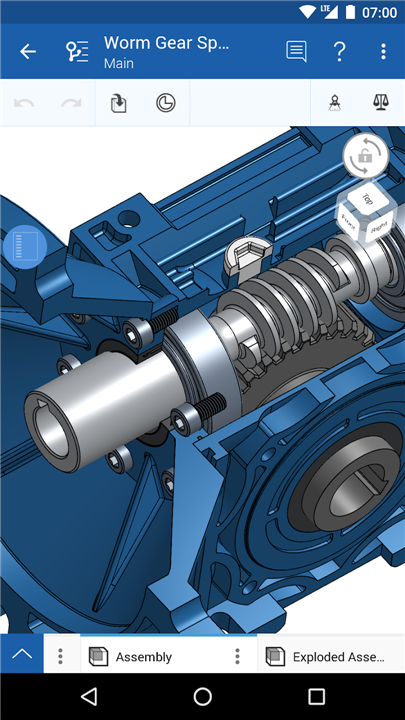
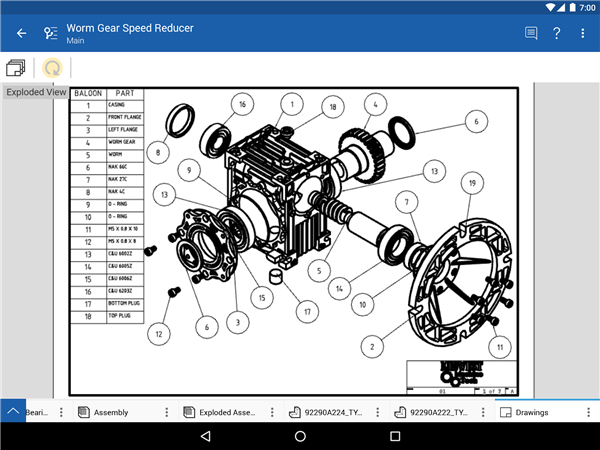
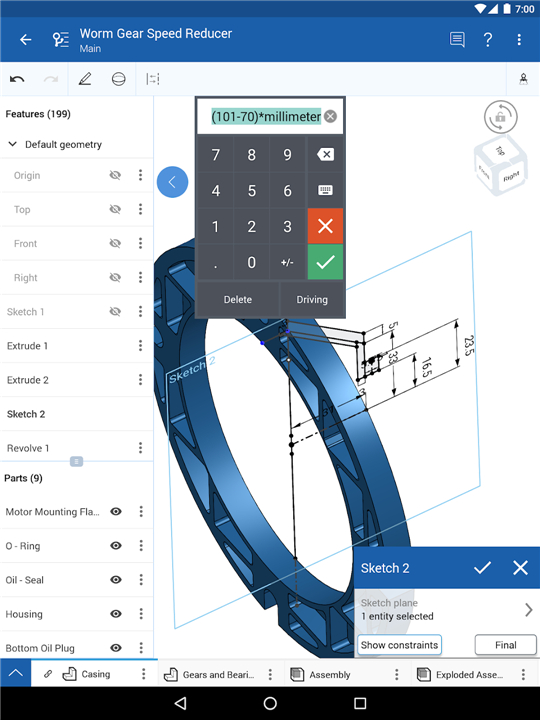
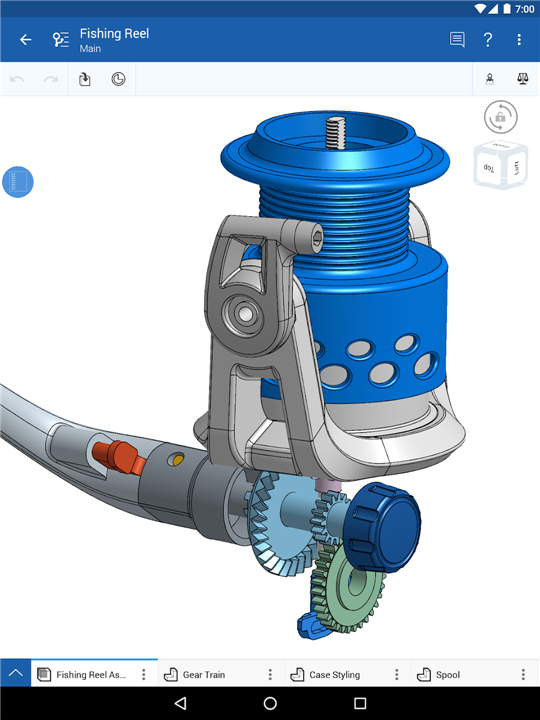
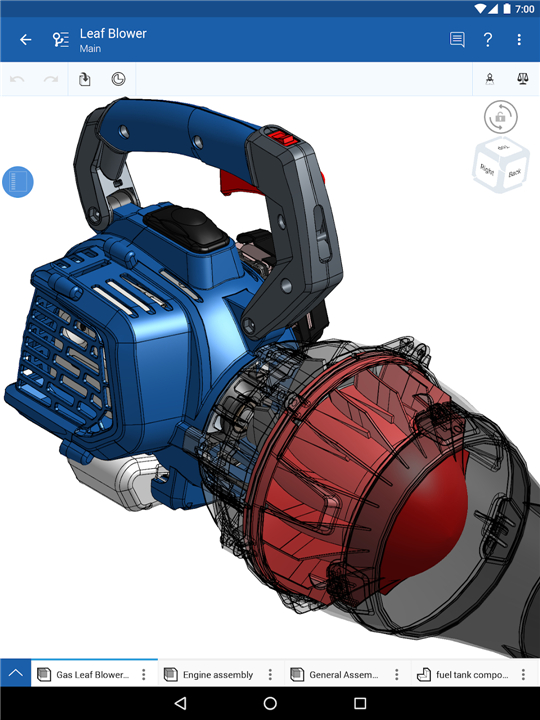
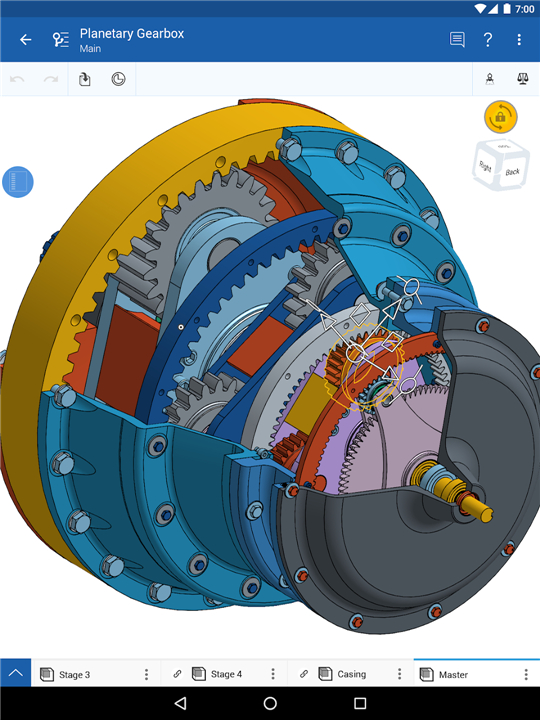
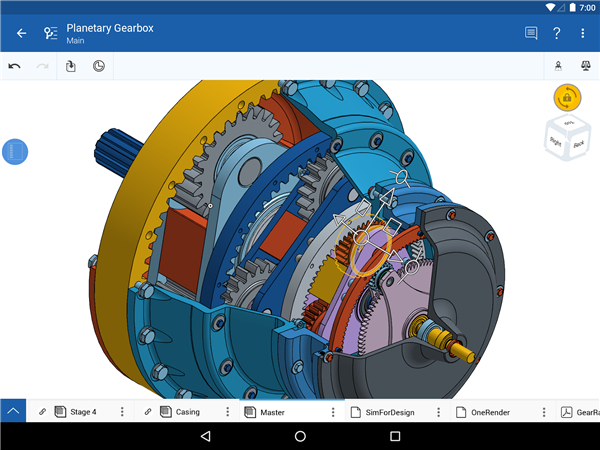
• Build complex parts with a full suite of parametric modeling tools and design assemblies to capture motion.
Real-Time Collaboration
• Share your work instantly with partners and easily manage or revoke permissions at any time.
• Work simultaneously with team members and watch edits happen live on your screen.
• Align instantly using Follow Mode to see exactly what your teammate sees, and share feedback with built-in commenting.
Stress-Free Data Management
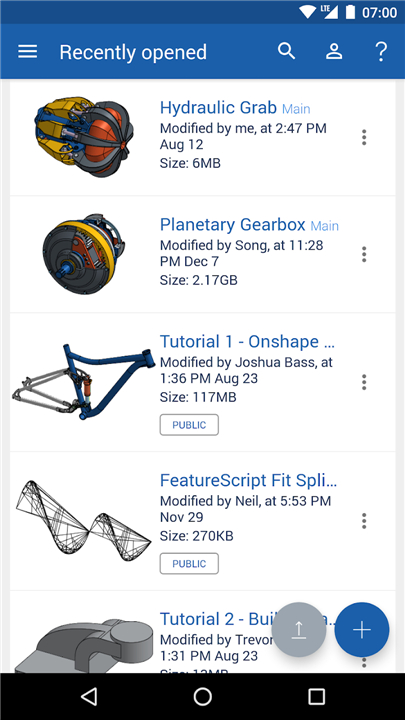
• Keep a single, secure source of truth for your project—no more sending files back and forth.
• Never worry about losing your work with automatic, continuous saving.
• Experiment with multiple design ideas in parallel and manage formal release processes with ease.
Free for Education and Whobbyists
• Onshape proudly supports the next generation of innovators with free access for students, educators, and non-commercial open-source projects.
Ready to elevate your engineering workflow?
• Sign up for a free account to get started.
• Don't forget to keep your app updated, as we roll out exciting new features and user-requested improvements every few weeks.
FAQ
Q: Do I need a specific hardware setup or software installation to use Onshape?
A: No, you do not need complex hardware or local installations. You can access your workspace from any computer or mobile device as long as you have an active internet connection.
Q: Can I switch between different devices while working on a project?
A: Yes, working across devices is seamless. You can easily start a project on one device and pick up right where you left off on another.
Q: What specific tools does Onshape offer for building complex 3D designs?
A: Onshape provides a full suite of parametric modeling tools to build complex parts. It also allows you to design assemblies specifically to capture motion.
Version History
v1.218.8274——3 Aug 2026
Connect to your Onshape account from your Android phone or tablet! Download the latest version of Onshape 3D CAD to enjoy new features and updates immediately!
*1.218.8274
• New customizable toolbars for tablet and phone
• Support for element tab folders, nested up to 10 levels deep
• Support for filtering inactive enterprises from sign-in
• Fixed in-context parts missing when inserting into assemblies
• Fixed crash rotating the device on the analytics page
• Fixed a crash exporting assemblies from publication lists
• Fixed missing Edit option for suppressed relations
• Various fixes for GLB export
• Fixed missing custom resolution fields in non-English languages
*1.217.8127
• Support for GLB export option
• Fixed an issue with missing notes added to a publication
• Fixed a crash when deleting a part while in an active sketch
• Various fixes for routing curve
• Various fixes for advanced search workflows
*1.216.8004
• Support for Routing curve
• Support for partial warning states in feature list
• Support the option for not inserting a part after creating an in-context Part Studio
• Preliminary support for comments on tagged sketch dimensions
• Fixed missing 'Revision history' for assemblies in publications
• Fixed an issue opening folder with the details panel open
• Fixed subfolders permissions display in share panel
• Fixed ability to pattern a child of pattern in assemblies
• Various crash and bug fixes