c:geo
Overview
• Turn your smartphone into the ultimate treasure-hunting tool.
• c:geo is a free, open-source application designed to make geocaching effortless and exciting.
• Whether you are a seasoned explorer or just starting your journey, c:geo connects you instantly to Geocaching.com and Opencaching platforms without any complex setups or browser exports.
• Simply install the app, step outside, and start discovering the hidden world around you.
Seamless Navigation and Discovery
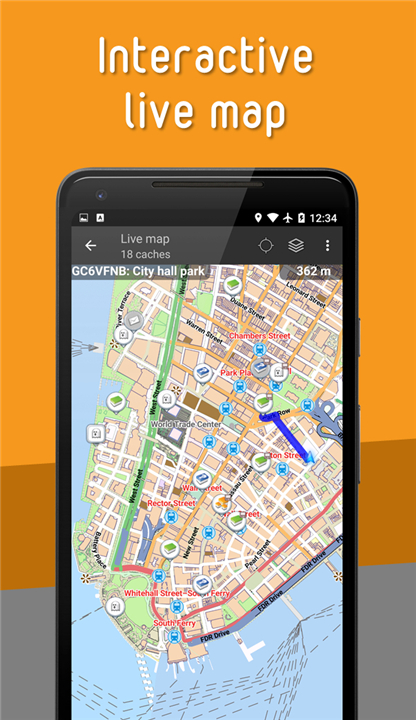
• Explore your surroundings with a real-time live map using Google Maps or OpenStreetMaps.
• Search for caches using diverse criteria to tailor the adventure to your skill level.
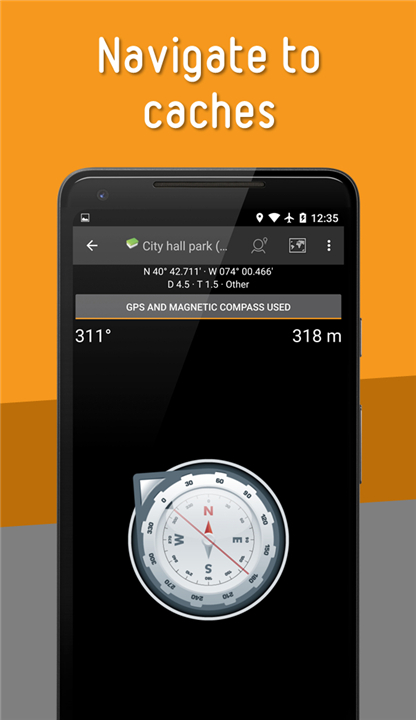
• Navigate to your destination using the built-in compass, offline maps, or your favorite external navigation apps.
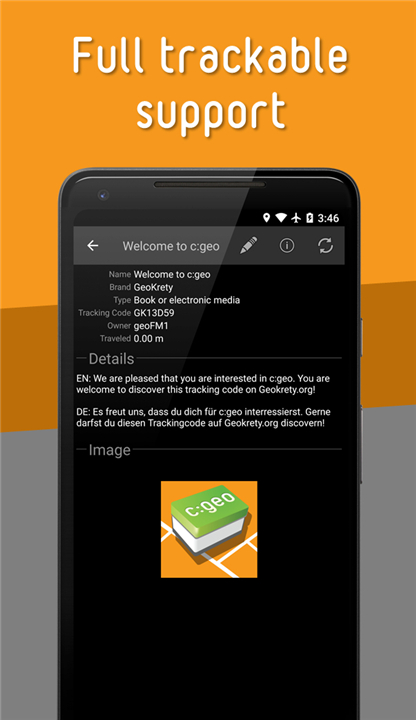
• Find, log, and manage trackables to keep the global game moving.
Powerful Offline Freedom
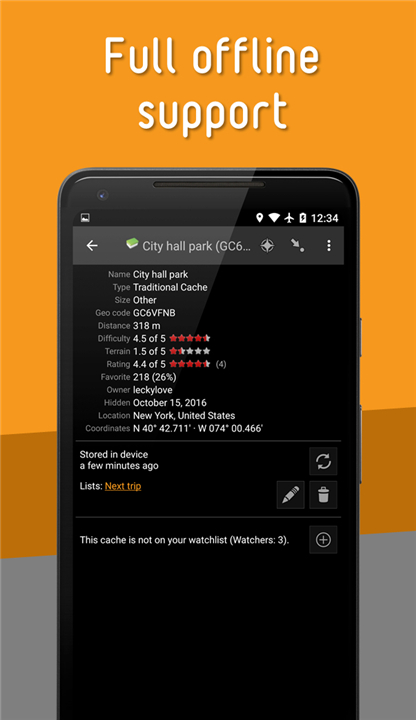
• Save cache details, coordinates, and offline maps directly to your device for uninterrupted caching in remote areas.
• Import and export GPX files to easily manage your geocaching data.
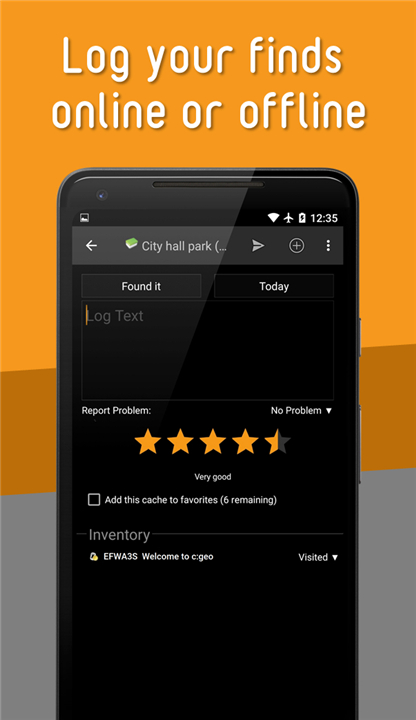
• Write your logs offline while on the trail and upload them whenever you return to network coverage.
Personalized Organization
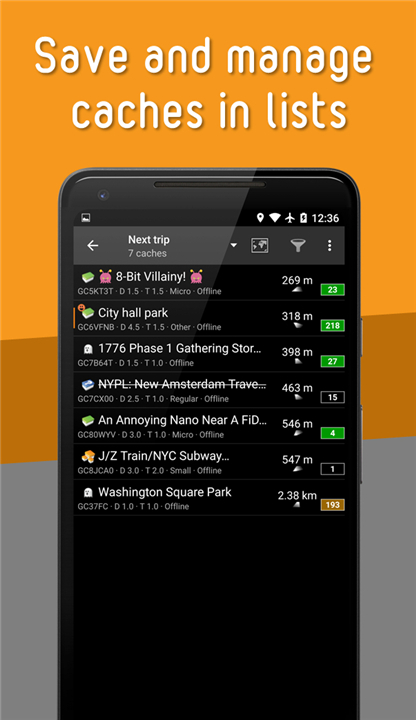
• Group your saved caches into custom lists to plan your upcoming journeys.
• Sort and filter your database dynamically to find exactly what you are looking for.
• Create, manage, and navigate to custom waypoints for complex multi-caches.
Get Ready for Adventure
• All you need to begin is an active account on Geocaching.com or another supported platform.
• Should you need guidance along the way, support is always available:
+ Find quick solutions in the FAQ (https://faq.cgeo.org).
+ Learn the ins and outs of the app through the User Guide (https://manual.cgeo.org).
+ Contact support via email for personalized assistance.
+ Visit https://www.cgeo.org to understand app permissions and privacy.
FAQ
Q: Which geocaching platforms can I connect to using this app?
A: While the app is most commonly used with Geocaching.com, it also offers excellent support for various Opencaching platforms. This versatility ensures that you can access a wide range of hidden treasures across different communities all from within a single, unified interface.
Q: How do I search for geocaches that are appropriate for my current skill level?
A: The app features a robust search function that allows you to use diverse criteria to filter your results. You can tailor your adventure by searching for caches based on difficulty, terrain ratings, or specific types, ensuring that your next hunt matches your physical abilities and experience.
Q: Can I switch between different map providers while I am out in the field?
A: Yes, c:geo provides the flexibility to explore your surroundings using a real-time live map with options for both Google Maps and OpenStreetMaps. This allows you to choose the map style that offers the best detail for the specific terrain you are currently navigating.
Version History
v2026.07.25——27 Jul 2026
c:geo ~ Let's find some geocaches! Download the latest version of c:geo to enjoy new features and updates immediately!
*2026.07.25
Minor bug fixes and improvements. Install or update to the newest version to check it out!
*2026.06.19
Minor bug fixes and improvements. Install or update to the newest version to check it out!
*2026.06.04
Minor bug fixes and improvements. Install or update to the newest version to check it out!