jtx Board | journals & tasks
Overview
• Take control of your personal information with jtx Board, an all-in-one productivity app designed to unify your workflow and restore your digital independence.
Unified Productivity
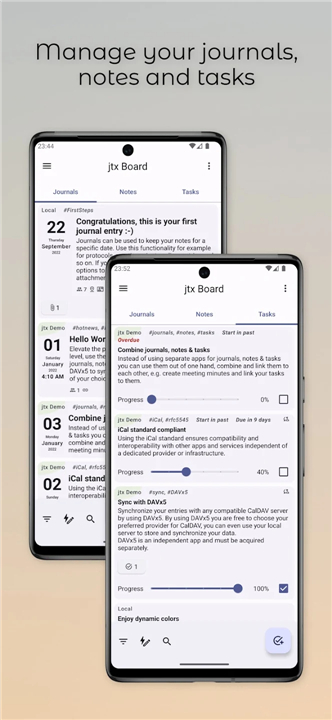
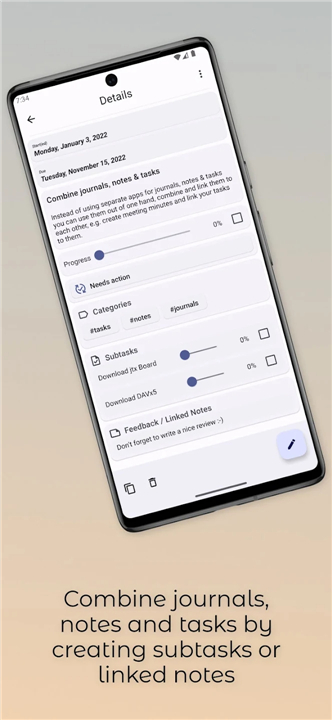
• Consolidate your tools: Replace multiple disconnected apps with a single platform that integrates your journal entries, quick notes, and action items.
• Connect your thinking: Easily link tasks directly to notes or meeting minutes, turning ideas into organized action.
True Data Freedom
• Vendor independence: Built strictly on the universal iCalendar (RFC-5545) standard, ensuring complete compatibility with other platforms without lock-in.
• Transparent and open-source: Your personal data belongs to you. Fully open-source code guarantees maximum privacy and control over how your information is stored.
Powerful Synchronization
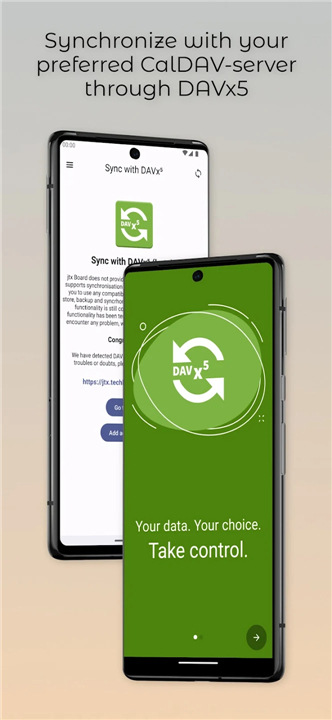
• Sync on your terms: Pair with DAVx5 (available separately) to seamlessly sync your entries with any CalDAV server of your choice, whether cloud-based or self-hosted.
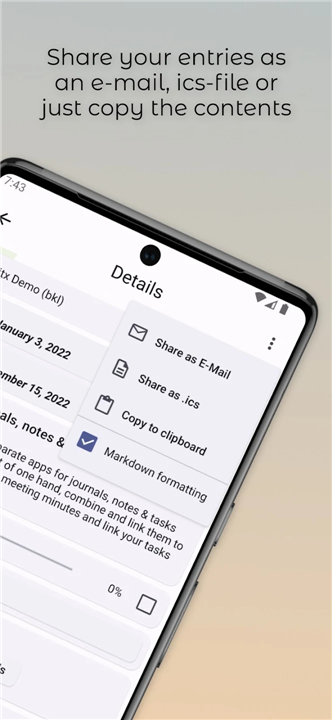
• Future-proof storage: Enjoy maximum flexibility with incoming features for direct .ics file imports and exports.
Standards Made Simple
• VJournal (Journals & Notes): Utilizes open standards for dated journal entries and undated notes, giving underutilized web standards new life.
• VTodo (Tasks): Manages start dates, due dates, progress, and completion states within a recognized, open format.
• Discover a smarter, freer way to organize your life at https://jtx.techbee.at
FAQ
Q: How does jtx Board differ from traditional note‑taking or task apps?
A: Unlike most commercial tools that lock your data behind proprietary formats, jtx Board stores everything as plain‑text iCalendar components (VJournal for notes and VTodo for tasks). This means your information can be read, edited, or migrated with any calendar‑aware software, giving you true vendor independence.
Q: Can I still use my favorite calendar or reminder apps alongside jtx Board?
A: Absolutely. Because jtx Board adheres to the RFC‑5545 iCalendar specification, any app that supports iCal files or CalDAV can import or sync the same data. You can keep a personal CalDAV server for tasks while viewing a separate calendar for events, and everything will stay in sync without duplication.
Q: How does the synchronization process work?
A: jtx Board does not contain its own sync engine; instead it pairs with DAVx5 (or any CalDAV client) to push and pull .ics files to a CalDAV server of your choice. The sync happens over standard HTTPS, and you control the frequency and direction (one‑way or two‑way) from within DAVx5’s settings.
Version History
v2.17.00——12 Aug 2026
Manage journals, notes & tasks and sync with your CalDAV-server through DAVx5 Download the latest version of jtx Board | journals & tasks to enjoy new features and updates immediately!
*2.17.00
- Version and stability updates
- Hide checked markdown checkboxes in task list when filtering done tasks
*2.16.02
Fixed issue with instant notification when creating a new task
Updates in widget
Version updates
*2.16.00
Markdown support for checkboxes
Fixed wrong sorting for categories
Version updates
Attention: With this version Android 6 and older are not supported anymore.