Acode — Terminal & AI Coding
Elevate Your Mobile Development
• Acode transforms your Android device into a professional-grade development environment.
• It bridges the gap between desktop power and mobile convenience, empowering you to build, debug, and deploy sophisticated projects from anywhere in the world.
Integrated Linux Terminal
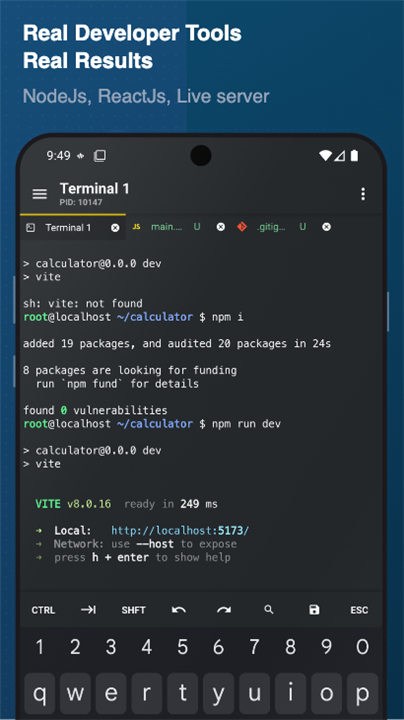
• Access a full Alpine Linux environment powered by proot without needing root permissions.
• Manage command-line packages and maintain multiple terminal sessions for a seamless workflow.
• Customize your shell and back up your configuration to ensure your workspace is always ready.
AI-Enhanced Programming
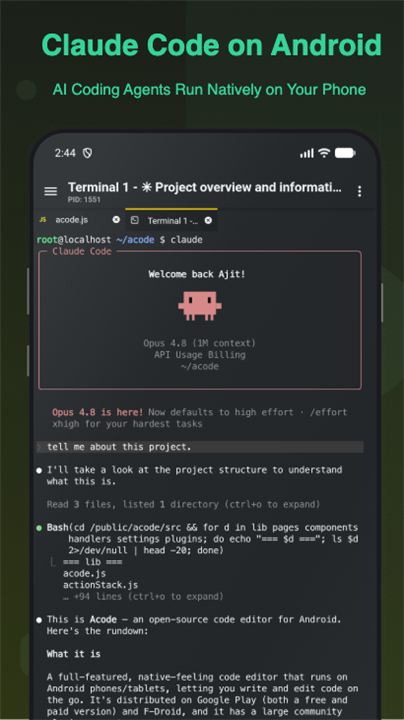
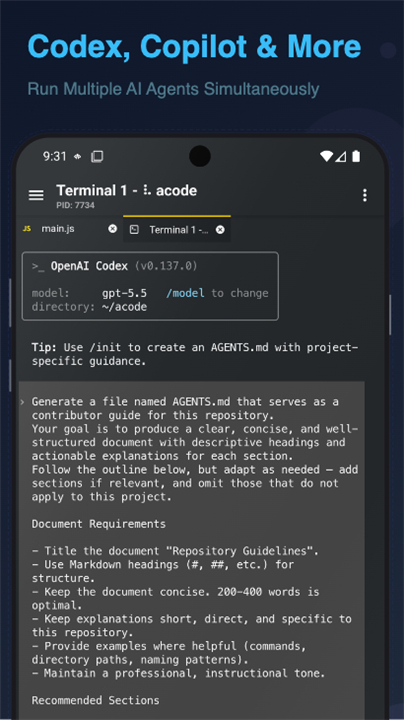
• Leverage cutting-edge AI tools to generate code, refactor logic, and troubleshoot errors.
• Use intelligent assistants to explain complex snippets and accelerate your learning curve on the go.
Full-Stack Web Development
• Execute Node.js and npm commands to manage modern web projects directly on your phone.
• Build server-side APIs and test front-end frameworks using a built-in JavaScript console.
• View your progress instantly with live previews for HTML and Markdown.
Professional Editing Suite
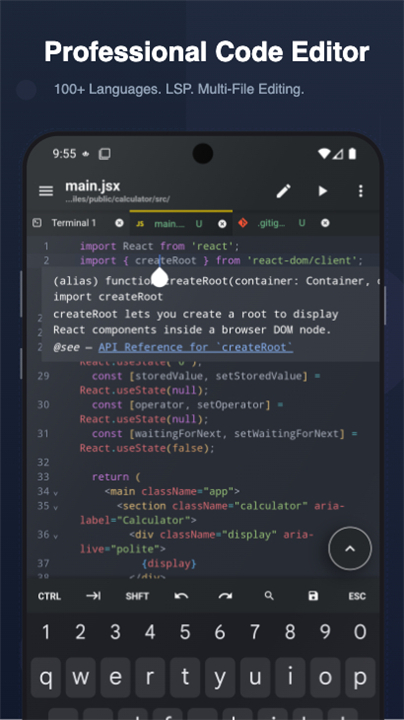
• Experience fluid editing with syntax highlighting for over 100 programming languages.
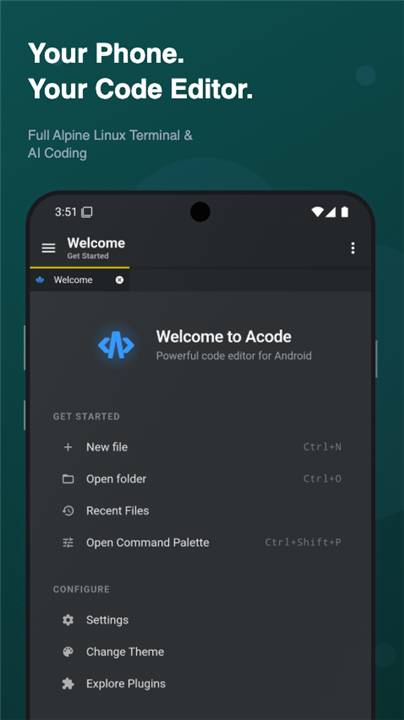
• Command your workspace with a desktop-class palette, file search, and multi-tab management.
• Enhance productivity with IntelliSense, Emmet support, and customizable keyboard shortcuts.
• Personalize your interface with premium themes and fonts tailored to your style.
Remote Connectivity and Version Control
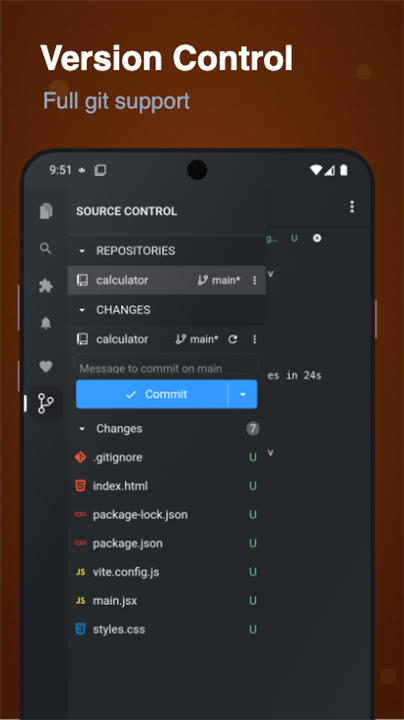
• Master your workflow with full Git integration, including cloning, committing, and branching.
• Connect to remote infrastructure securely via SSH, FTP, and SFTP.
• Synchronize your progress with GitHub to keep your mobile and desktop work in perfect harmony.
The Power of Open Source
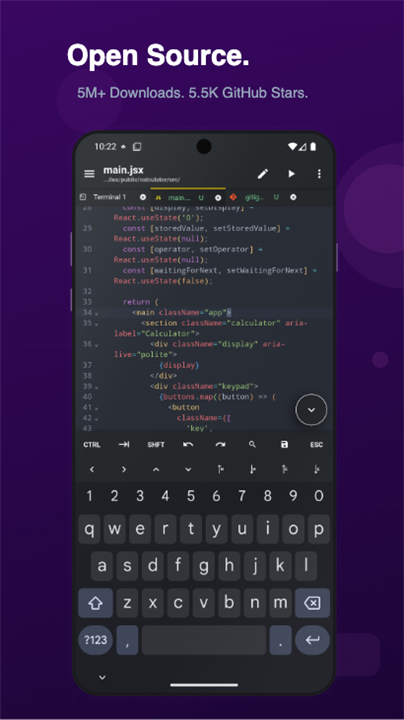
• Benefit from a transparent, MIT-licensed platform that puts the developer first.
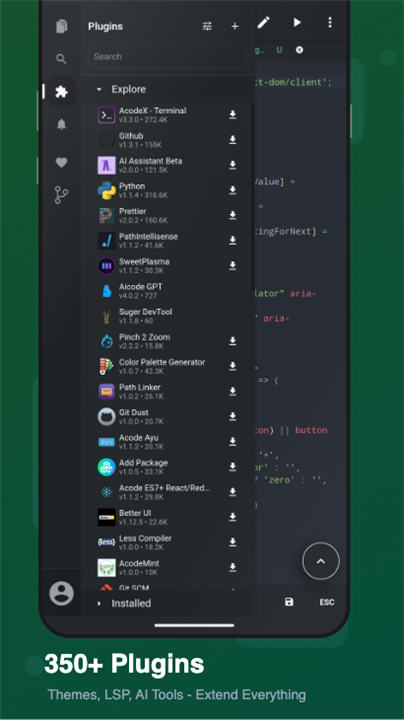
• Expand your capabilities through a community-driven plugin store featuring build tools and framework support.
• Join a global ecosystem dedicated to making high-level coding accessible to everyone.
Getting Started
• Install Acode on any device running Android 7.0 or higher.
• Complete the quick terminal setup to unlock a world of programming possibilities.
• Experience the freedom of coding without boundaries.
FAQ
Q: Do I need to root my Android device to use the integrated Linux terminal?
A: Not at all! Acode features an integrated Alpine Linux environment powered by PRoot, which allows you to run command-line packages, manage sessions, and execute Linux commands without needing root permissions on your device.
Q: How does the AI assistant help me while I am coding?
A: The built-in AI capabilities serve as an intelligent programming assistant right on your phone. You can use it to generate new code, refactor existing logic, troubleshoot syntax or runtime errors, and get detailed explanations for complex code snippets to speed up your learning process.
Q: Can I run Node.js and npm commands directly inside the app?
A: Yes, you can execute Node.js and npm commands directly within Acode. This feature allows you to manage modern web projects, build server-side APIs, and install dependencies without needing access to a desktop computer.
Version History
v1.12.6-nightly.7c68ddd——28 Jul 2026
Code editor, terminal & AI coding. Run Claude Code, Codex, Node.js, Open source. Download the latest version of Acode — Terminal & AI Coding to enjoy new features and updates immediately!
*1.12.6-nightly.7c68ddd
Automated Nightly pre-release
*1.12.6-nightly.a53fde3
Automated Nightly pre-release
1.12.6-nightly.2396d20
Automated Nightly pre-release