Murine Launcher
Overview
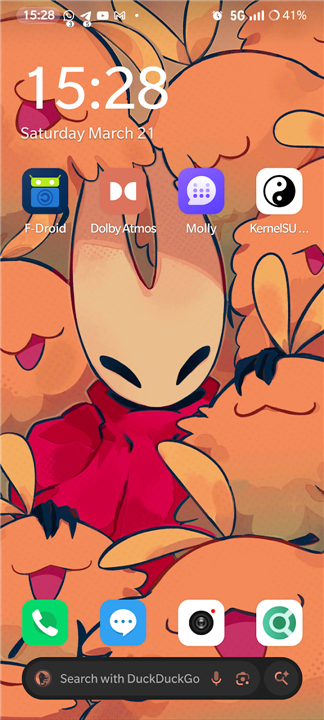
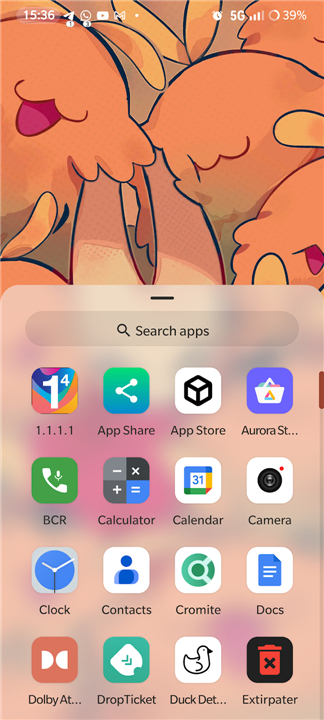
• Murine Launcher is a modern, lightweight, and open-source home screen replacement designed for Android users who prioritize simplicity and efficiency.
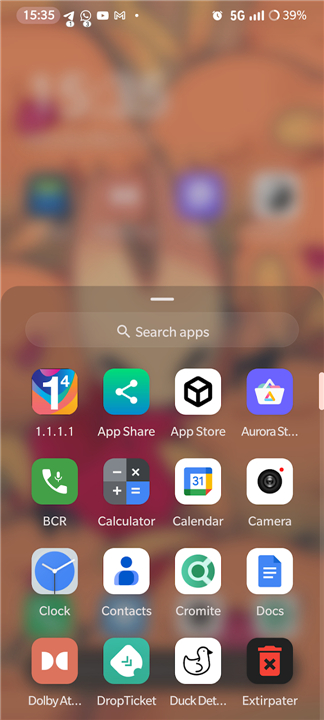
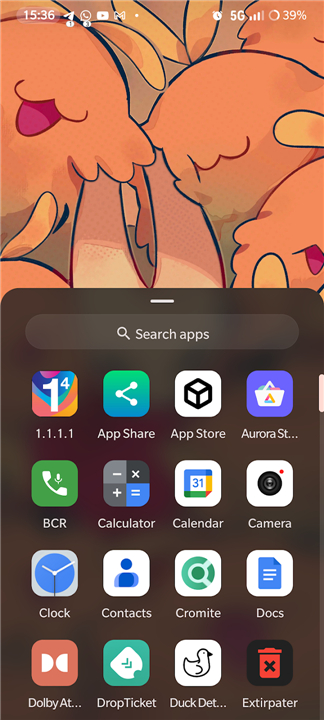
• It aims to deliver a refined, stock Android experience that feels familiar, evoking the classic AOSP aesthetic while incorporating subtle, modern enhancements for improved usability.
Core Features
1. Minimalism:
• The interface is stripped of unnecessary elements, offering a clean, clutter-free environment that centers on your essential apps.
2. Performance:
• Engineered to be lightweight, the launcher eliminates bloatware, ensuring smooth navigation and optimal system resource management.
3. Customization:
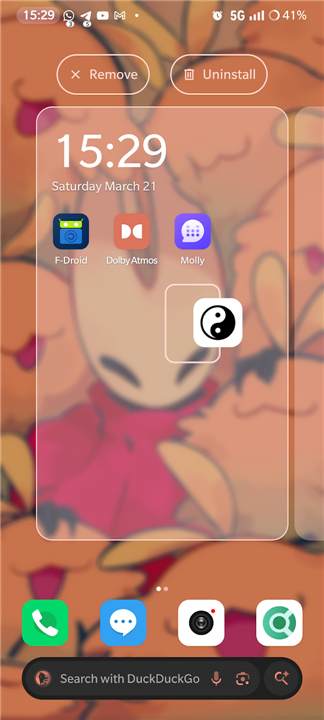
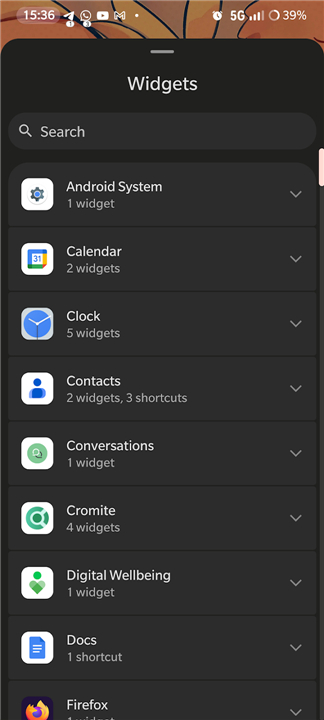
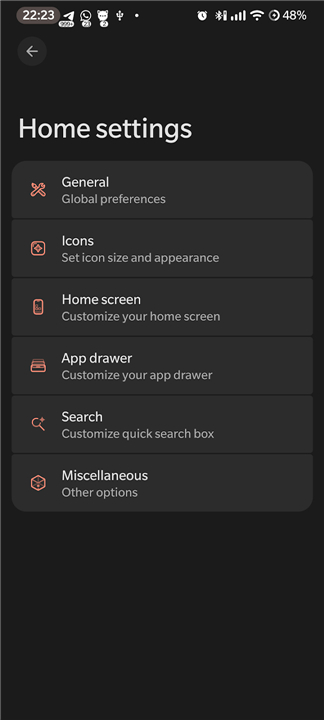
• While maintaining a minimalistic philosophy, the launcher provides key configuration options, allowing users to tailor the experience to their specific needs without sacrificing simplicity.
Technical Transparency and Resources
1. Open Source:
• The project is fully transparent and community-driven.
• You can explore, audit, or contribute to the development via our GitHub repository: https://github.com/alesimula/Murine-launcher.
2. Visual Design:
• All preview artwork and design assets are provided by Miikrowelle.
• You can view their portfolio at: https://miikrowelle.straw.page.
Accessibility Services and Privacy
• Murine Launcher utilizes the Android AccessibilityService API strictly to facilitate system-level gestures, such as the double-tap-to-sleep function.
• Regarding user privacy, our policy is as follows:
+ Offline Operation:
- The application functions entirely offline.
+ Ethical Data Usage:
- We do not monitor, collect, store, or transmit any personal information, screen content, or user behavior patterns.
+ Service Limitation:
- If the user chooses to grant accessibility permissions, the API is employed exclusively for the functionality mentioned above.
- No external data harvesting occurs.
- Our commitment remains to provide a secure and private experience for all users who value a clean, stock-like Android interface.
FAQ
Q: How does Murine Launcher improve my phone’s performance?
A: Because the launcher is engineered to be extremely lightweight and stripped of all unnecessary bloatware, it consumes fewer system resources. This results in smoother navigation and more efficient memory management, which can help your device feel snappier.
Q: Is Murine Launcher truly open-source?
A: Yes, the project is completely transparent and community-driven. You are welcome to audit the code, explore the development process, or contribute to the project by visiting the official GitHub repository at https://github.com/alesimula/Murine-launcher.
Q: Does the launcher require an internet connection to function?
A: Not at all. Murine Launcher is designed to function entirely offline. It does not require a network connection to operate, which reinforces its commitment to being a private and self-contained tool.
Version History
v1.1.1——7 Jul 2026
Experience a clean, lightweight Android interface with Murine Launcher. Enjoy an open-source, and privacy-focused home screen replacement. Download the latest version of Murine Launcher to enjoy new features and updates immediately!
*1.1.1
Changelog:
• Prepare for Android 17's native app lock (should it ever come out)
• Fix regression causing crashes when the wrong app is detected as calendar
*1.1.0
Changelog:
• Add icon picker support from any installed icon pack
• Add support for dynamic clock icon and dynamic calendar icon
• Properly check for night mode / light mode for supported icon packs
• Fix date display for clock widget (matches locale's best format)
• Fix hidden private space search query matching for unhiding
• Fix preview for clock widget
• Fix various crashes
*1.0.5
Changelog:
• Add drawer grid width override
• Improve clock font (Murine Gantari)
• Add notification count option for notification badges
• Fix a few crashes
• Fix search delay and wrong apps opening when tapped too soon