NokoPrint - Print from Phone
Your Mobile Printing Hub
• Stop letting your documents and memories stay trapped on your phone.
• With NokoPrint, you can transform your mobile device into a powerful office assistant.
• Whether you are at home, in the office, or on the move, print your photos, business documents, and PDFs with absolute ease.
• NokoPrint works with almost any WiFi, Bluetooth, or USB printer, giving you the freedom to print exactly when inspiration or necessity strikes.
Why Choose NokoPrint?
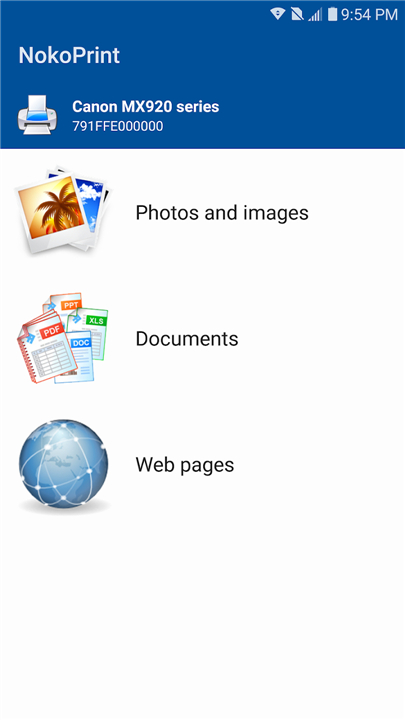
• Universal Compatibility: Connect to nearly any inkjet, laser, or thermal printer via WiFi, Bluetooth, or USB-OTG.
• All-in-One File Support: Print images (JPG, PNG, GIF), documents (PDF, Word, Excel, PowerPoint), and web pages directly from your device or cloud storage like Google Drive.
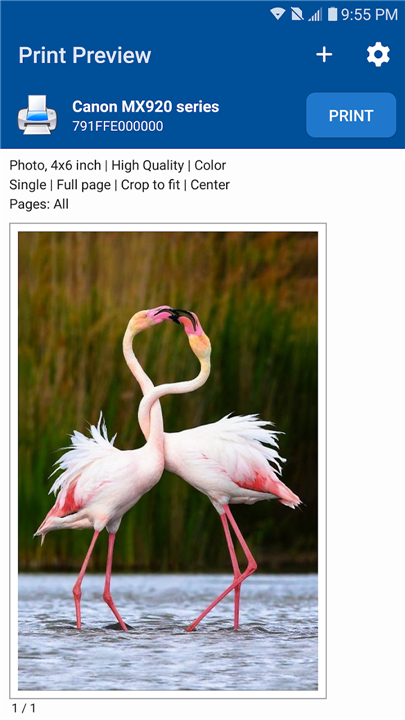
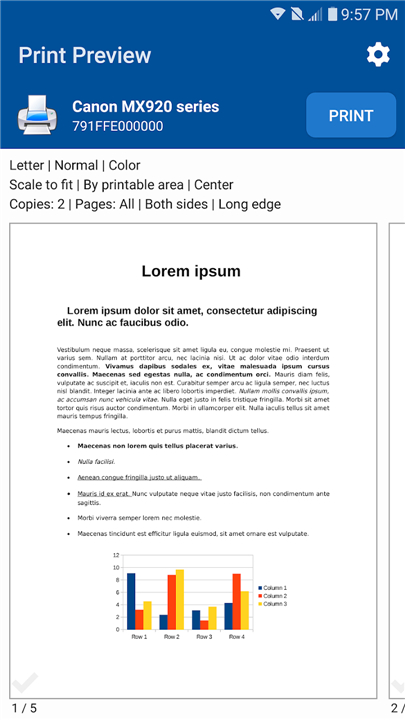
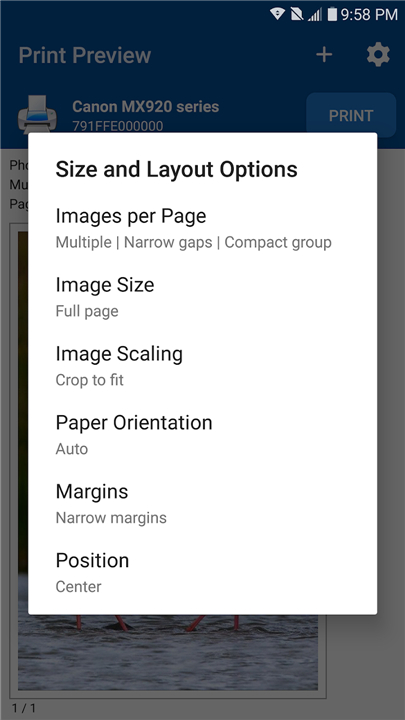
• Professional Precision: Take full control with advanced settings, including duplex printing, custom paper sizes, page range selection, and high-quality photo previews.
• Seamless Integration: Print effortlessly through your phone’s existing "Share" and "Print" menus.
• Broad Printer Support: Works with industry leaders including HP, Canon, Epson, Brother, Samsung, Xerox, and many more.
Flexible Access
• NokoPrint is free to use with ad-supported features.
• For those who need a streamlined, uninterrupted workflow, we offer a Premium License or a subscription plan that provides unlimited, ad-free printing.
Key Technical Capabilities
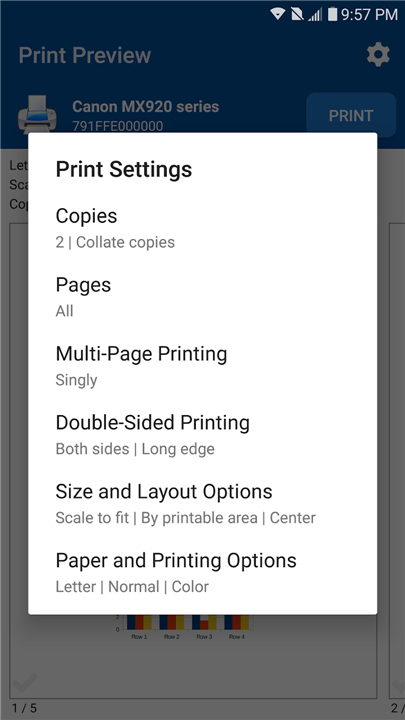
• Print Management: Adjust copies, collate, and choose color or monochrome output.
• Advanced Output: Create borderless photos on glossy paper or utilize professional printer sharing across Mac, Windows, and Linux environments.
• Industry Standards: Fully compatible with AirPrint, Mopria, and mobile thermal printing technologies.
Take charge of your workflow today
• Experience the freedom of effortless mobile printing with NokoPrint.
FAQ
Q: Can I print directly from cloud storage services like Google Drive?
A: Absolutely. NokoPrint allows you to access and print files stored in your cloud accounts directly from within the app interface. This makes it incredibly easy to pull down your documents, PDFs, or photos from the cloud and send them to your printer without needing to download them to your phone first.
Q: Does NokoPrint support document formats other than PDFs?
A: Yes, it certainly does. You are not limited to just PDFs, as NokoPrint supports an extensive range of file types, including common image formats like JPG, PNG, and GIF. Furthermore, you can print professional documents such as Microsoft Word, Excel, and PowerPoint files, as well as entire web pages.
Q: Is there a way to adjust my print settings before the document starts printing?
A: You have complete control over your output through the app's advanced settings menu. Before you finalize your print, you can adjust the number of copies, select specific page ranges, choose between color or monochrome output, and even configure options like duplex printing or custom paper sizes.
Version History
v5.27.0——8 Jul 2026
NokoPrint is a mobile printing app that prints documents, photos, and web pages to many WiFi, Bluetooth, or USB printers. Download the latest version of NokoPrint - Print from Phone to enjoy new features and updates immediately!
*5.27.0
Minor bug fixes and improvements. Install or update to the newest version to check it out!
*5.26.24
Minor bug fixes and improvements. Install or update to the newest version to check it out!
*5.26.18
Minor bug fixes and improvements. Install or update to the newest version to check it out!