QRServ - HTTP File Transfer
What it does
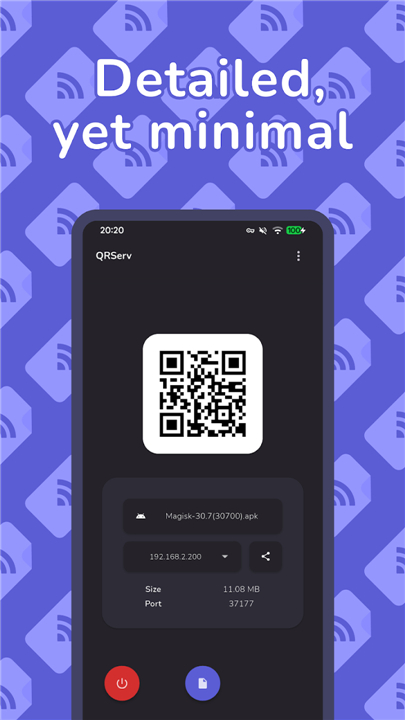
• QRServ creates a tiny, on‑demand HTTP server on your device.
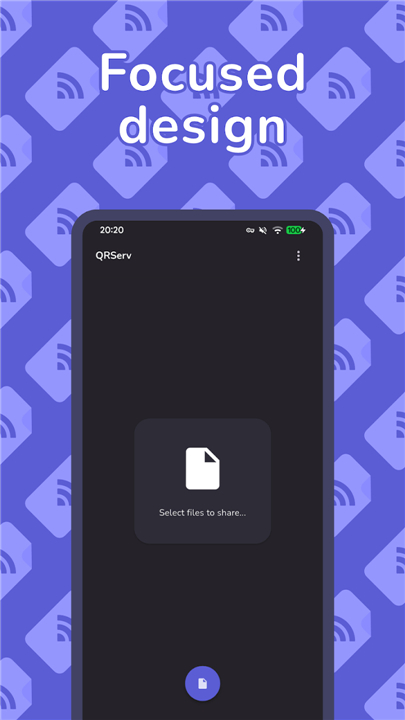
• Pick any file(s) and the app serves them over an unused port.
• Other devices on the same network can fetch the files simply by scanning a QR code or entering the shown URL.
Network requirements
• Both devices must share a local network (Wi‑Fi, hotspot, tethering—no mobile data).
• VPNs work if they route local traffic correctly.
Key features
1. QR‑code shortcuts
• Tap the code → a tooltip shows the download URL.
• Long‑press the code → copy the full URL to the clipboard.
2. Seamless sharing
• Add files directly from the Android sharesheet.
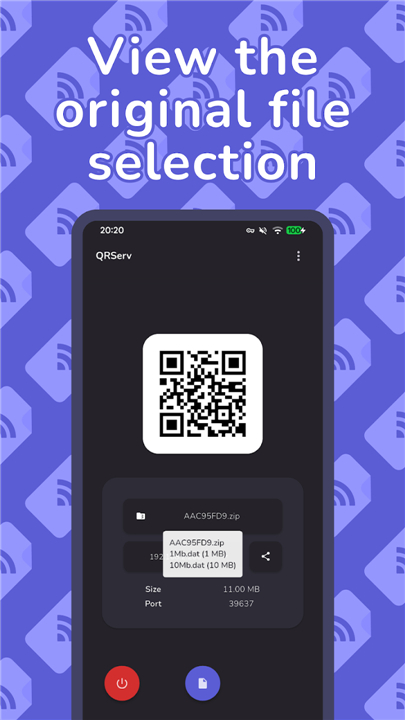
• Multi‑file selection is bundled into a ZIP archive.
• Long‑press the generated ZIP name to see the original file list.
3. Direct‑Access Mode (DAM)
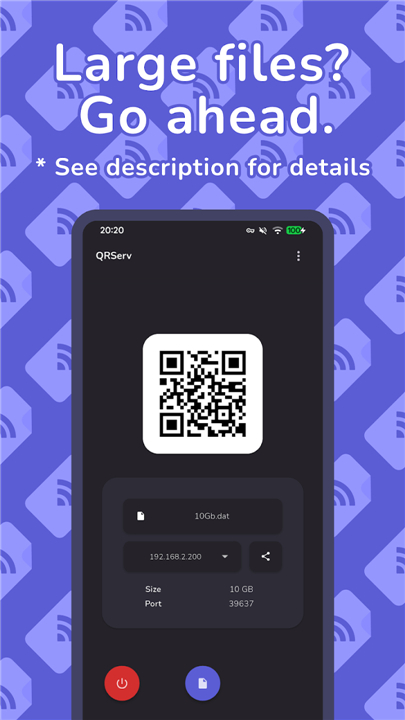
• Bypasses the app cache for large files, reading straight from internal storage.
• Available on Android 10‑ and earlier via the Play Store; Android 11+ users must install the GitHub build (uninstall the Play Store version first).
• Supports only single‑file selection; toggle the mode in Settings.
4. Dynamic file management
• Remove files from the list at any time.
• (With DAM) automatically detect changes to the selected file.
5. Customizable download link
• Show or hide the filename in the URL path – long‑press the share button to switch.
6. Real‑time notifications
• Get a pop‑up when a client requests a file and when the transfer completes, including the requester’s IP address.
7. Port flexibility
• The server binds to a random free port or a user‑specified one.
8. Multilingual support
• English, French, German, Hungarian, Italian, Polish, Portuguese, Spanish, Russian, Turkish, Persian, Hebrew.
Permissions used
• android.permission.INTERNET – discovers network interfaces and opens the listening port.
• android.permission.READ_EXTERNAL_STORAGE – read‑only access to internal, SD‑card, and USB‑mass‑storage files.
Open source
• QRServ’s code is freely available on GitHub: https://github.com/uintdev/qrserv
Just scan, tap, and go
• Start sharing files instantly, without cables or cloud services.
FAQ
Q: Do I need an internet connection to use QRServ?
A: No, QRServ doesn't require internet access. It works by creating a local HTTP server on your device, which is accessible to other devices on the same network.
Q: Can I use QRServ over mobile network or hotspot?
A: No, QRServ only works on a local network, such as Wi-Fi or a tethered mobile network connection. It doesn't support mobile data.
Q: What benefits does QRServ offer compared to cloud sharing services?
A: QRServ allows file sharing without cloud dependencies, no upload limits, and instant access for recipients once they scan the QR code or enter the URL.
Version History
v3.1.1——24 Aug 2026
Transfer files with ease over a network. Download the latest version of QRServ - HTTP File Transfer to enjoy new features and updates immediately!
*3.1.1
- Minimum supported SDK version to Flutter 3.44/Dart 3.12
- App is now ARM64 only
- General performance improvements
- Preparations for Built-in Kotlin
- Incremented target and compile SDK to 37 (Android 17)
*3.0.6
- Addressed an issue preventing reproducible builds -- '.note.gnu.build-id' is now removed from all native libraries automatically
- NDK version bumped back to 29 -- there was a temporary bug limiting it to 28 in the previous release build
- Improved file type icon logic
*3.0.0
Main highlights:
- Updated UI
- New settings section
- Port number is now user configurable
- Minimum SDK version had been increased to 24 (Android 7), as per Flutter 3.35.0 requirements
- Fixed a couple cases of crashes (certain video files, file not found) when sharing file selection with app
- Updated translations
- Android builds are now ARM64-only
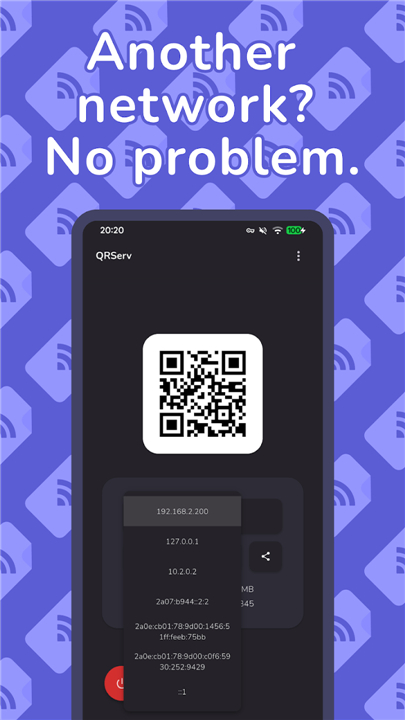
- Loopback IP addresses now listed
See GitHub releases page for all notable changes made.