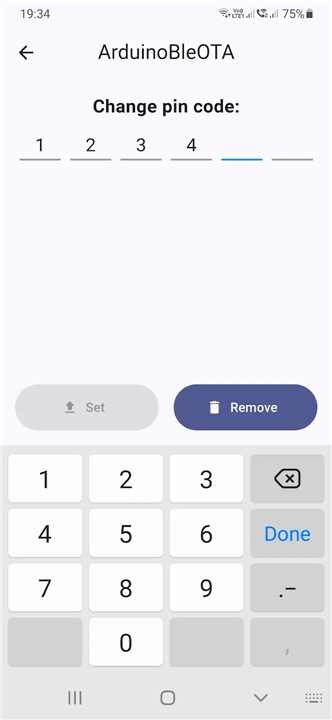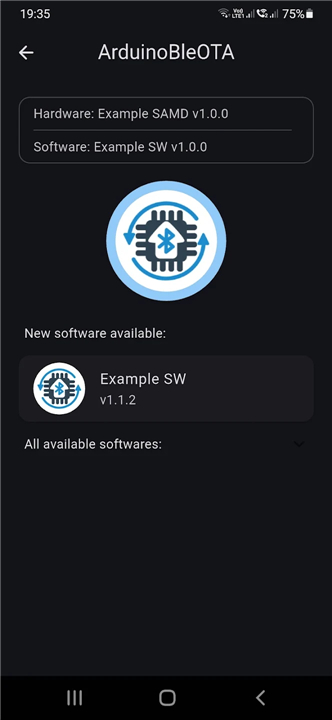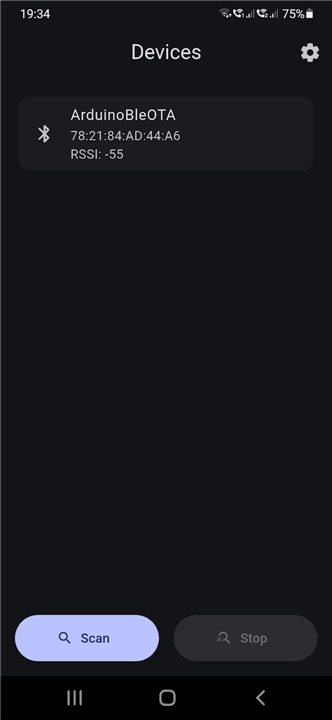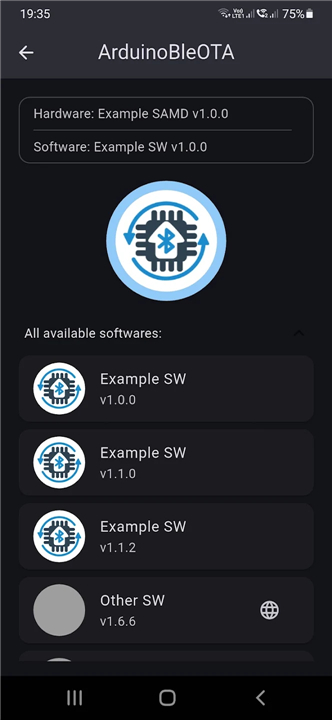
BleOta
Overview
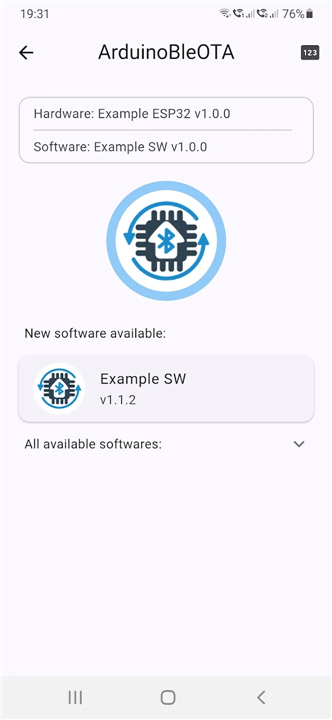
• BleOta is an open-source application engineered to facilitate seamless wireless firmware updates for embedded systems using Bluetooth Low Energy (BLE).
• It provides a convenient Over-The-Air (OTA) solution, removing the necessity for physical programming cables or hardware debuggers during maintenance.
Core Features
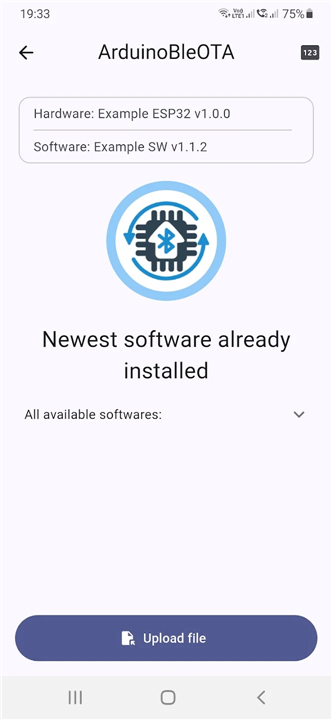
• Wireless Firmware Flashing: Enables users to upload compiled binary files directly to target microcontrollers over a secure Bluetooth connection.
• Open-Source Architecture: Offers a fully transparent, customizable codebase that developers can audit, adapt, and integrate into custom software stacks.
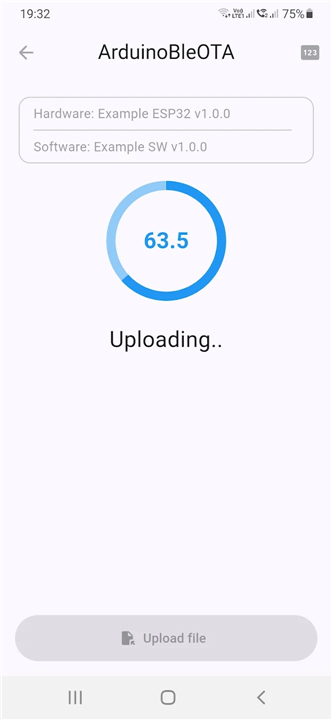
• Live Transfer Monitoring: Delivers real-time feedback, displaying transfer speeds, percentage completed, and connection status throughout the upload process.
Hardware Support and Optimization
• Specialized Hardware Integration: Features tailored update protocols designed specifically to support targeted microcontrollers, development boards, and proprietary hardware designs.
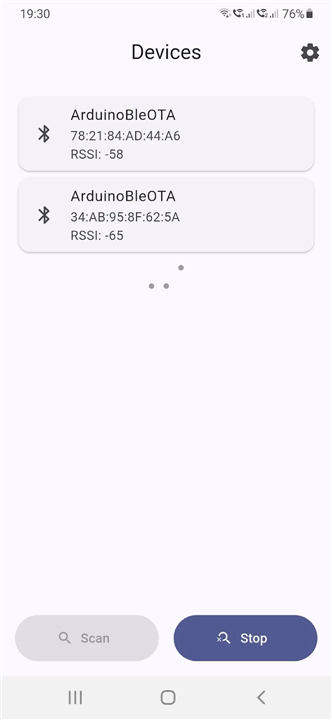
• Device Auto-Discovery: Automatically scans for and identifies nearby BLE-enabled target devices configured to accept incoming firmware files.
• Data Integrity Verification: Employs built-in checks and validation procedures to ensure corruption-free transfers and prevent device bricking.
Target Applications
• IoT Device Maintenance: Simplifies firmware management for sealed, enclosed, or hard-to-reach Internet of Things devices.
• Rapid Prototyping: Accelerates the engineering workflow by allowing developers to test new software builds without reconnecting wires.
• Field Service Operations: Empowers field technicians to perform fast, reliable on-site software upgrades using handheld or mobile equipment.
FAQ
Q: What does "OTA" stand for in BleOta?
A: "OTA" stands for "Over-The-Air." It basically means you can send updates wirelessly, right through the air, instead of having to plug your device into a computer with a cable.
Q: Why should I use BleOta for firmware updates?
A: You should use BleOta because it makes updating your devices incredibly easy and convenient! It removes the hassle of finding specific cables or needing special debugging tools, allowing you to update your gadgets wirelessly, which is especially great for devices that are physically hard to reach or sealed.
Q: How does BleOta actually update my device's firmware?
A: BleOta works by taking your compiled new firmware file and sending it securely over a Bluetooth Low Energy connection directly to your device's microcontroller. It’s like sending a digital package of instructions to your device to tell it how to behave.
Version History
v2.0.3——24 Aug 2026
Upload firmware over Bluetooth LE Download the latest version of BleOta to enjoy new features and updates immediately!
*2.0.3
Minor bug fixes and improvements. Install or update to the newest version to check it out!
*2.0.2
Minor bug fixes and improvements. Install or update to the newest version to check it out!
*2.0.1
Minor bug fixes and improvements. Install or update to the newest version to check it out!