Markdown Editor
Overview
• The Markdown Editor app is a lightweight, mobile‑first solution designed for creating, opening, and editing markdown (.md) files quickly and efficiently.
• It eliminates the need for a desktop‑only editor by delivering a full‑featured experience on smartphones and tablets.
File Management
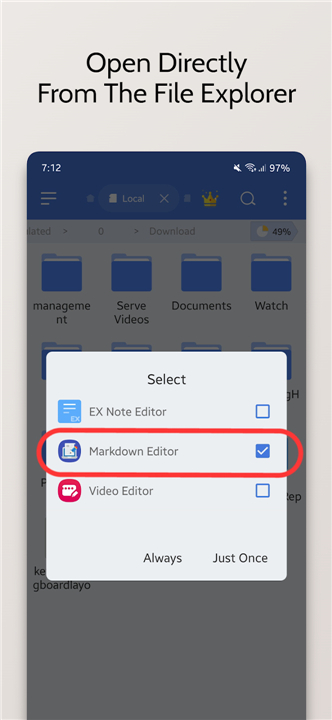
• Directly browse and open any .md file from the device’s file explorer.
• Save changes back to the original location or to a new file without leaving the app.
• Create brand‑new markdown files from a single tap, and delete or clear the current document when a fresh start is required.
Text Styling & Formatting
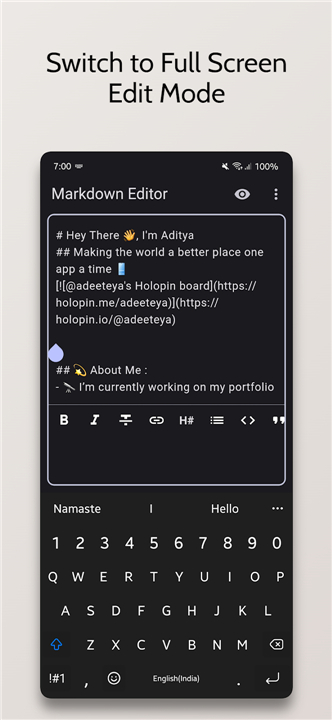
• One‑click toolbar buttons for common markdown syntax:
+ Bold – wrap selected text with **.
+ Italics – wrap with _.
+ Headings – insert # through ###### based on level.
+ Ordered and unordered lists, blockquotes, code blocks, and horizontal rules.
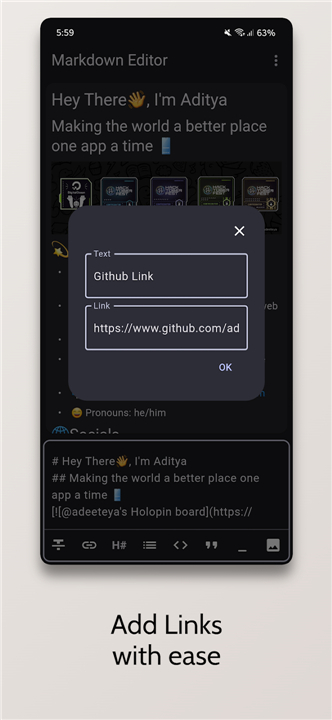
• Real‑time insertion of hyperlinks using a simple dialog that prompts for URL and link text.
Image Preview
• Embedded preview supports JPEG, PNG, GIF, WebP, BMP, and WBMP formats.
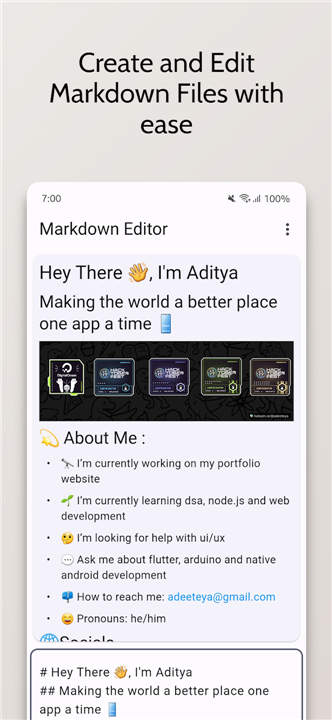
• Images are rendered inline within the markdown preview pane, allowing immediate visual verification.
• Clickable image previews enable quick navigation to the image’s source location or to external URLs.
Theme & Layout Options
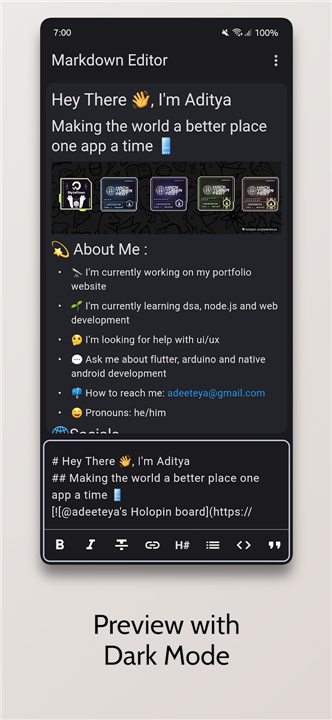
• Switch between Light Mode and Dark Mode to match ambient lighting or personal preference.
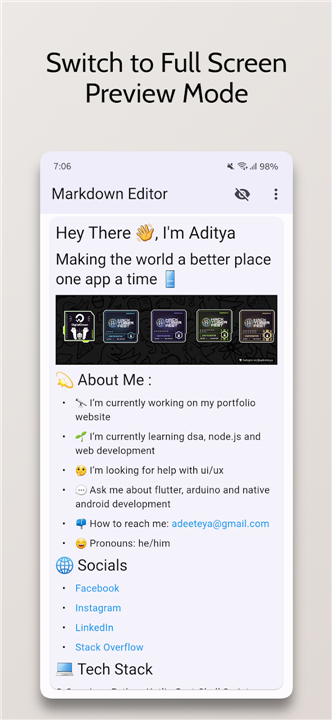
• Dual View Mode displays the editor and the rendered preview side by side, facilitating instant comparison.
• Single View Mode lets users concentrate on either editing or previewing, optimizing screen real estate.
Editing Utilities
• “Clear All” button removes all content, providing a clean slate without closing the file.
• Undo/redo actions are fully supported for safe experimentation.
• Auto‑scroll synchronizes the cursor position between the editor and preview.
Technical Foundations
• Built with Flutter, leveraging its cross‑platform UI capabilities for smooth performance on Android and iOS.
• Uses the flutter_markdown package for accurate markdown rendering and the image library for image handling.
Source Code & Community
• The complete source code is publicly available at: https://github.com/adeeteya/FlutterMarkdownEditor
• developers are encouraged to fork, contribute, and adapt the editor for additional platforms or features.
FAQ
Q: What kind of files can I edit with this app?
A: You can comfortably open, edit, and create any file that uses the .md extension, which is the standard for markdown documents.
Q: How do I save my work after making changes?
A: Saving is straightforward. You can save your changes directly back to the original file's location, or if you prefer, you can save it as a new file in a different spot, all without ever leaving the app.
Q: How can I format my text, like making it bold or italic?
A: The app has a convenient one-click toolbar with buttons for common markdown syntax. You can easily select text and tap a button to make it bold (which wraps it in **) or italic (which wraps it in _).
Version History
v2.1.0——24 Aug 2026
Markdown Editor is an app for easy editing and styling of ".md" files. Download the latest version of Markdown Editor to enjoy new features and updates immediately!
*2.1.0
Added
- Integrated dynamic color support for improved theme customization.
- Added sharing functionality with options for plain text, markdown, and PDF.
- Custom tag style for code blocks in PDF export.
Fixed
- Platform brightness detection in device preference notifier.
- Various UI fixes and improvements.
*2.0.0
Minor bug fixes and improvements. Install or update to the newest version to check it out!
*1.4.0
Minor bug fixes and improvements. Install or update to the newest version to check it out!