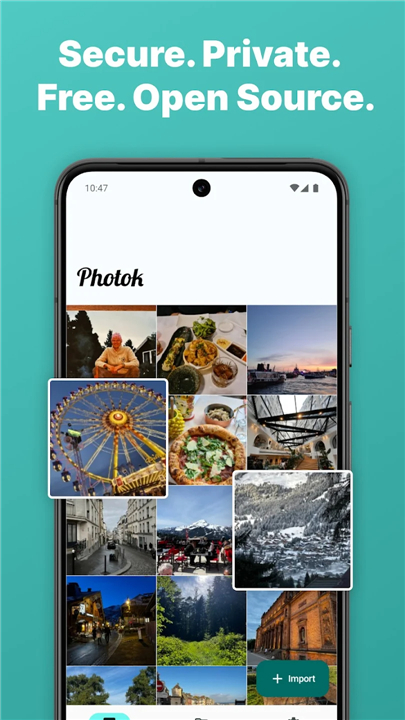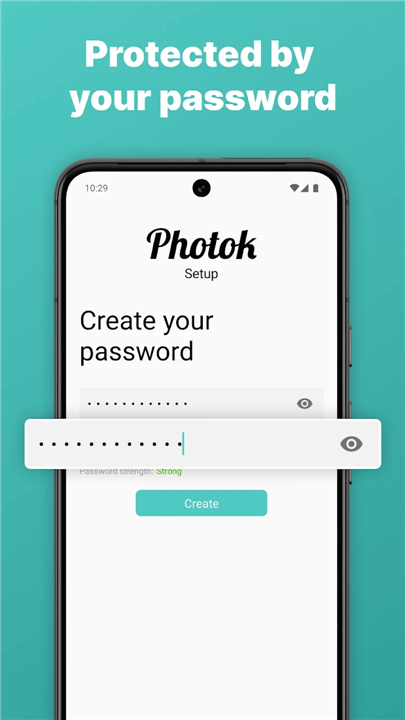
Photok - Secure Photo Vault
Take Total Control of Your Digital Privacy
• Your private memories belong to you, not to the cloud.
• Photok provides a fortress for your media, utilizing military-grade AES-256 encryption to ensure that your sensitive photos and videos remain completely inaccessible to prying eyes.
• By keeping your data strictly on your device, Photok eliminates the risks associated with cloud storage and third-party servers.
Why Photok is the Superior Choice
1. True Ownership:
• Your files never leave your device.
• With no cloud dependency, you maintain complete custody of your media.
2. Uncompromising Security:
• Every file is encrypted locally and decrypted only in active memory, providing a seamless yet ironclad security layer.
3. Transparent Standards:
• We believe trust is earned.
• Photok is open-source, allowing anyone to verify our security claims and audit our code.
4. Clean and Focused:
• Experience a professional, ad-free environment designed specifically for your privacy, not for data collection.
5. Independent Excellence:
• Developed by an independent creator, the app is built for users who prioritize integrity over mass-market convenience.
Powerful Vault Features
1. Seamless Organization:
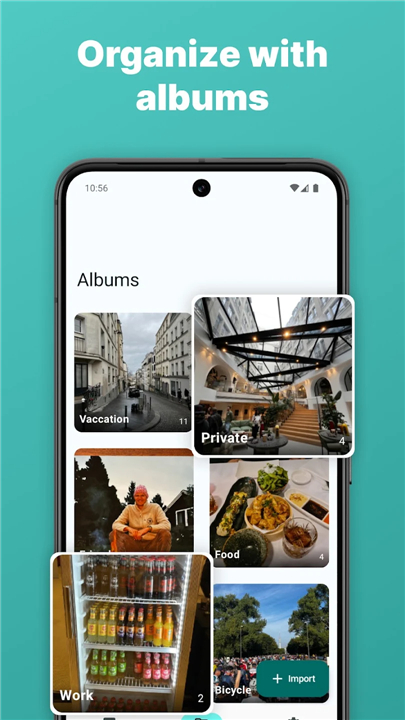
• Easily import media from your gallery and arrange your private collection into custom albums.
2. Frictionless Security:
• Access your vault in an instant using biometric fingerprint authentication.
3. Strategic Privacy:
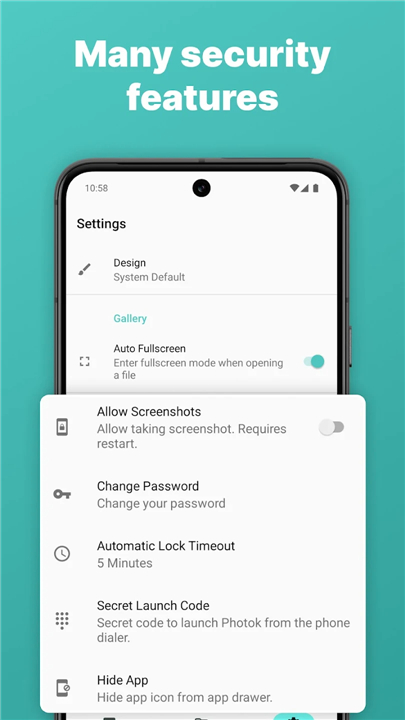
• Utilize the option to hide the app icon and automatically purge original files from your main gallery after they are secured in the vault.
4. Portable Encryption:
• Create and restore encrypted backups whenever you need them, and export your files back to your device with ease.
5. Direct Integration:
• Share sensitive media directly into the vault from any app on your phone.
Our Commitment to You
• Photok is built on a foundation of ethical design.
• We believe in being transparent about the minimal, privacy-focused analytics we use, which are dedicated solely to improving stability and performance.
• We do not engage in tracking, advertising, or cross-app data harvesting.
Take Control of Your Digital Life
• For those who demand full control and total peace of mind, Photok is the definitive solution.
• Take the first step toward a more secure digital life by viewing our open-source project on GitHub today.
FAQ
Q: How exactly does Photok keep my photos and videos secure?
A: We utilize military-grade AES-256 encryption to protect your media. Every file is encrypted locally on your device, and they are only decrypted in active memory when you access them, providing an ironclad layer of security that keeps your files inaccessible to prying eyes.
Q: What does it mean that Photok is open-source?
A: Being open-source means that our code is publicly available for anyone to review. We believe that trust must be earned, so we invite security experts and users alike to verify our security claims and audit our code to ensure that we are living up to our privacy promises.
Q: Can I still access my original photos after moving them into the vault?
A: Photok includes a strategic feature that allows you to automatically purge original files from your main gallery once they have been securely imported into the vault. This ensures that sensitive content is removed from your public-facing gallery and exists only within our encrypted container.
Version History
v3.1.1——7 Jul 2026
Private Photo Vault, Hide Photos & Videos. Download the latest version of Photok - Secure Photo Vault to enjoy new features and updates immediately!
*3.1.1
• Tech: AGP-9.0 & KSP
• Bump the dependencies group across 1 directory with 2 updates
• Improvement: Obtain video thumbnails from the middle of a video
• update spanish translation
• Update Simplified Chinese strings
• Fix: Image Viewer Video Swiping
*3.1.0
This release adds BIP39 recovery phrases, allowing you to regain access to your vault if you forget your password.
What's new
• Generate a 12-word recovery phrase during vault setup
• Save it by copying, sharing, exporting as a .txt file, or as a printable QR code
• Restore your vault from the Forgot password? flow by entering the phrase, pasting it, scanning a QR code, or importing a file
• Existing users will be prompted to generate a recovery phrase after unlocking their vault for the first time after updating
What's Changed
• Feature: Recovery Phrase
• i18n: Turkish Translations Have Been Improved
• Play: In app review
• Update pt-br strings.xml
• Update fr strings
• Update README.md
*3.0.2
New in this release:
• Improved security and backup protection
• Change your password without re-encrypting your vault
• HEIC image support
• Pin files to the top of albums
• Faster album loading and performance improvements
This update also includes a redesigned settings screen, bug fixes, and updated translations.