PDF File Notes
Elevate Your Productivity
• Stop wasting time on cumbersome file management.
• Our all-in-one PDF toolkit is designed to streamline your workflow, turning complex document tasks into effortless, one-click operations.
• Whether you are a student preparing for exams or a professional juggling high-stakes projects, our platform empowers you to take control of your digital workspace from anywhere in the world.
Seamless Document Scanning
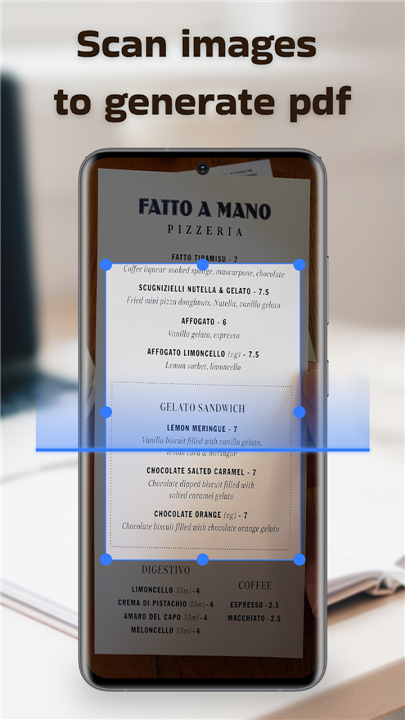
• Convert physical paperwork into professional PDF documents instantly.
• Archive and distribute your transformed files with total freedom, ensuring your office is wherever you go.
Effortless File Consolidation
• Unite multiple documents into one polished file without the frustration of manual copying.
• Save time and project a more organized image by managing your resources in a single, unified space.
Precision Page Extraction
• Master your document structure by splitting large files into specific, manageable parts.
• Select and isolate the exact information you need to meet your project goals with total flexibility.
Creative and Functional Annotation
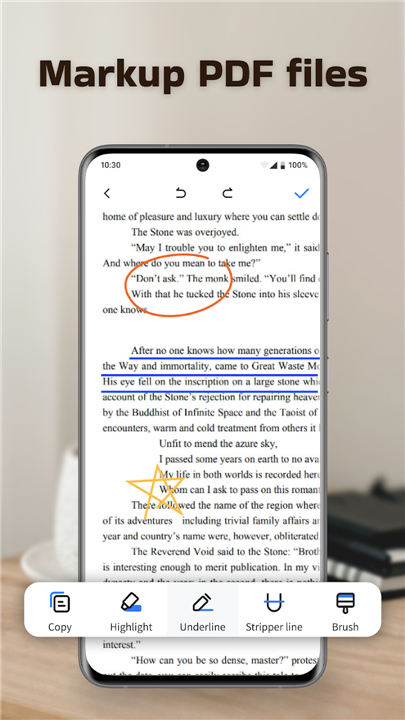
• Bring your documents to life by illustrating and marking key insights directly on the page.
• Ensure important data stands out, making your study sessions and professional reviews more impactful.
Unlock your full potential
• Allow PDF File Notes to become the essential partner in your journey toward success.
• We are dedicated to providing a sophisticated yet intuitive experience that respects your time.
FAQ
Q: How does PDF File Notes help me manage my documents more efficiently?
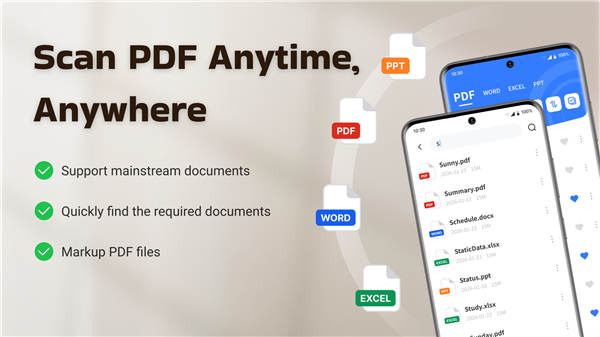
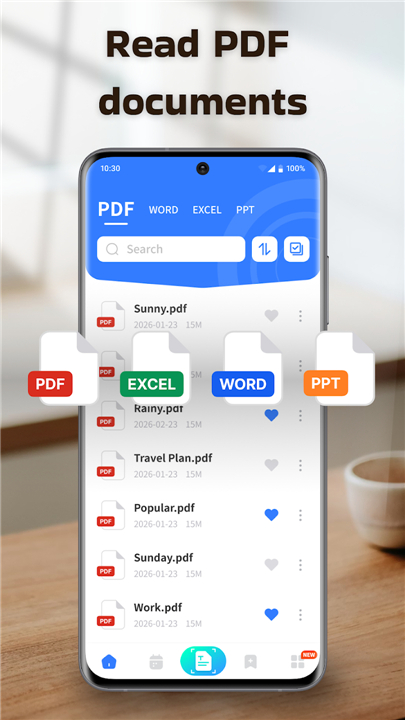
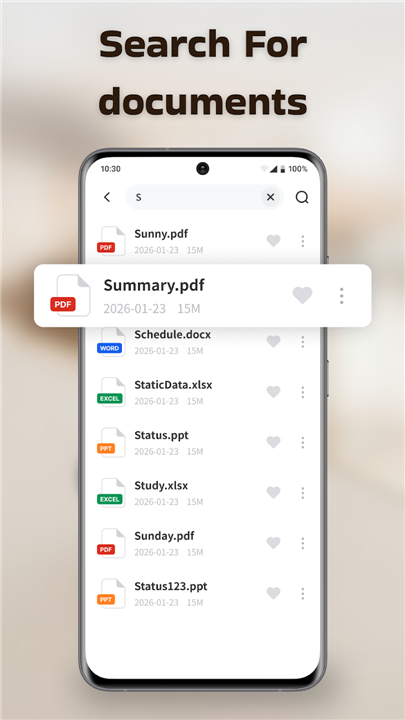
A: It helps you manage documents more efficiently by simplifying complex tasks into an intuitive experience. You can convert physical paperwork instantly, consolidate multiple files, extract specific pages, and annotate directly on documents, all within a single, unified application.
Q: Can I convert physical documents into PDF files with this application?
A: Absolutely! PDF File Notes offers seamless document scanning, allowing you to instantly convert physical paperwork into professional PDF documents. This gives you the freedom to archive and distribute your transformed files, ensuring your office is wherever you go.
Q: Is it easy to combine several PDF documents into one?
A: Yes, it's very easy! PDF File Notes features effortless file consolidation, enabling you to unite multiple documents into one polished file without the frustration of manual copying. This process saves you time and helps you project a more organized image.
Version History
v1.1.1——18 May 2026
Transform your mobile into an office! PDF File Notes lets you scan, merge, split & annotate PDFs for peak productivity. Download the latest version of PDF File Notes to enjoy new features and updates immediately!
*1.1.1
Minor bug fixes and improvements. Install or update to the newest version to check it out!