evcc - solar charging
Optimize Your Energy
• Take control of how you fuel your electric vehicle.
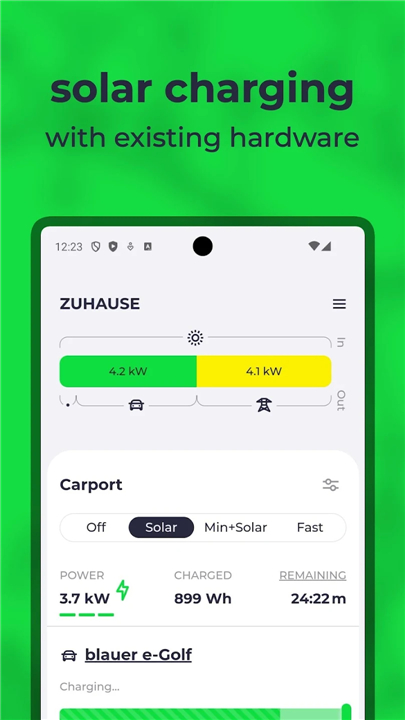
• With evcc, you can synchronize your charging sessions with peak solar production or periods when grid energy is at its most affordable and sustainable.
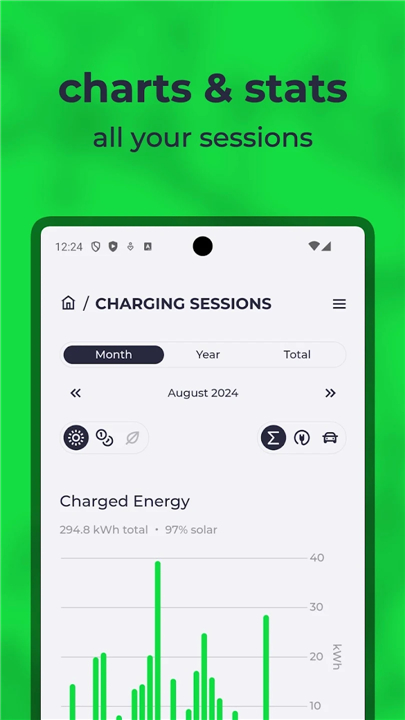
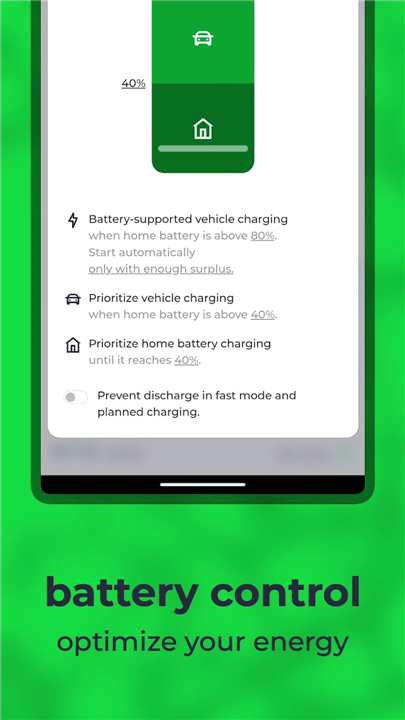
• This app serves as your mobile command center, providing seamless, real-time access to your home-hosted evcc instance.
Why Use the evcc App?
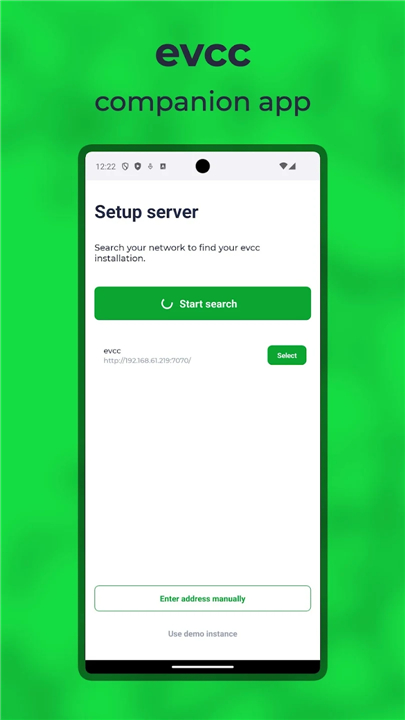
• Effortless Connectivity: Automatically locate and sync with your local evcc server.
• Intuitive Interface: Manage your charging preferences through a clean, responsive UI that supports both light and dark modes.
• Risk-Free Exploration: Use the built-in demo instance to experience the full feature set before connecting your own hardware.
What power does evcc give you?
• evcc is a powerful, open-source energy manager that acts as the brain of your home charging setup.
• It bridges the gap between your PV system, battery, and charger, regardless of the brand.
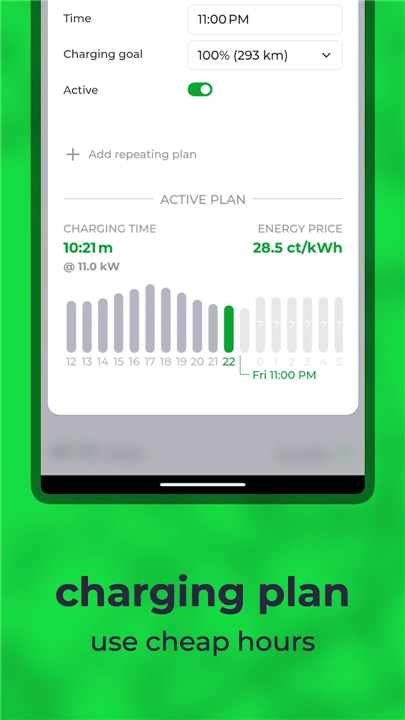
• Beyond simple charging, it enables smart features like scheduled charging, minimum charge levels, and automated adjustments based on dynamic energy tariffs, balcony solar input, or smart plug activity.
Key Requirements
• To use this application, you must have an active evcc instance running on a local device at your home, such as a Raspberry Pi, Docker container, or home server.
Broad Compatibility
evcc is designed to be hardware-agnostic, providing support for an extensive range of ecosystems:
• EV Chargers: Compatible with nearly every major manufacturer, including Tesla, Wallbox, Easee, ABB, and many more.
• Smart Plugs: Integration with popular devices like Shelly, Tasmota, TP-Link, and AVM.
• Inverters and Batteries: Works with industry leaders such as SMA, SolarEdge, Fronius, Huawei, Victron, and Sungrow.
• Vehicles: Manage smart charging for almost any modern EV, from major brands like Volkswagen, BMW, and Hyundai to specialized makers like Polestar and Zero Motorcycles.
Note:
• For a comprehensive list of all supported hardware and specific models, please consult the official evcc documentation.
FAQ
Q: Do I need to be a programmer to set up evcc?
A: While evcc is a powerful tool, you do not need to be a developer to use it. It is designed to be user-friendly, though it does require a bit of initial configuration on a local server or device to link your specific hardware components together.
Q: What devices can I use to host my local evcc instance?
A: You can run evcc on almost any device that stays powered on in your home. Popular choices include a Raspberry Pi, a network-attached storage device (NAS), or a dedicated container environment like Docker on your home server.
Q: How does the evcc app connect to my home hardware?
A: The app serves as a remote control for your existing home-hosted evcc instance. Once you are on the same local network, the app automatically detects your server so you can view data and adjust settings from your smartphone without needing complex port forwarding.
Version History
v1.3.2——28 May 2026
charge your EV when the sun is shining or electricity is cheap Download the latest version of evcc - solar charging to enjoy new features and updates immediately!
*1.3.2
Minor bug fixes and improvements. Install or update to the newest version to check it out!
*1.3.0
Minor bug fixes and improvements. Install or update to the newest version to check it out!
*1.2.0
Minor bug fixes and improvements. Install or update to the newest version to check it out!