Key Mapper & Floating Buttons
Reclaim Your Hardware
• Key Mapper transforms your device, turning ordinary buttons into powerful tools.
• Whether you want to optimize your gamepad, add macros to your keyboard, or create custom floating buttons that live on your screen, this app puts you in complete control of your user experience.
Versatile Inputs
Expand your command center using almost any hardware interface:
• Mobile Hardware: Volume rockers, side keys, and the fingerprint sensor.
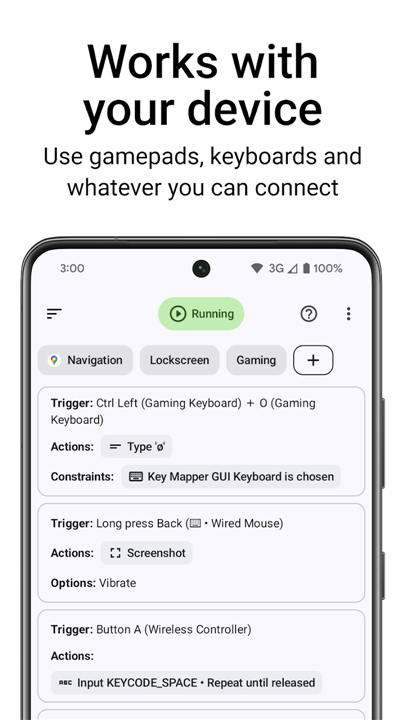
• Gaming Gear: Gamepads, D-pads, and standard controller buttons.
• Peripherals: Keyboards, mice, and headset controls.
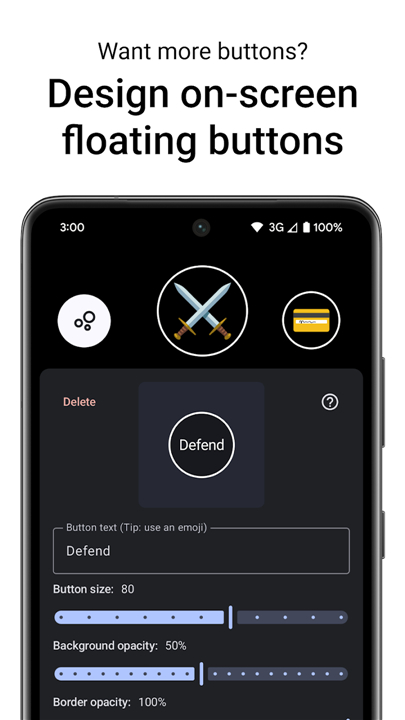
• Virtual Controls: Design and place your own custom on-screen button layouts.
Limitless Automation
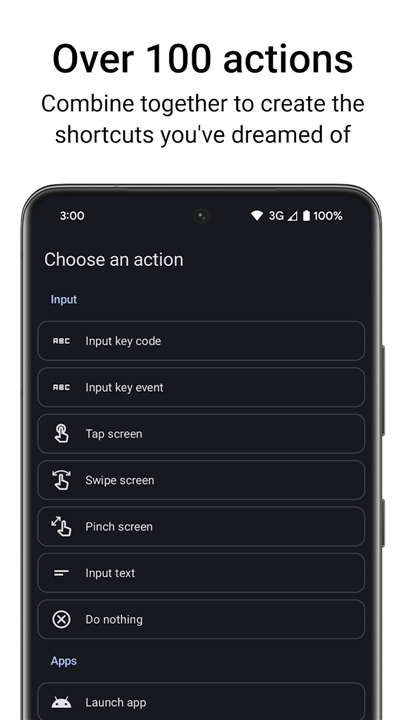
With over 100 customizable actions, you can build intricate workflows that bridge the gap between apps and hardware:
• Triggers: Configure complex inputs like long presses, double taps, or multi-button combinations.
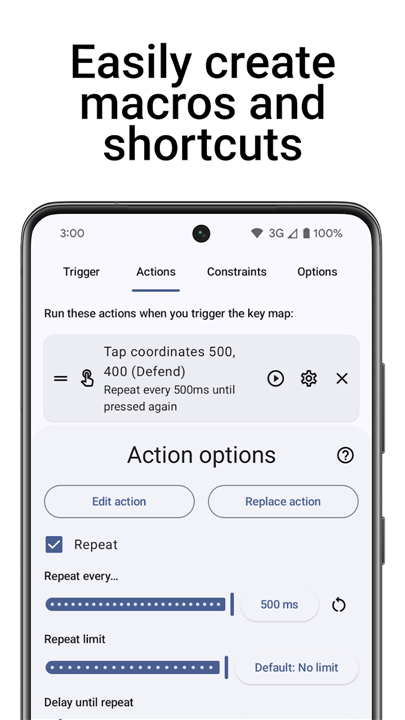
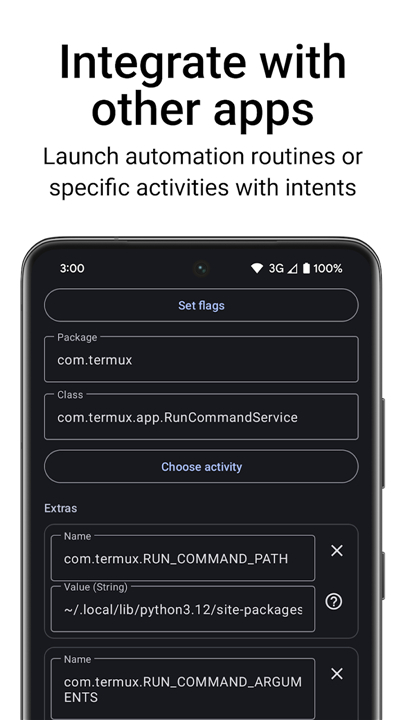
• Macros: Chain together actions with precise timing, including simulated gestures, screen touches, and app-specific intents.
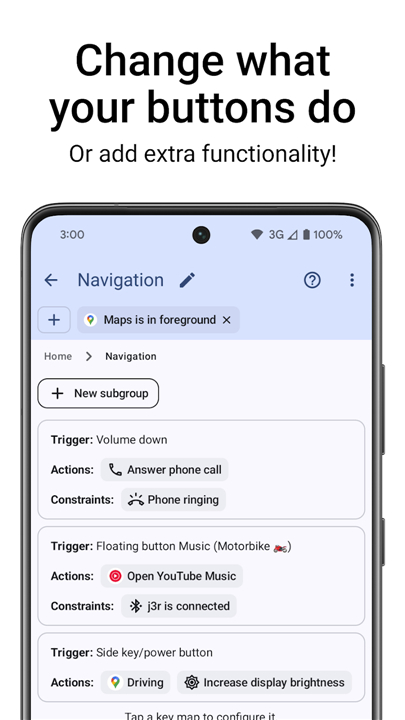
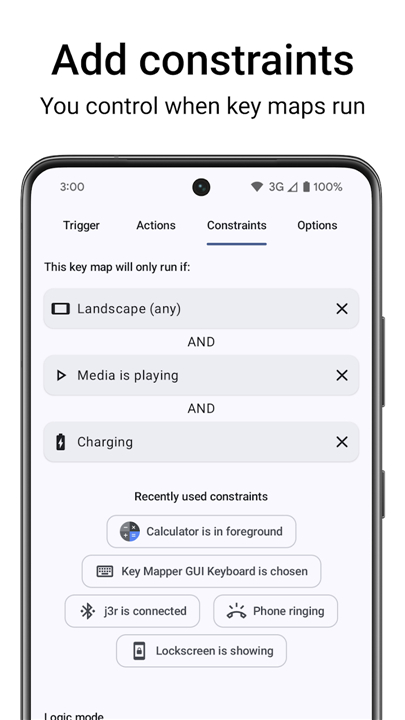
• Contextual Control: Set strict constraints so your maps only trigger when you want them to—such as inside a specific app, while media is playing, or only on the lockscreen.
Privacy and Transparency
Key Mapper utilizes the Android Accessibility API to monitor your assigned keys and interpret your custom commands.
• Data Integrity: We collect no user data. The app does not connect to the internet to transmit information.
• User Authority: The accessibility service activates only upon your command and can be disabled through your system settings at any time.
• Open Source: Integrity is at our core. View our source code, read our documentation, or join our community to see how it works.
Get Started
• Code: github.com/keymapperorg/KeyMapper
• Docs: keymapper.app
• Community: keymapper.app/discord
Note:
• Most devices are fully supported.
• While analog triggers and joysticks are currently not supported, we are constantly expanding our compatibility list.
FAQ
Q: How do the custom floating buttons work within the app?
A: Floating buttons are virtual controls that you design yourself and place anywhere on your screen as a persistent overlay. These are perfect for when you want a specific shortcut always within reach regardless of what app you are currently using, or if you find your physical buttons difficult to reach during one-handed use.
Q: What kind of complex triggers can I set up for my button maps?
A: Triggers are the specific inputs that tell the app to fire an action, and you can get quite creative with how you activate them. Instead of just a simple click, you can configure actions to run on a long press, a double tap, or even complex multi-button combinations that require pressing several keys simultaneously.
Q: What are macros and how do they help automate my workflow?
A: Macros are sequences of multiple actions that the app chains together with precise timing to automate repetitive tasks. This could include things like simulating a series of screen touches, opening a specific app, or sending specialized intents that allow different applications to communicate with each other automatically.
Version History
v4.1.0——19 May 2026
Key Mapper is a key remapping and automation app that customizes hardware inputs and floating buttons. Download the latest version of Key Mapper & Floating Buttons to enjoy new features and updates immediately!
*4.1.0
New Actions
• Select all text at the cursor
• Input on-screen keyboard enter/send button
• Show a toast message
Improvements
• Bug fixes
View the complete changelog at: http://keymapper.app/changelog
*4.0.5
Screen-off remapping
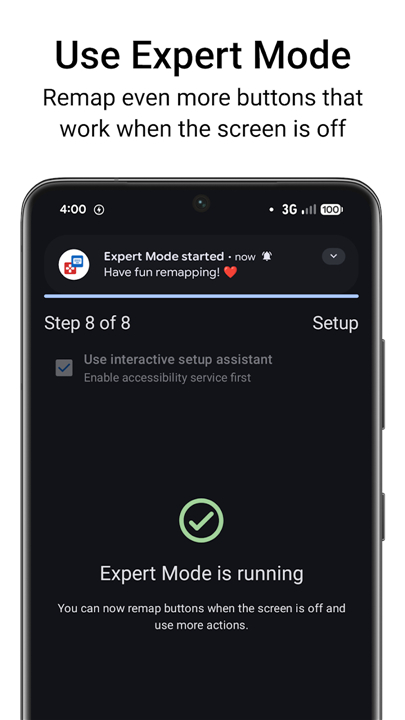
You can now remap buttons when the screen is off for free with Expert Mode.
New Actions
• Run shell commands
• Send SMS
• Force stop current app or clear from recents
• Toggle microphone
• Modify any system setting
• Show a custom notification
• Toggle hotspot
*4.0.2
Minor bug fixes and improvements. Install or update to the newest version to check it out!