Turtle Graphics: Learn Coding
Overview
• Turtle Graphics provides a creative gateway into computer science by combining artistic expression with logical reasoning.
• This application modernizes the classic Logo experience, offering a streamlined environment where users see their logic come to life through a digital turtle.
The Lilo Programming Language
• Utilizes a simplified syntax designed specifically for cognitive development and ease of use.
• Introduces essential logical structures including conditional if statements and repetitive while loops.
• Enables users to grasp complex concepts like control flow without the overhead of traditional enterprise languages.
• Bridges the gap between visual block coding and professional text-based programming.
Integrated Development Environment
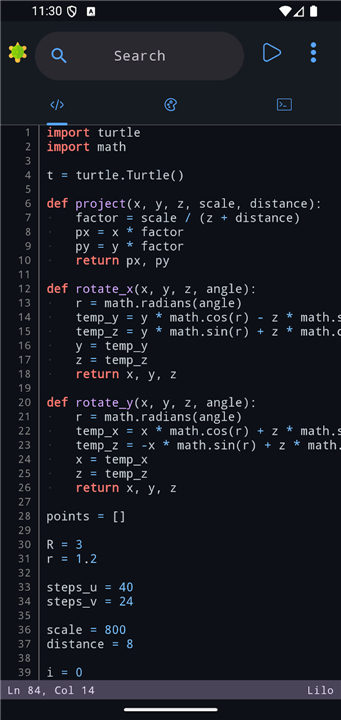
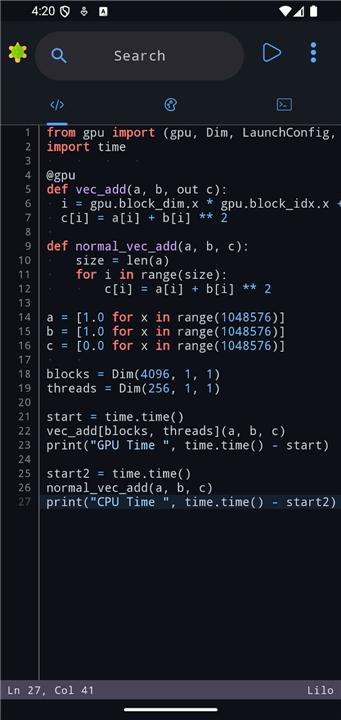
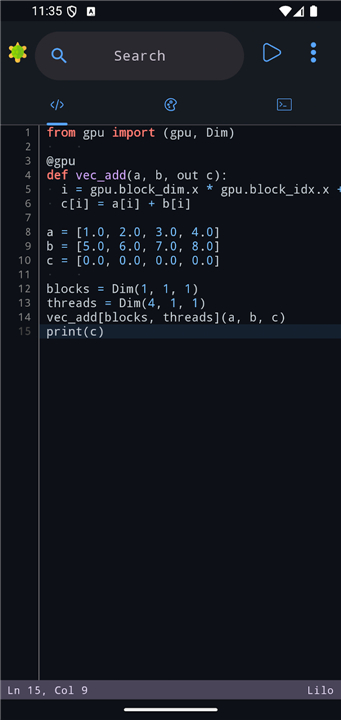
• Features an intelligent code editor that provides real-time auto-completion and reusable snippets.
• Includes high-contrast syntax highlighting to improve code readability and structure recognition.
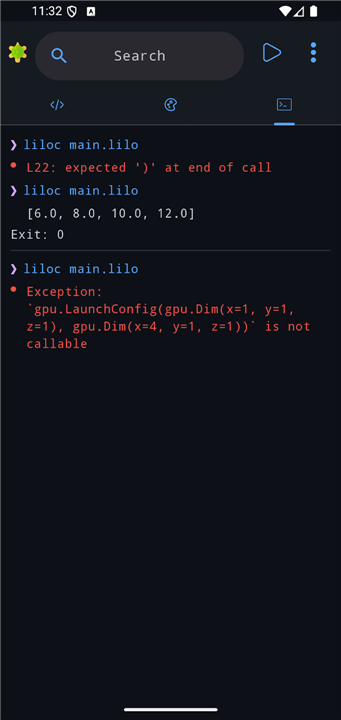
• Embedded diagnostics identify errors and provide warnings, turning coding mistakes into constructive learning opportunities.
• Optimized for speed and efficiency, allowing beginners to prototype patterns rapidly.
Creative Capabilities
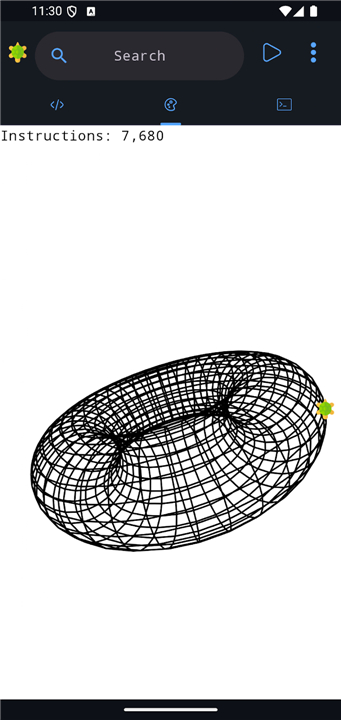
• Leverages a custom domain-specific language tailored specifically for geometric drawing and art.
• Allows for precise control over brush strokes, turtle movement, and a full spectrum of color palettes.
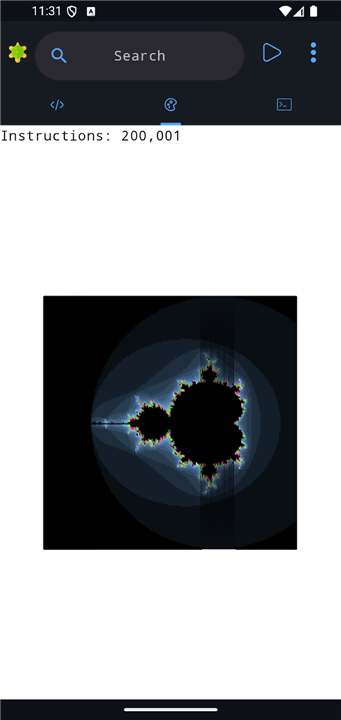
• Supports the creation of anything from basic polygons to intricate, multi-layered fractal designs.
Open Source Integrity and Accessibility
• The project is completely free of charge and operates without advertisements or user data tracking.
• Fully hosted on GitHub, encouraging community contributions and technical transparency.
• Prioritizes a clean, distraction-free user interface focused entirely on the educational experience.
• Accessible for students, teachers, and hobbyists looking for a secure tool to explore coding fundamentals.
• Github: https://github.com/AmrDeveloper/turtle
FAQ
Q: What makes the Lilo programming language ideal for bridging the gap between block-based coding and text-based coding?
A: Lilo is designed specifically to act as a gentle stepping stone by offering a simplified, clean syntax that eliminates the intimidating boilerplate code of traditional enterprise languages. It maintains the immediate visual feedback of block-based tools while introducing users to the actual practice of typing code, helping them build muscle memory and syntax familiarity without feeling overwhelmed by complex rules.
Q: Can you explain how Lilo implements essential control flows like loops and conditional statements?
A: Lilo introduces core programming logic through straightforward conditional if statements and repetitive while loops. These structures allow you to write dynamic scripts where the turtle can make decisions on the fly or repeat geometric patterns automatically, teaching you the fundamentals of control flow in a highly visual and satisfying way.
Q: What debugging features does the integrated development environment offer to help me correct my code?
A: The environment includes embedded diagnostics that actively scan your code for errors and warnings as you type. Instead of giving you confusing or generic error messages, the system is designed to turn mistakes into constructive learning moments by pinpointing exactly where things went wrong and offering clear clues on how to fix them.
Version History
v2.0.12——28 Jul 2026
Learn programming the fun way! Draw shapes and learn to code. Download the latest version of Turtle Graphics: Learn Coding to enjoy new features and updates immediately!
*2.0.12
https://github.com/AmrDeveloper/Turtle/releases/tag/2.0.12
*2.0.11
https://github.com/AmrDeveloper/Turtle/releases/tag/2.0.11
*2.0.10
https://github.com/AmrDeveloper/Turtle/releases/tag/2.0.10