Absorb Learn
Training That Moves With You
• Learning should adapt to your schedule, not the other way around.
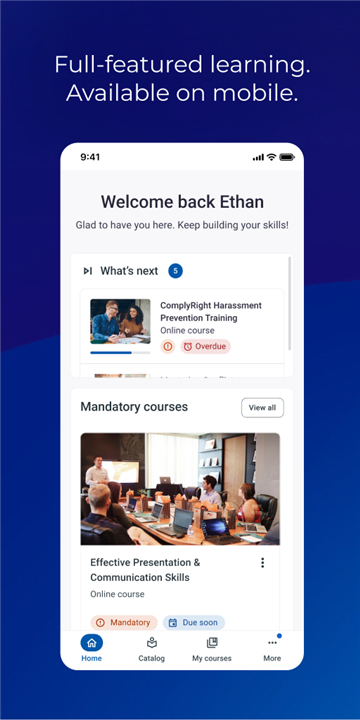
• Whether you are a new hire getting onboarded or a professional mastering new skills, Absorb Learn delivers a seamless, high-performance experience that fits into the gaps of your busy day.
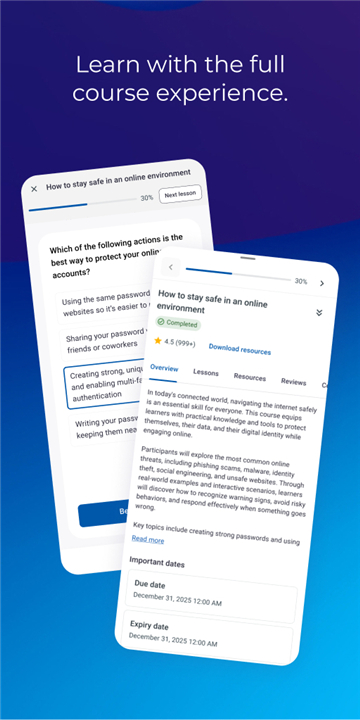
• With our latest update, your progress stays perfectly synced across your laptop, tablet, and phone.
• Start a module on your lunch break and finish it during your commute—your progress is saved automatically, so you never have to repeat a step.
Key Features for Your Workflow
• Seamless Continuity: Pick up exactly where you left off on any device.
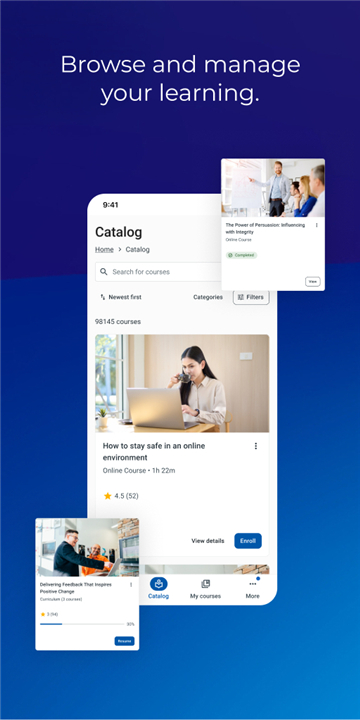
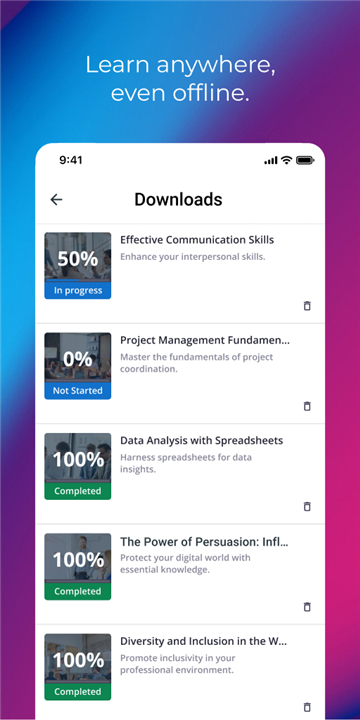
• Flexibility: Download content for offline learning when you are on the move.
• Comprehensive Access: Complete assigned courses, certifications, and e-signature tasks with ease.
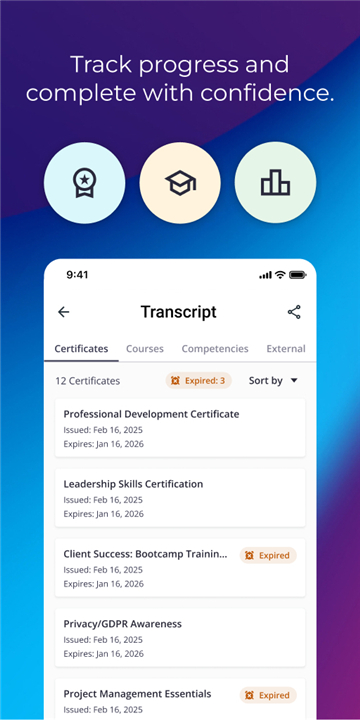
• Stay Connected: Engage with your team and track your deadlines, progress, and certificates in real time.
• Instant Access: Use your existing corporate credentials for a secure, one-tap sign-in.
Designed for Real-World Demands
• We know that training rarely happens in quiet, undisturbed sessions.
• That is why we built Absorb Learn for high-speed performance and reliable offline access, making it the perfect tool for:
+ Frontline and deskless workers fitting training into quick shift breaks.
+ New employees streamlining their day-one onboarding.
+ Professionals managing urgent compliance deadlines.
+ External partners and contractors working within distributed networks.
Getting Started
• Absorb Learn is designed for users of the Absorb LMS.
• If your organization uses our platform, you are ready to go.
• Download the latest version to access the full, unified experience.
• If you are unsure about your access, please consult your company’s HR or training department.
FAQ
Q: How does the “training that moves with you” idea work in practice?
A: When you launch a module on a laptop, the system records where you stopped. If you later open the same course on a tablet or a phone, the platform automatically restores your last position so you can continue without missing a beat. The synchronization happens in the background, so you never have to remember a progress code or restart a lesson.
Q: Can I use Absorb Learn offline, and will my progress still be saved?
A: Yes. You can download any course, video, or document while you have an internet connection. While you are offline, the app stores your responses locally. As soon as you reconnect, everything is uploaded and merged with the cloud record, guaranteeing that your progress is never lost.
Q: I already have a corporate login for the Absorb LMS—do I need a new password?
A: No extra credentials are required. The app uses Single Sign‑On, so the same corporate username and password you use on the web portal grant you instant access on any device. After the first sign‑in, you can enable biometric or PIN authentication for even quicker entry.
Version History
v3.10.0——8 Jun 2026
Training that moves with you Download the latest version of Absorb Learn to enjoy new features and updates immediately!
*3.10.0
Minor bug fixes and improvements. Install or update to the newest version to check it out!
*3.9.1
Minor bug fixes and improvements. Install or update to the newest version to check it out!
*3.8.0
Minor bug fixes and improvements. Install or update to the newest version to check it out!