OceanNex for DigitalOcean
Your DigitalOcean Companion on Android
• Take full control of your DigitalOcean resources from a sleek, native Android app that blends inspiration with practicality.
Core Droplet Management
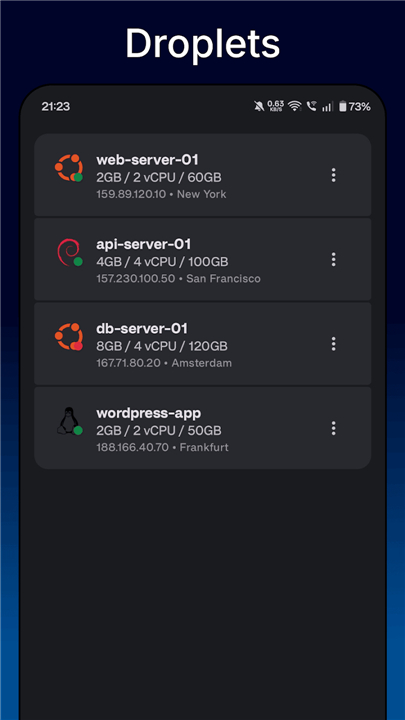
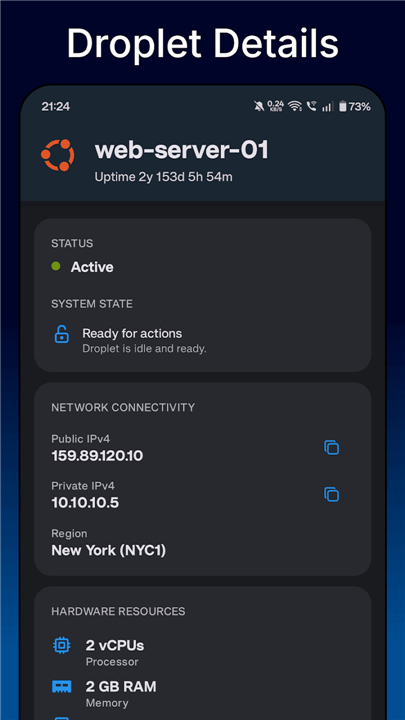
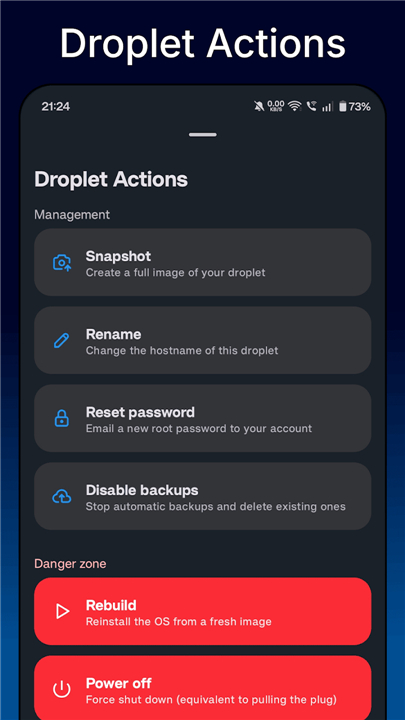
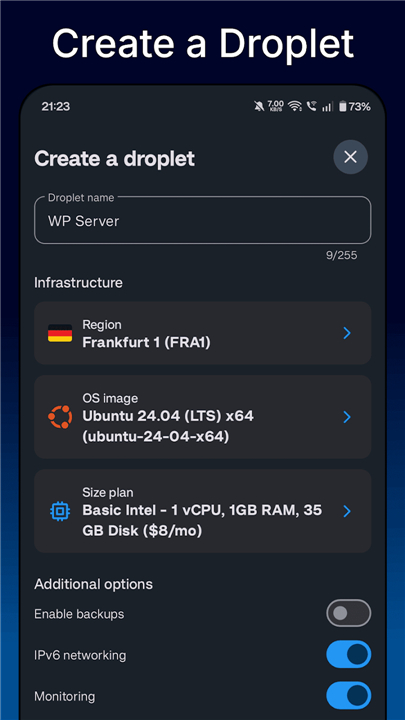
• Create, view, reboot, rebuild, rename, reset passwords, and delete droplets
• Enable and manage backups and snapshots
• Switch default home screen for quick access
Networking & Infrastructure
• Configure firewalls, VPCs, and domain records
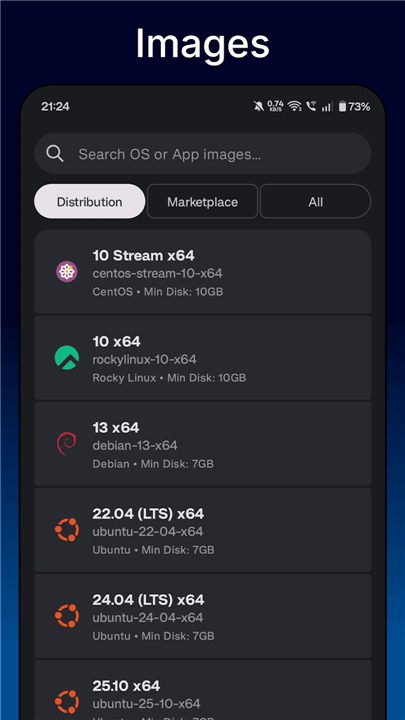
• Browse regions, OS images, marketplace apps, plans, and sizes
• Generate and manage SSL certificates
Database Services
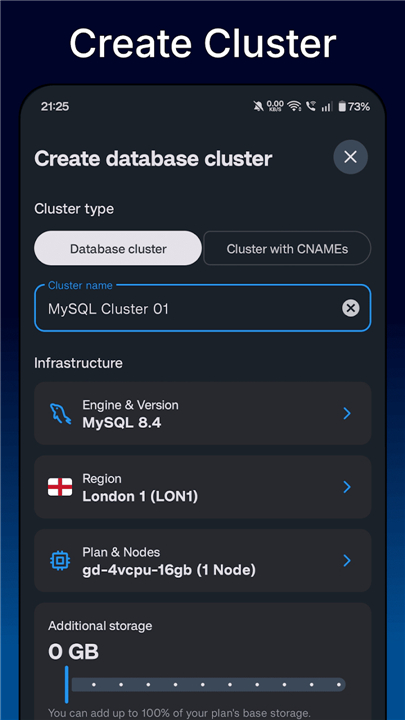
• Monitor, add, or delete managed cluster databases
• Add or remove users and databases within a cluster
• View detailed database events and performance
Security & Personalization
• Biometric authentication (fingerprint/face) for secure login
• Dynamic theme that adapts to your device’s system colors
• Switch to your native language when available
Billing, Projects & Reporting
• Track invoices, billing history, and download PDFs
• Organize resources with custom projects
• Set up and manage uptime checks for services
Additional Features
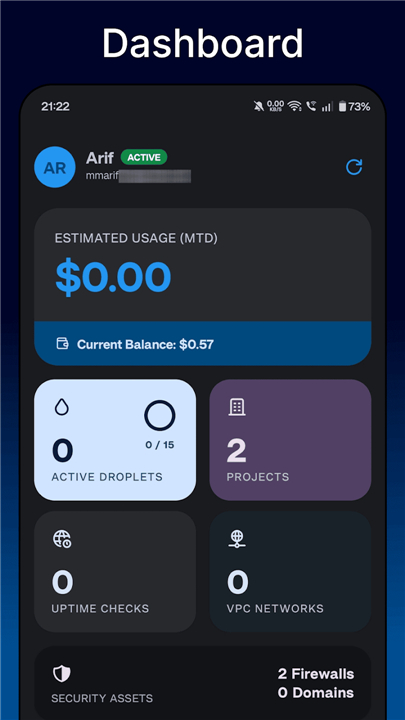
• Dashboard overview of all critical information
• Comprehensive event logging across services
• Extensive settings for tailoring the app to your workflow
Explore the full feature list, source code, and latest releases:
• Features: https://codeberg.org/swatian/OceanNex/wiki/Features
• Source: https://codeberg.org/swatian/OceanNex
• Releases: https://codeberg.org/swatian/OceanNex/releases
FAQ
Q: Can I use biometric authentication to protect my OceanNex login?
A: Yes. OceanNex supports fingerprint and face unlock on compatible devices. Enable it in Settings → Security → Biometric Login, and the app will require your biometric scan each time you launch it or after a period of inactivity you configure.
Q: What droplet actions can I perform directly from the app?
A: You can create, view, reboot, rebuild, rename, reset passwords, and delete droplets. The app also lets you enable or disable backups, create snapshots, and resize droplets when your plan allows it.
Q: How do I manage firewalls and VPCs through OceanNex?
A: Navigate to the Networking section, where you can list existing firewalls and VPCs, create new ones, edit rules (inbound/outbound), assign or remove droplets, and delete resources you no longer need.
Version History
v2.0.0——26 Aug 2026
Manage DigitalOcean droplets, databases, and networks with OceanNex. Enjoy secure biometric login, billing tracking, and full resource control. Download the latest version of OceanNex for DigitalOcean to enjoy new features and updates immediately!
*2.0.0
New Features
• Redesigned the UI across the app
• New layouts for all forms
• New dynamic menu for listing items and others
• Edit domain records
• Edit a VPC
• Android edge to edge support
• Edit an uptime check
• Edit a project
• Attach or detach a volume from a droplet
Improvements
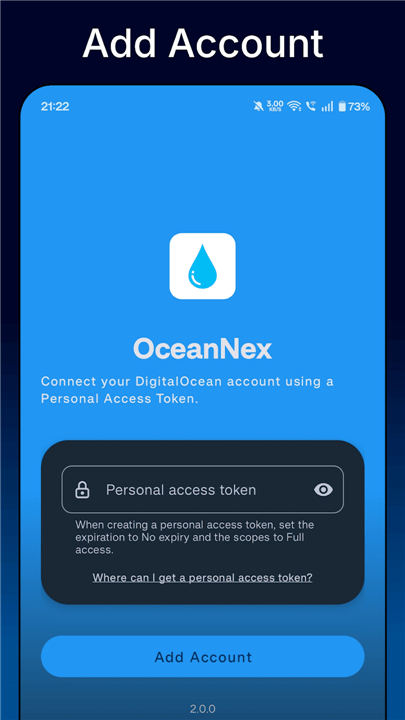
• User friendly way to handle token authorization
*1.0.0
First stable release of OceanNex.