Kiem
Overview
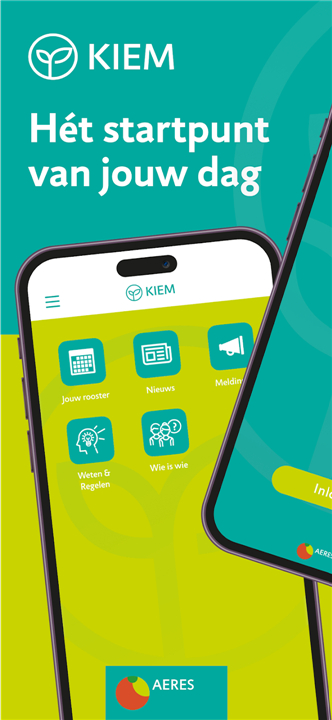
• With the Kiem app, you always have the Aeres intranet at hand.
• This mobile application serves as the central digital hub for all students and employees, ensuring that essential information, communication, and administrative tools are accessible whenever and wherever you need them.
Stay Connected and Informed
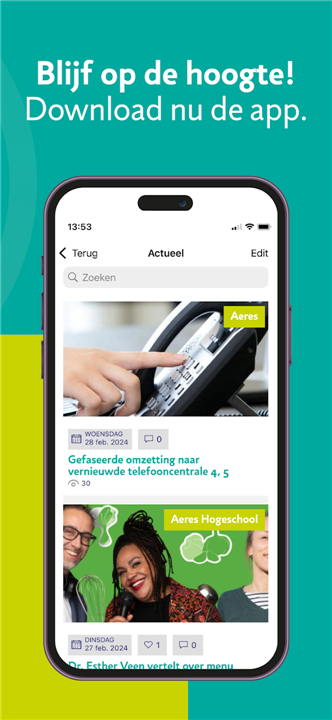
• Access real-time updates regarding campus news, organizational announcements, and project alerts.
• Receive push notifications to ensure you never miss important deadlines or changes to your schedule.
• Engage with the broader Aeres community through integrated communication channels designed to foster collaboration.
Organize Your Academic or Professional Life
• View your personalized timetable, including lecture halls, meeting rooms, and session details, directly from your mobile device.
• Keep track of your academic progress, course registration status, and upcoming assessment requirements in one convenient interface.
• Access essential internal documents, handbooks, and policy guidelines without needing to log in to a desktop computer.
Streamline Administrative Tasks
• Submit requests, report absences, or update your personal details securely through the application.
• Link directly to external student or staff portals, library resources, and digital learning environments with single sign-on capabilities.
• Utilise the search functionality to quickly find contact information for staff members, help desks, or department heads across all Aeres locations.
User Experience and Security
• Navigate through an intuitive, mobile-optimized interface designed specifically for efficiency.
• Benefit from robust security measures that protect your personal data and institutional information.
• Easily customize your dashboard to prioritize the information and tools that are most relevant to your specific study program or professional role.
Enhance Your Productivity
• The Kiem app is designed to simplify your daily routine at Aeres, providing a seamless bridge between your physical campus experience and your digital work environment.
• Stay productive and informed no matter where your day takes you.
FAQ
Q: Is the Kiem app secure to use for personal information?
A: Absolutely, as the app is built with robust security measures designed specifically to protect both your personal data and institutional information at all times.
Q: Can I submit administrative requests, such as reporting an absence, through the app?
A: Certainly, the Kiem app allows you to streamline your administrative tasks by providing a secure way to submit requests, report absences, or update your personal contact details.
Q: Do I need to log in separately for different Aeres systems?
A: You do not need to worry about multiple logins because the application features single sign-on capabilities, linking you directly to external student or staff portals, library resources, and digital learning environments.
Version History
v2.0.19.0——4 Jun 2026
Access the Aeres intranet on the go with the Kiem app. Stay connected, manage your schedule, and streamline tasks easily. Download the latest version of Kiem to enjoy new features and updates immediately!
*2.0.19.0
Various fixes for
*New security groups
*Improved login experience
*Calendar and location labels
*Search rates
*Analytics
*Top menu events
*404 on notifications
*Expand FAQ
*Showcase filters
*Cancel events