leafpad
Overview
• Leafpad is a streamlined, minimalist notepad application designed for users who prioritize privacy and efficiency.
• By stripping away unnecessary complexities, it provides a distraction-free environment for capturing ideas and organizing thoughts.
Core Philosophy and Privacy
1. Offline-first architecture:
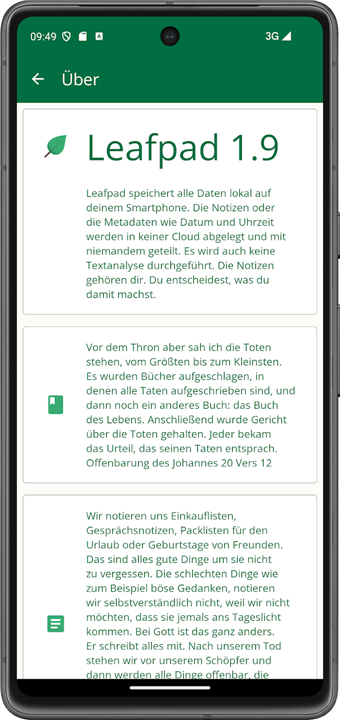
• The application operates entirely without cloud connectivity, ensuring that your data never leaves your device.
2. Database-free design:
• Notes are stored as plain text files, eliminating the overhead and potential vulnerabilities associated with complex database management systems.
3. No permissions required:
• Leafpad respects your device security by requesting no unnecessary permissions, guaranteeing that it cannot access your contacts, location, or network status.
4. Open Source:
• The code is transparent and community-audited, fostering trust and allowing for continuous, independent verification of its security practices.
Functionality and Editing
1. Essential drafting:
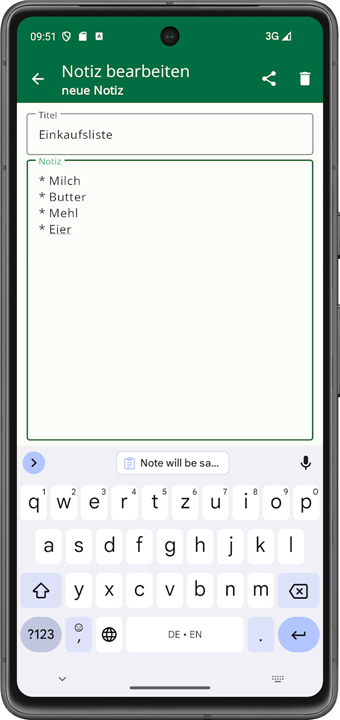
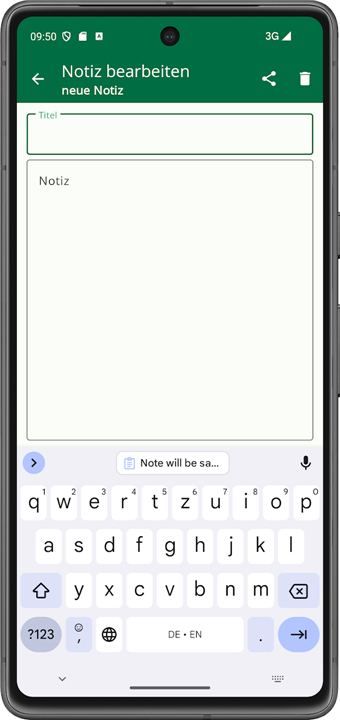
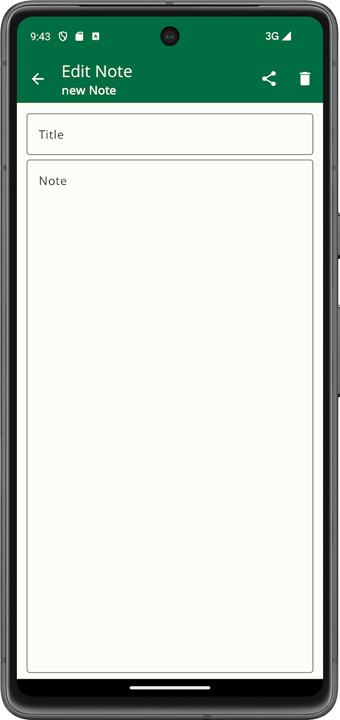
• The interface is built for speed, allowing users to open the app and begin typing immediately without navigating through heavy menus or loading screens.
2. Text manipulation:
• It includes basic editing tools that allow you to draft, modify, and reorganize your notes with ease, maintaining a clean and consistent workflow.
3. Data portability:
• Because notes are saved in standard formats, you retain full ownership of your data, making it simple to move or back up your files manually.
Security Features
1. Privacy-focused storage:
• By eschewing cloud synchronization, the application inherently protects you from the risks of remote data breaches or unauthorized server access.
2. Stealth management:
• Leafpad includes features that allow you to hide specific notes from prying eyes.
• This ensures that even if someone gains physical access to your device, your sensitive information remains obscured or protected, providing an essential layer of digital privacy for your personal reflections and confidential documentation.
FAQ
Q: Does Leafpad require an internet connection to function?
A: No, Leafpad is built with an offline-first architecture. It functions perfectly without any internet connectivity, which means you never have to worry about your notes being transmitted to a server or exposed to potential cloud-based vulnerabilities.
Q: If I use Leafpad, will the app have access to my private data like photos or contacts?
A: You can rest assured that Leafpad does not request any unnecessary permissions. Because the app is designed with a strict privacy-first philosophy, it does not have the technical ability to access your location, contacts, or any other sensitive data on your device.
Q: How are my notes stored, and can a database breach affect them?
A: Leafpad uses a database-free design, meaning your notes are saved as simple plain text files directly on your local storage. By avoiding complex database management systems, we eliminate the common security vulnerabilities associated with them, ensuring your files remain straightforward and secure.
Version History
v1.23——21 Jul 2026
leafpad - a simple notebook Download the latest version of leafpad to enjoy new features and updates immediately!
*1.23
• Fixed hiding notes
• Restored note creation via app shortcut
• Hidden notes are now visually marked
• Updated fonts (removed Roboto Sans)
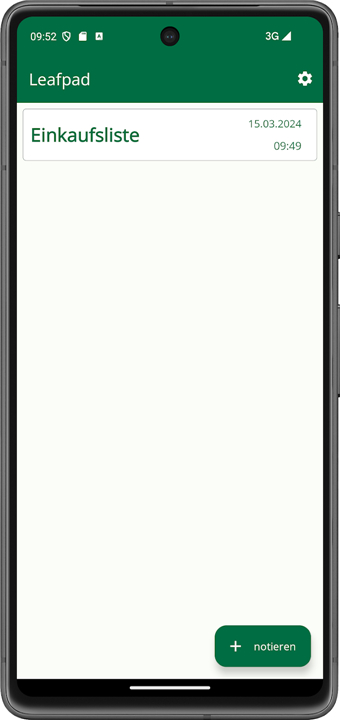
• Notes are collapsed by default
• Hide, share and delete via long press
• Backup & restore re-enabled (ZIP backup)
• Improved note list readability
• Create button now shrinks while scrolling
*1.22
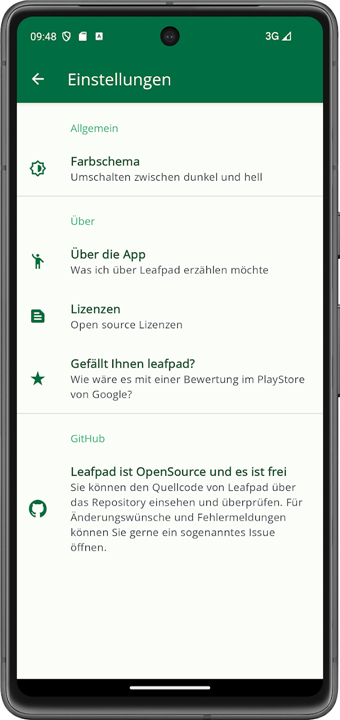
• Separated settings from the "About" menu
• Bug fix: Empty notes are now actually discarded
• Updated translations
• Added categories; names and colors can be freely chosen
• Any number of categories can be assigned to each note
• Switch to storing notes in an internal database
• Temporary deactivation of the backup/restore function
• Licenses added
• New icons added
• New colors added
• Fonts
*1.21
* Save button: only activated if the note has actually been changed
* Read mode is now used correctly
* Empty notes can now be discarded
* Translators now have a clearer thank you section
* Several bugs have been fixed