ownCloud
Overview
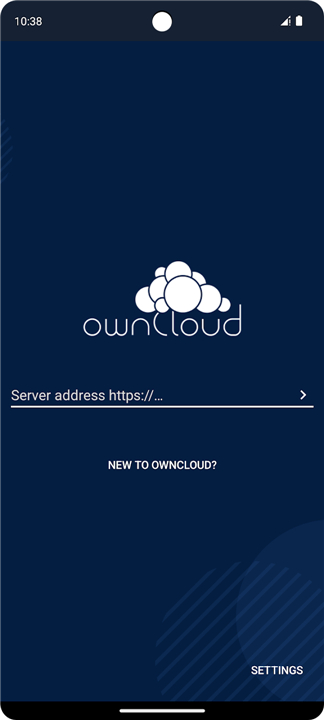
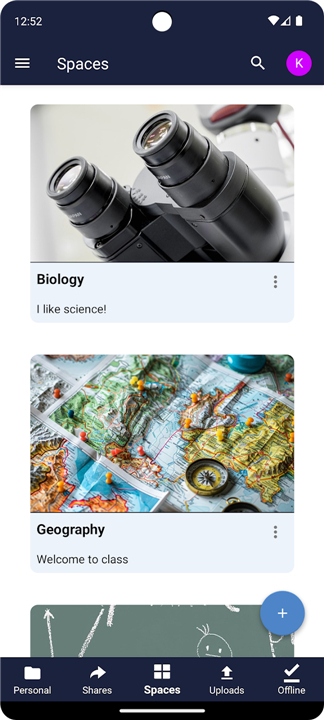
• The ownCloud Android App provides a secure gateway to your private file synchronization and sharing platform.
• By connecting your mobile device directly to an ownCloud server hosted in your data center, you maintain absolute sovereignty over your digital assets.
Security and Sovereign Ownership
• Hosts on your private infrastructure, ensuring complete data ownership, privacy, and regulatory compliance.
• Scales seamlessly from personal open-source setups to large enterprise-level deployments.
• Eliminates third-party storage risks by keeping sensitive files under your administrative control.
Core Functionality and Collaboration
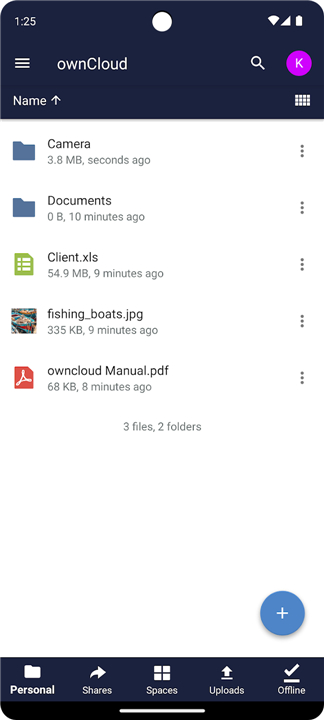
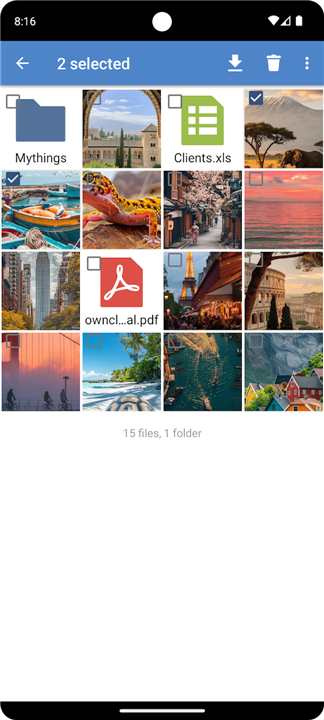
• Browse, create, edit, and manage remote files directly from your Android device.
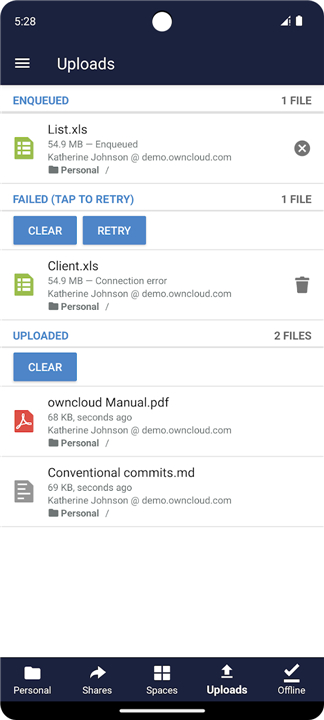
• Automate background file synchronization across all connected mobile, desktop, and web clients.
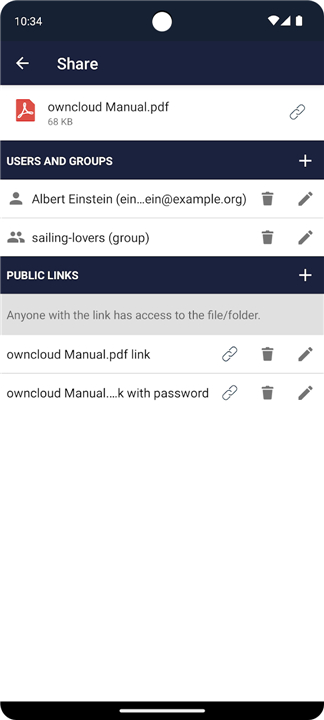
• Facilitate secure folder sharing with colleagues to streamline team workflows and improve productivity.
Unified Ecosystem Experience
• Delivers consistent file accessibility across all platforms, ensuring the right files reach the right hands at any time.
• Fits flexible storage strategies, empowering users through the core philosophy: "Your Cloud, Your Data, Your Way."
Support and Community Resources
• Technical Support: Report connection or synchronization issues on GitHub at https://github.com/owncloud/android/issues.
• Community Forum: Engage with developers and user discussions at https://central.owncloud.org.
• Official Portals: Explore enterprise subscription options at www.ownCloud.com, or access the free, open-source server software at www.ownCloud.org.
FAQ
Q: How does hosting ownCloud on my own private infrastructure keep my data secure?
A: By hosting ownCloud on your private infrastructure, you bypass the security risks associated with third-party public cloud providers. Your sensitive files remain entirely under your administrative control within your own data center, which ensures absolute data ownership, privacy, and compliance with strict regulatory standards.
Q: Can ownCloud scale up if my storage or user needs grow over time?
A: Yes, ownCloud is designed to scale seamlessly to meet your growing needs. It works beautifully whether you are running a small, personal open-source setup at home or deploying a massive, enterprise-grade storage solution for a large organization.
Q: What are the main ways I can manage and interact with my files using the Android app?
A: With the Android app, you can browse through your remote files, create new folders or documents, edit existing files, and manage your storage directly from your mobile device. This hands-on capability ensures that your digital assets are always at your fingertips, no matter where you are.
Version History
v4.8.3——12 Aug 2026
Add an ownCloud server now and get your Cloud, your Data, your Way! Download the latest version of ownCloud to enjoy new features and updates immediately!
*4.8.3
- Space membership and public links for spaces
- Set emoji as space image
- Show destination for copy/move operations
- Bugfixing
*4.8.2
- Space membership and public links for spaces
- Set emoji as space image
- Show destination for copy/move operations
- Bugfixing
*4.8.0
- Space membership and public links for spaces
- Set emoji as space image
- Show destination for copy/move operations
- Bugfixing