Teacher’s Gradebook
Stop Drowning in Paperwork
• Are you still wrestling with crumpled grade sheets, manual calculations, and the never-ending spreadsheet struggle?
• It is time to retire the calculator and reclaim your evenings.
• Teacher’s Gradebook is the digital assistant you have been waiting for—designed by a teacher who knows exactly how much coffee and patience your job requires.
Why You Will Love It
• Built by a Peer: Created by an educator for educators. No corporate bloat, just practical tools that actually make sense.
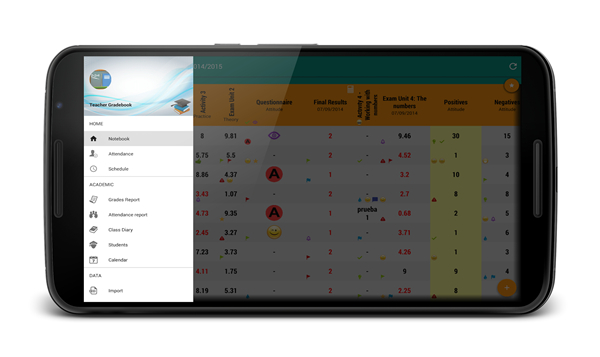
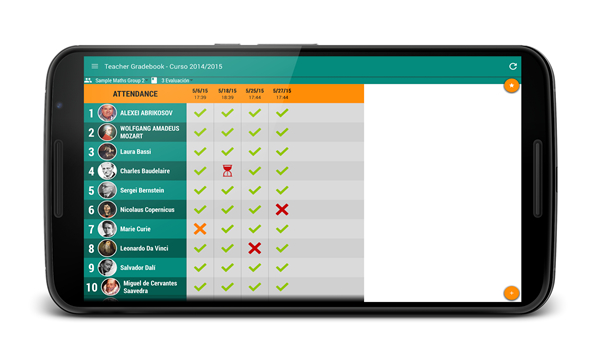
• Effortless Management: Enter grades, calculate complex averages with your own custom formulas, and track attendance—all with a few quick taps.
• Tech-Friendly for Everyone: Not a “tech person”? No problem. The interface is intuitive, and you have direct, human support from the developer if you get stuck.
• All-in-One Command Center: Beyond grades, you can manage seating charts, design AI-assisted rubrics, plan entire lesson units, and keep a daily class diary.
• Visual Insights: Generate instant charts and statistics to spot trends in student performance at a glance.
Security You Control
• Your Data, Your Rules: Everything lives on your device, not on our servers.
• Total Privacy: Encrypted, password-protected, and entirely under your thumb.
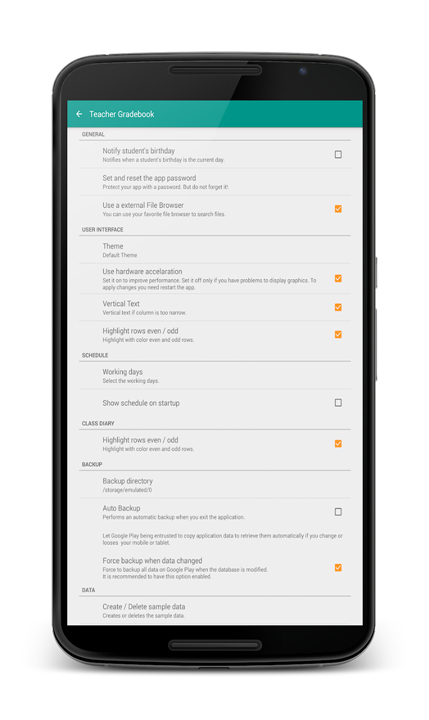
• Smart Backups: Forget manual syncing. The app handles backups automatically, or you can send them to your own preferred cloud storage (Google Drive, Dropbox, or OneDrive).
Get Started Today
• Stop working harder and start working smarter.
• Join thousands of teachers who have traded their binders for better balance.
Connect and Learn More
• Web: https://cuadernodelprofesor.com
• Twitter: https://twitter.com/cuadernoprofes
• Facebook: https://www.facebook.com/cuadernoprofes
• YouTube: https://www.youtube.com/c/CuadernoprofesorNet
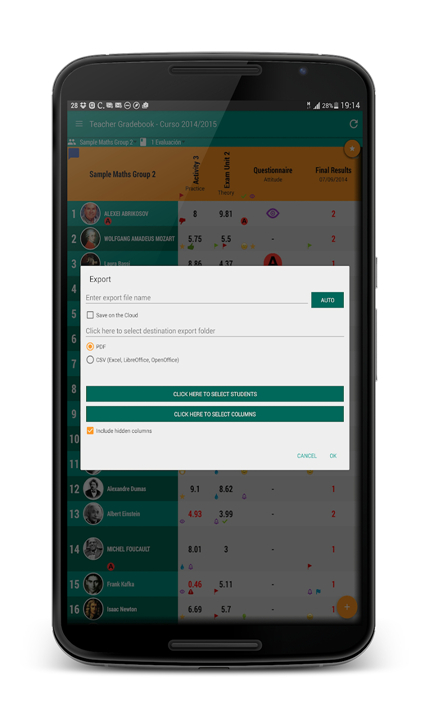
• Note: App permissions (photos, storage, and network access) are used exclusively for legitimate, user-requested features like student photos, report exporting, and cloud backups.
FAQ
Q: How does the app handle my data privacy and security?
A: We prioritize your privacy above everything else. Unlike many other platforms, your data lives strictly on your own device rather than on our servers. The app is fully encrypted and password-protected, ensuring that you maintain complete control and ownership of your sensitive information at all times.
Q: Can I use my own grading formulas for complex assignments?
A: Yes, you absolutely can. The app is designed to be flexible, allowing you to set up your own custom formulas for calculating averages. Whether your grading system involves weighted categories or specific point structures, the app can handle these calculations automatically to save you from manual math.
Q: Does the app require an internet connection to function?
A: Because your data is stored locally on your device, you do not need a constant internet connection to enter grades, track attendance, or use your seating charts. You can work offline in your classroom and simply connect when you are ready to perform a cloud backup or export reports.
Version History
v9.0.9——9 Jul 2026
For teachers made by a teacher Download the latest version of Teacher Gradebook to enjoy new features and updates immediately!
*9.0.9
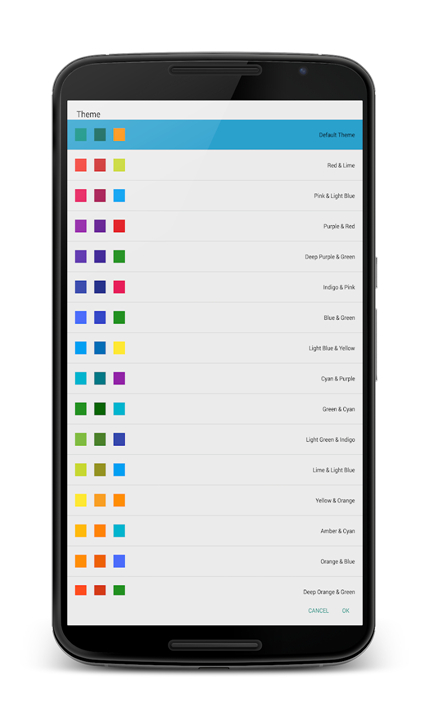
• Fresh new app redesign! A modern card-based interface with colored chips, a smoother, more visual experience throughout the app
• New assessment tools: checklists and rating scales
• New Class Seating Plan! Arrange students visually and take attendance right from the plan
• New Class Diary! Log notes and highlights for every session.
• Class Planner: weekly calendar, reminders, non-teaching days, and linked teaching units
• New AI-powered student reports.
• Improved auto-sync
*9.0.7
• Fresh new app redesign! A modern card-based interface with colored chips, a smoother, more visual experience throughout the app
• New assessment tools: checklists and rating scales
• New Class Seating Plan! Arrange students visually and take attendance right from the plan
• New Class Diary! Log notes and highlights for every session.
• Class Planner: weekly calendar, reminders, non-teaching days, and linked teaching units
• New AI-powered student reports.
• Improved auto-sync
*9.0.6
• Fresh new app redesign! A modern card-based interface with colored chips, a smoother, more visual experience throughout the app
• New assessment tools: checklists and rating scales
• New Class Seating Plan! Arrange students visually and take attendance right from the plan
• New Class Diary! Log notes and highlights for every session.
• Class Planner: weekly calendar, reminders, non-teaching days, and linked teaching units
• New AI-powered student reports.
• Improved auto-sync