AnkiDroid Flashcards
Master Any Subject
• Stop struggling with rote memorization and start learning smarter.
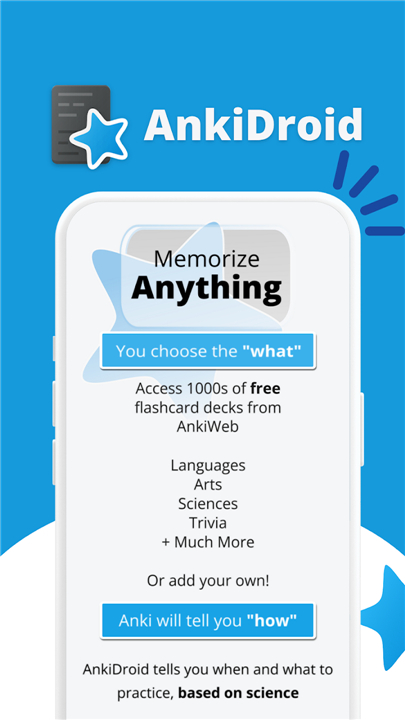
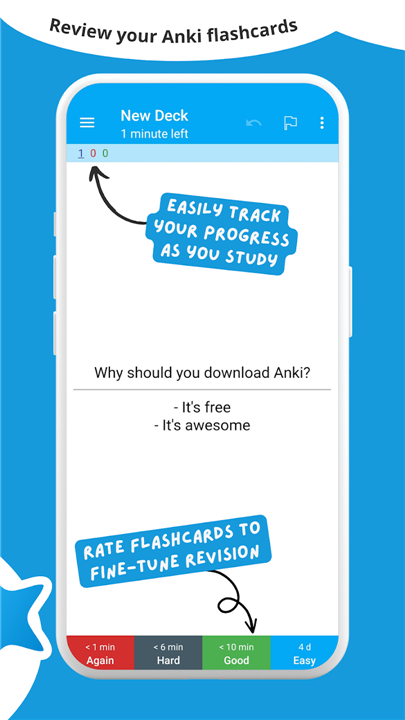
• AnkiDroid uses the scientifically proven power of spaced repetition to present flashcards exactly when you are on the verge of forgetting, ensuring information sticks for the long term.
• Whether you are learning a new language, mastering complex academic subjects, or picking up a new hobby, AnkiDroid turns your spare moments—commuting, standing in line, or waiting for coffee—into high-impact study sessions.
Why Choose AnkiDroid?
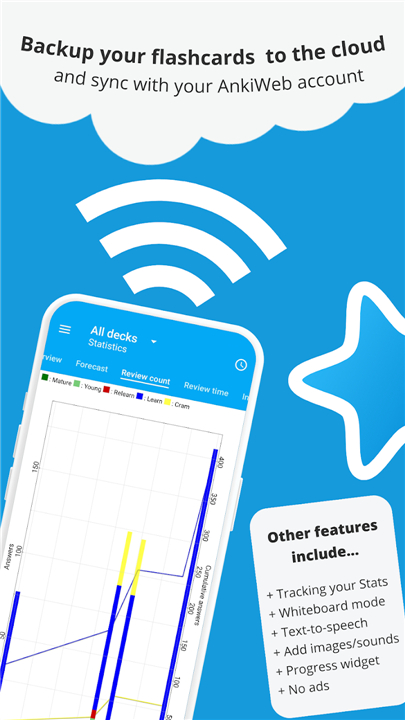
• Seamless Sync: Fully compatible with Anki across Windows, Mac, Linux, and iOS. Your progress stays updated everywhere.
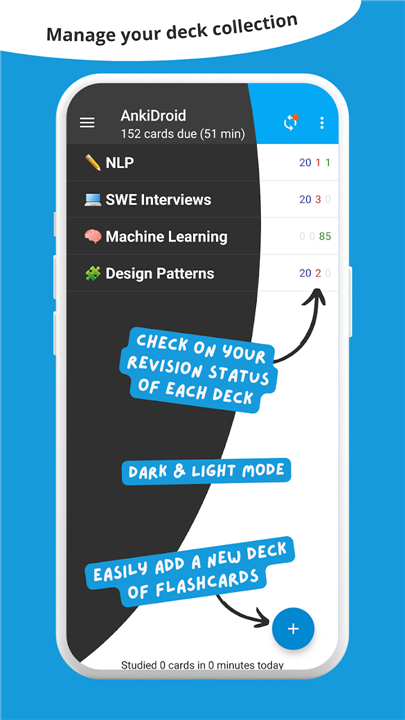
• Infinite Resources: Create your own custom decks or choose from thousands of free, professionally curated decks covering every imaginable topic.
• Flexible Learning: Add content via your desktop, directly on your phone, or even import words automatically from your favorite dictionary apps.
• Portable Mastery: Take your entire library of knowledge with you and make every idle minute count.
Core Capabilities
• Advanced Learning: Supports text, images, audio, and MathJax, powered by the industry-leading SuperMemo 2 algorithm.
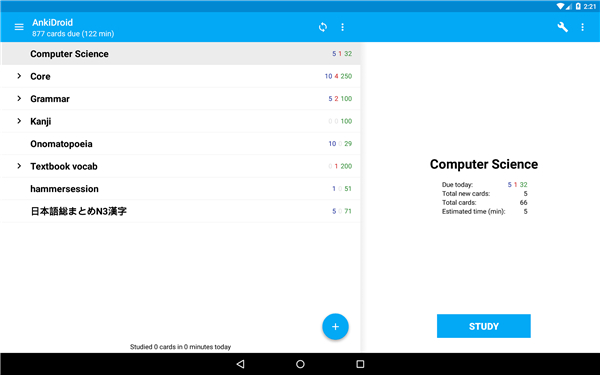
• Rich Interface: Fully customizable experience with dark mode, tablet support, intuitive navigation (swipe, tap, shake), and integrated text-to-speech.
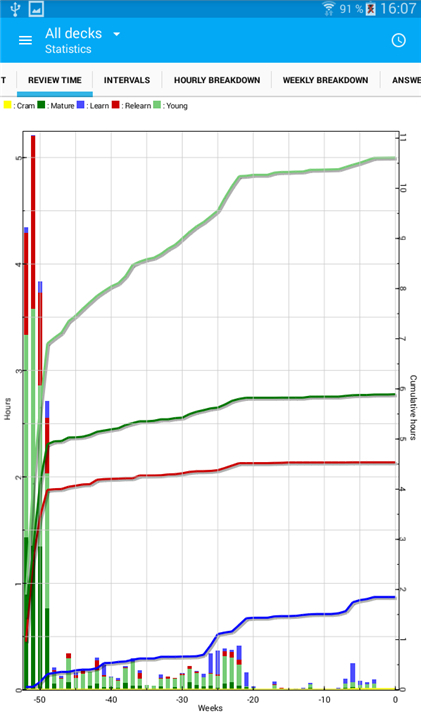
• Data-Driven Success: Track your journey with detailed statistics and a convenient home-screen progress widget.
• Total Control: Features a built-in whiteboard, card editor, and robust backup system to keep your data safe and organized.
Community and Support
• AnkiDroid is an open-source project driven by a global community.
• If you need assistance or have questions, please visit our official documentation at https://docs.ankidroid.org/help.html.
• We provide far more effective support there than through app store reviews.
AnkiDroid is currently available in over 100 languages, ensuring that the world of knowledge is accessible to everyone.
FAQ
Q: Can I sync my flashcards and study progress between my Android phone and my computer?
A: Absolutely, and it is incredibly easy to do. AnkiDroid features seamless synchronization that is fully compatible with Anki across Windows, Mac, Linux, and iOS devices. This means your study progress, new cards, and review history stay updated everywhere, allowing you to create complex cards on your computer and review them on your phone during your daily commute.
Q: Do I have to make all my flashcards from scratch, or are there pre-made resources available?
A: You have total flexibility here because you can choose either option. While custom decks are great for highly personalized learning, you can also choose from thousands of free, professionally curated decks covering almost every imaginable topic. These shared decks are created by a global community and cover languages, medical sciences, law, history, and much more.
Q: How do I add new learning materials directly from my phone while I am on the go?
A: Adding content on the go is very straightforward. You can use the built-in mobile card editor to quickly type in new information, snap photos to add images, or record audio directly onto your cards. For language learners, you can even import words automatically from your favorite compatible dictionary apps to capture new vocabulary instantly.
Version History
v2.24.1——1 Sep 2026
AnkiDroid is a flashcard learning app that schedules reviews using spaced repetition for long term memory. Download the latest version of AnkiDroid Flashcards to enjoy new features and updates immediately!
*2.24.1
Minor bug fixes and improvements. Install or update to the newest version to check it out!
*2.24.0
Minor bug fixes and improvements. Install or update to the newest version to check it out!
*2.23.3
Minor bug fixes and improvements. Install or update to the newest version to check it out!