All PDF: Reader, Editor
Simplify Your Workflow
• Master your documents with an intuitive, all-encompassing toolkit designed for mobile productivity.
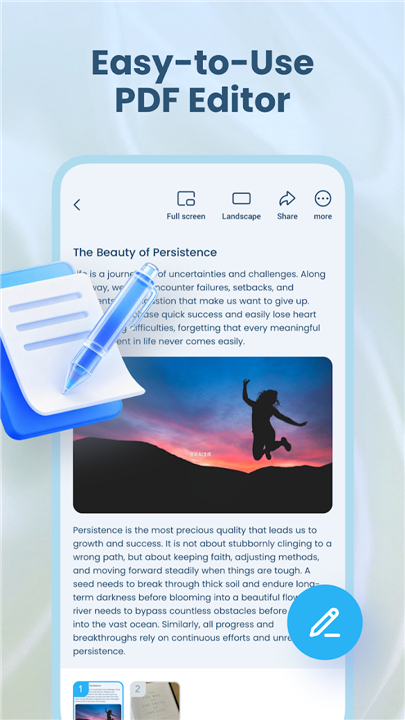
• Whether you are a student, professional, or busy multitasker, this app streamlines how you view, edit, and organize files on the go.
Seamless Document Viewing
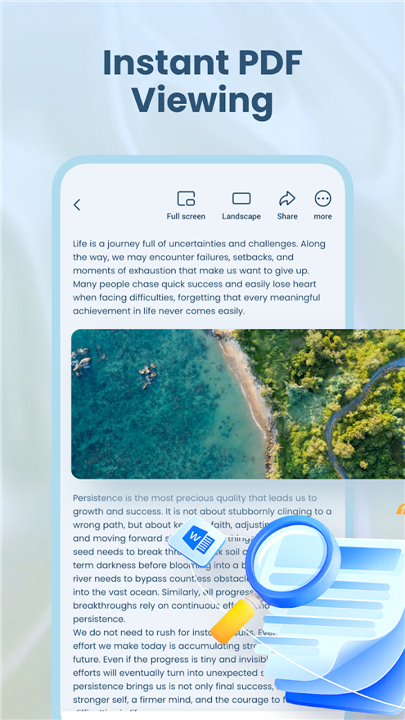
• Experience lightning-fast performance across all your essential files.
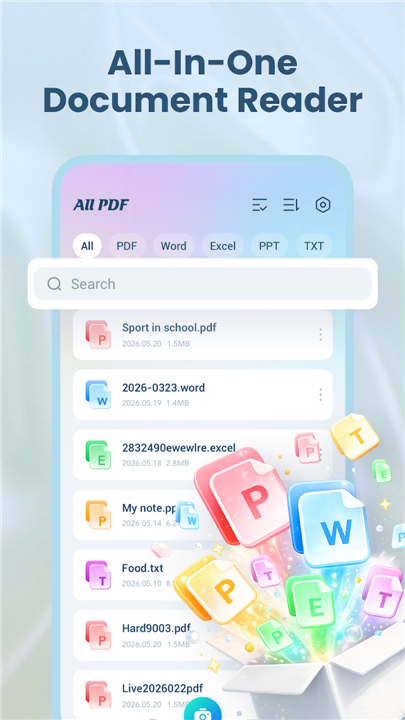
• Our viewer supports a wide range of formats—including PDF, Word, Excel, and PPT—providing a smooth, crisp reading experience for your reports, presentations, and study materials.
Advanced Conversion and Scanning
Transform your workflow with powerful creation tools:
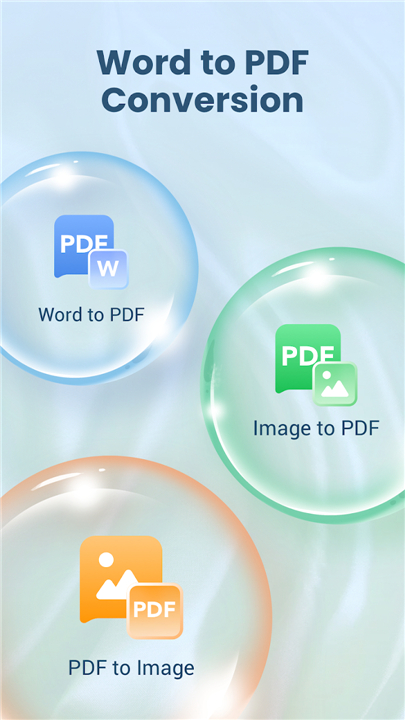
• Rapidly convert images, PNGs, and JPGs into professional PDF files.
• Use the built-in camera scanner to digitize physical documents instantly.
• Create high-quality PDFs from photos with just a few taps.
Efficient File Management by All PDF: Reader, Editor
Take full control of your digital library with professional-grade utilities:
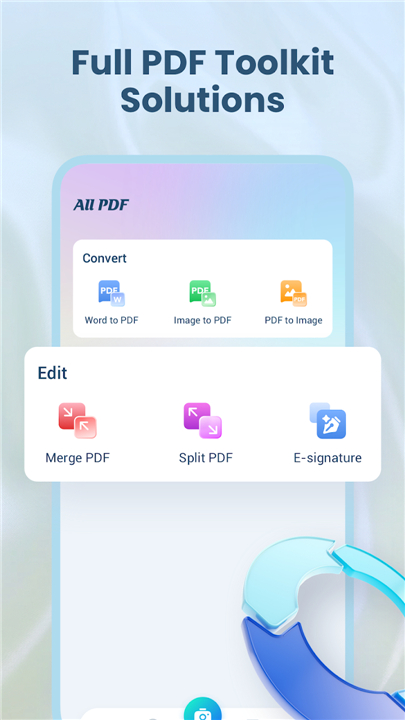
• Merge multiple files into one document or split large PDFs into smaller sections.
• Automatically discover and organize all local documents in a centralized, easy-to-navigate dashboard.
• Keep your most important files accessible using custom folders and recent-document tracking.
Why Choose All PDF: Reader, Editor
• Designed for efficiency, this app replaces cluttered workflows with a clean, responsive interface.
• By combining essential reading, editing, and management features into one lightweight solution, it empowers you to work smarter and stay organized anywhere.
Download All PDF: Reader, Editor today
• Experience the ultimate companion for your daily document tasks.
FAQ
Q: Can I use this app to scan physical paperwork?
A: Absolutely. The application features a built-in camera scanner that allows you to digitize your physical documents instantly, turning them into high-quality digital files with just a few taps.
Q: Is it possible to convert my existing images into PDF documents?
A: Yes, you can easily transform your images into professional PDF files. Whether you are working with PNG or JPG files, our conversion tool handles the process rapidly, ensuring your images are neatly formatted for sharing or storage.
Q: How does the app help me organize my files?
A: The app automatically discovers and gathers all your local documents into a single, centralized dashboard. From there, you can create custom folders and utilize our recent-document tracking feature to keep your library tidy and accessible.
Version History
v1.0.1——30 Jun 2026
Experience the ultimate all-in-one PDF reader and editor. View, edit, scan, and organize your documents on the go. Simplify your workflow. Download the latest version of All PDF: Reader, Editor to enjoy new features and updates immediately!
*1.0.1
Minor bug fixes and improvements. Install or update to the newest version to check it out!