Mobizen Screen Recorder
Capture Your World
• Join over 200 million users worldwide and experience the award-winning screen recorder trusted by creators across the globe.
• Whether you are capturing gameplay, live streams, or tutorials, Mobizen offers a professional, intuitive, and secure solution—all without the need to sign up.
Why Choose Mobizen?
• Privacy First: Your videos are stored exclusively on your device, never on a third-party server.
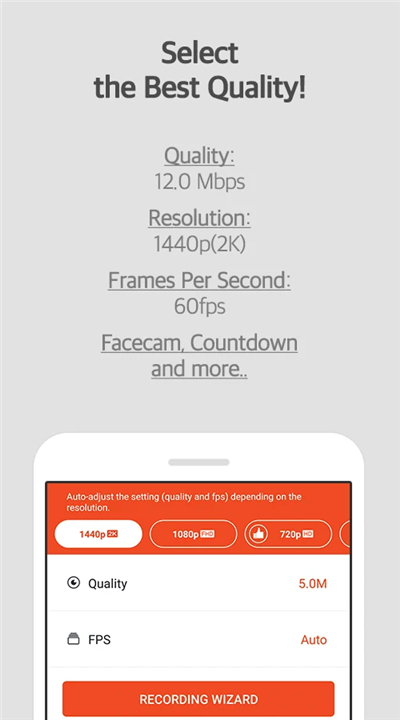
• Professional Quality: Record in stunning detail with support for up to 1440P resolution, 60fps, and 24.0Mbps quality.
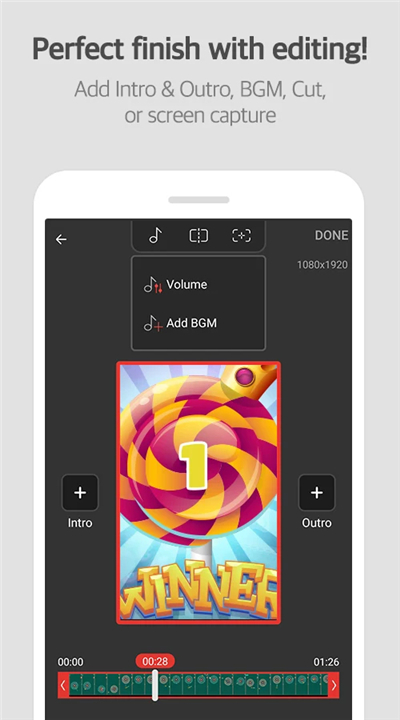
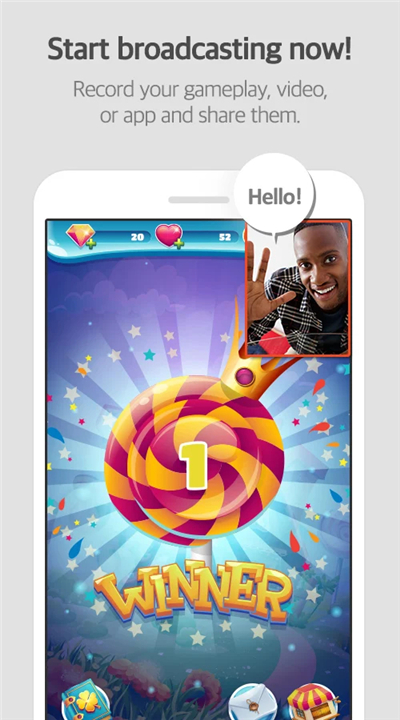
• Complete Creative Control: Utilize Facecam to record your reactions, draw on the screen in real-time, and edit your footage directly within the app.
• Flexible Storage: Easily save long-form content directly to an SD card so you never run out of space.
• Watermark-Free: Use our Clean Mode to produce polished, professional-looking videos without any branding.
Exclusive Features
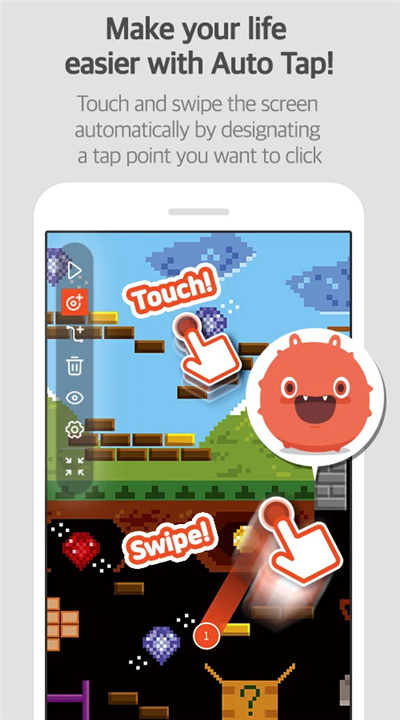
• Advanced Automation: Simplify repetitive tasks with our unique Auto Tap and Auto Swiping functions.
• Customization: Tailor your experience with personalized watermarks, custom Air Circle designs, and the ability to convert your clips into fun GIFs.
• Seamless Interface: Use the Hide Air Circle mode for a distraction-free recording experience.
Privacy and Security
• Mobizen uses the AccessibilityService API solely to power core features like Auto Tap and Auto Swiping.
• We prioritize your privacy; no personal data is collected or transmitted through these services.
Get Started Today
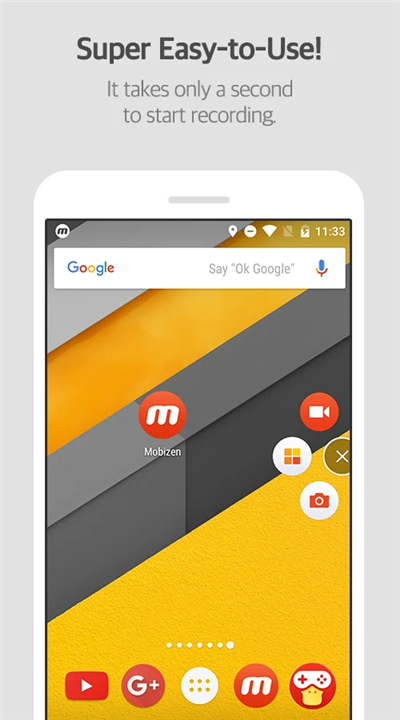
• Download Mobizen to start recording with a single click.
• Your best content is waiting to be captured.
Resources & Support
• Helpdesk: support.mobizen.com
• YouTube: youtube.com/mobizenapp
• Language Feedback: If you spot any unnatural phrasing, please help us improve by suggesting changes at: https://goo.gl/forms/pHGNRoD7nvalOU5l1
App Access Rights
• Required: Storage (to save and edit your files).
• Optional: Camera (Facecam), Microphone (audio), Draw on top of other apps (Air Circle), and Notifications.
• Note that optional permissions can be managed or revoked via your Android system settings at any time, and the app remains fully functional without them.
FAQ
Q: Where are my recorded videos stored?
A: Your privacy is our top priority, so all your recorded videos are stored exclusively on your device. Mobizen does not upload your content to any third-party servers, keeping your data completely under your control.
Q: Can I record my gameplay in high definition?
A: Absolutely. Mobizen supports professional-grade recording settings, including up to 1440P resolution, 60 frames per second, and a bitrate of up to 24.0Mbps, ensuring your footage looks crisp and clear.
Q: How can I remove the Mobizen logo from my videos?
A: To produce professional-looking content without any branding, you can simply enable the "Clean Mode" feature. This allows you to record your screen without any watermarks.
Version History
v3.11.1.3——29 Jun 2026
Mobizen Screen Recorder is a screen recording app that captures your Android screen with one tap. Download the latest version of Mobizen Screen Recorder to enjoy new features and updates immediately!
*3.11.1.3
Meet the new Mobizen Editor!
- Create vertical short-form videos such as Reels and Shorts.
- Add text and stickers to make your videos more engaging.
- Combine multiple clips to create the story you want.
- Apply various filters to easily set the mood of your videos.
- Add BGM and music to create more polished content.
We've also improved stability and usability for a better experience.
*3.10.17.5
A new version has been released.
- Fixed an issue with internal audio recording on Pixel 8/9 devices.
- Added recording settings presets and a snapshot feature.
*3.10.17.4
A new version has been released.
- Fixed an issue with internal audio recording on Pixel 8/9 devices.
- Added recording settings presets and a snapshot feature.