New PDF Reader
Introducing the Ultimate PDF Reader and Editor
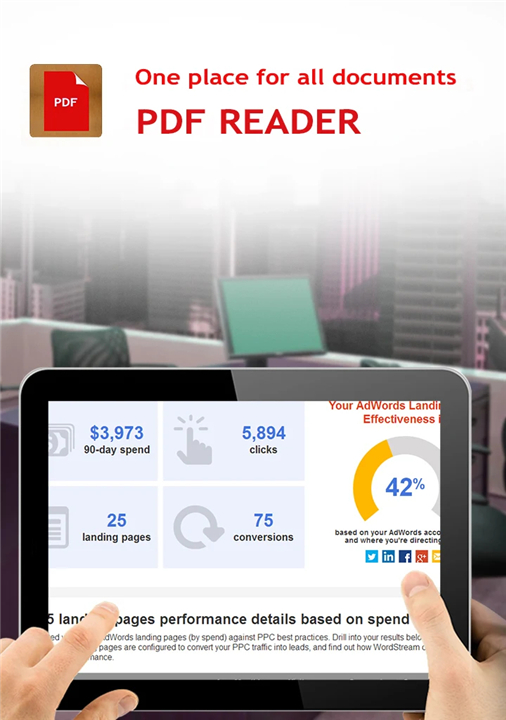
• Transform the way you handle documents with our comprehensive PDF Reader.
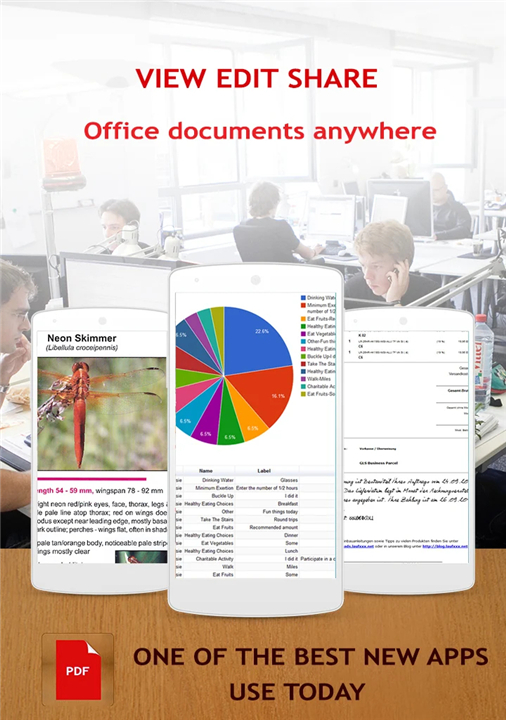
• Designed to be more than just a viewer, this application provides a robust suite of tools that bridge the gap between your mobile device and your desktop office, ensuring maximum productivity while on the move.
• Whether you are managing complex contracts or simple forms, our app delivers a seamless professional experience.
Exceptional Editing and Annotation Tools
Take full control of your documents with a professional-grade toolkit designed for efficiency:
• Streamlined form filling and document signing capabilities.
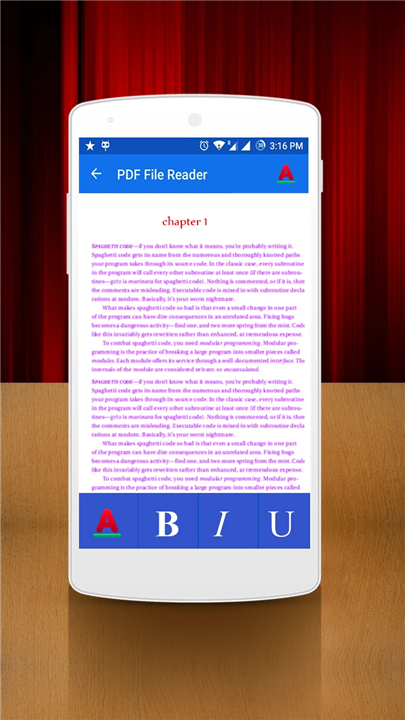
• Versatile annotation tools including text boxes, highlighters, and sticky notes.
• Freehand drawing tools for manual markups.
• Built-in stamp tools for immediate document authorization.
Key Functionalities and Highlights
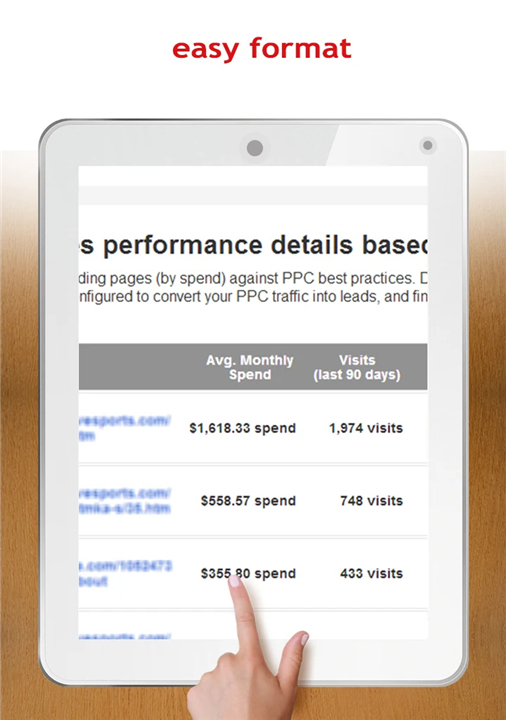
• Effortless document navigation tailored for user comfort.
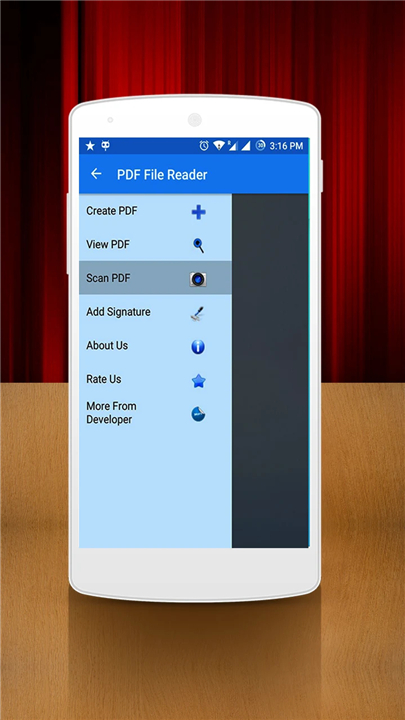
• Integrated document creation tools to generate new PDFs from scratch.
• One-touch scanning technology to digitize physical paperwork instantly.
• Secure signature and stamp integration for on-the-go authorization.
User Experience and Performance
We prioritize both stability and visual comfort to ensure your reading experience is second to none:
• High-performance engine for fast, lag-free rendering.
• Precision zoom controls for optimal document visibility.
• Fixed orientation settings to prevent accidental rotation while moving.
• Dedicated Day and Night reading modes for reduced eye strain.
• Fully adjustable brightness controls for perfect visibility in any environment.
Support and Feedback
• We are committed to continuous improvement and value our user community.
• If you find this application helpful, please support our development by providing a five-star rating on the Google Play Store.
• For feature requests, bug reports, or general suggestions, please leave a detailed review or contact our support team directly via email.
• Thank you for choosing our PDF solution.
FAQ
Q: How do I digitize my physical paperwork using this app?
A: Our application includes a dedicated one-touch scanning feature. You simply need to initiate the scanner, capture the physical document with your device's camera, and the app will instantly convert it into a digital PDF format.
Q: Is it possible to fill out forms and sign documents directly within the app?
A: Absolutely. We have included streamlined form-filling features and a secure signing tool, allowing you to complete and authorize important contracts or paperwork without needing to leave the application.
Q: What kind of annotation options are available for my documents?
A: We offer a versatile toolkit that includes text boxes, highlighters, and sticky notes. Furthermore, if you prefer to make manual markups, you can utilize our freehand drawing tools for a more personalized touch.
Version History
v5.7——29 Jun 2026
Want to browse and search PDFs you have? We got it covered! Download the latest version of New PDF Reader to enjoy new features and updates immediately!
*5.7
Minor bug fixes and improvements. Install or update to the newest version to check it out!
*5.6
Minor bug fixes and improvements. Install or update to the newest version to check it out!
*5.5
Minor bug fixes and improvements. Install or update to the newest version to check it out!