Pagan: A Music Sequencer
Your Portable Musical Canvas
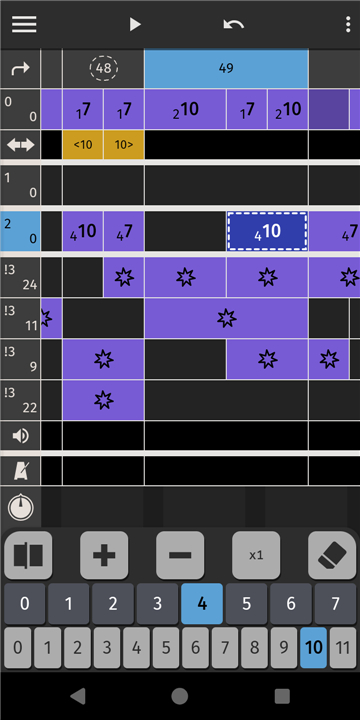
• Pagan is a specialized music sequencer reimagined for the mobile era.
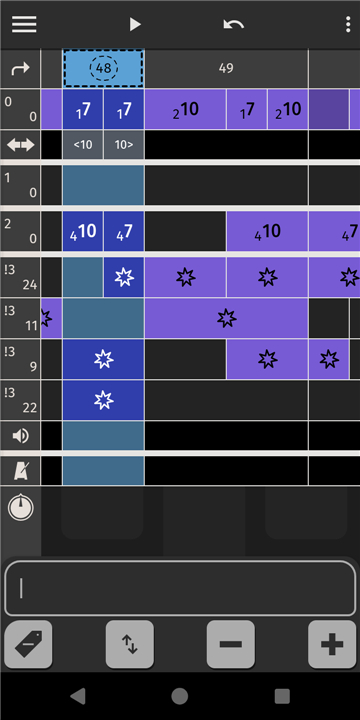
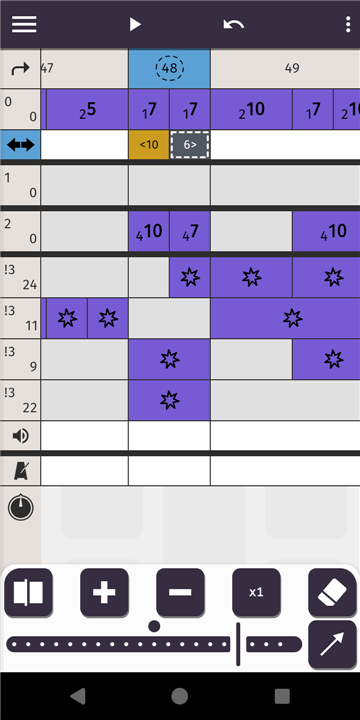
• It transforms your device into a sophisticated creative hub, utilizing a streamlined notation system that maximizes screen space without sacrificing depth.
• By stripping away the clutter of traditional interfaces, Pagan provides a fluid environment where your musical ideas can breathe and evolve on any touchscreen.
Designed for the Spark of Inspiration
• Pagan serves as a digital sketchbook for the modern composer.
• It eliminates the technical barriers between a fleeting melody and a recorded track, allowing you to capture the essence of a song the moment it arrives.
• Whether you are jotted down a quick rhythmic motif or drafting a full arrangement, the workflow is built for speed, spontaneity, and the freedom to create anywhere.
Sonic Customization and Depth
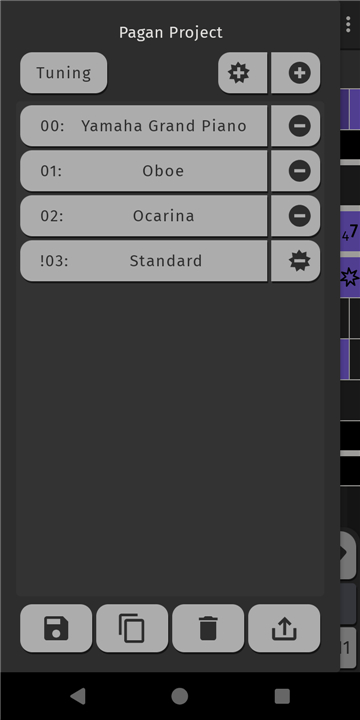
• Custom Sound Landscapes: Beyond standard presets, Pagan supports .sf2 SoundFonts, letting you import your own instruments and craft a signature sound that is uniquely yours.
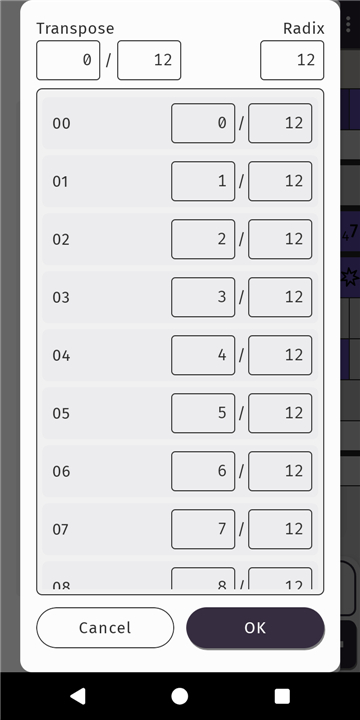
• Rhythmic and Tonal Freedom: Break traditional boundaries with tools for polyrhythms and microtonal composition, making complex musical theories accessible and easy to implement.
Seamless Connectivity and Integration
1. Comprehensive MIDI Support:
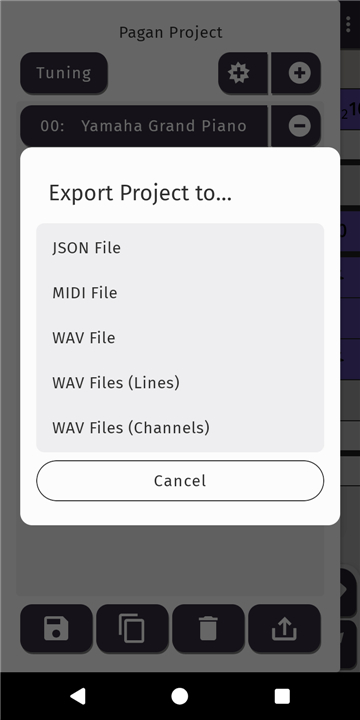
• Effortlessly import, reorchestrate, and export MIDI files.
• This ensures your mobile sketches can transition perfectly into a professional studio environment or a larger production suite.
2. Hardware Synergy:
• Bridge the gap between digital and physical by connecting Pagan to external MIDI hardware, transforming your mobile device into a powerful controller for synthesizers and drum machines.
Professional Output
• High-Fidelity Audio: Once your vision is complete, export your work as high-quality WAV files.
• This provides the professional clarity needed for further mixing, sharing with collaborators, or immediate distribution.
FAQ
Q: Who is Pagan aimed at?
A: The app is tailored for musicians who already have a basic grasp of rhythm, harmony, and arrangement and want a faster, more inspiring way to capture ideas on the go. Whether you’re a songwriter, electronic producer, or film‑score composer, Pagan’s workflow is built for people who can think musically and need a tool that keeps up with their imagination.
Q: How does the “streamlined notation system” work on a touchscreen?
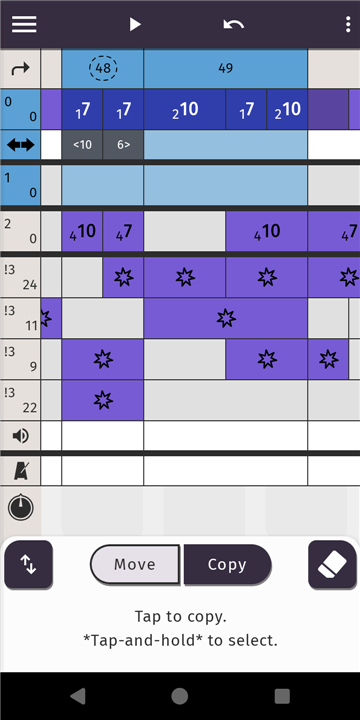
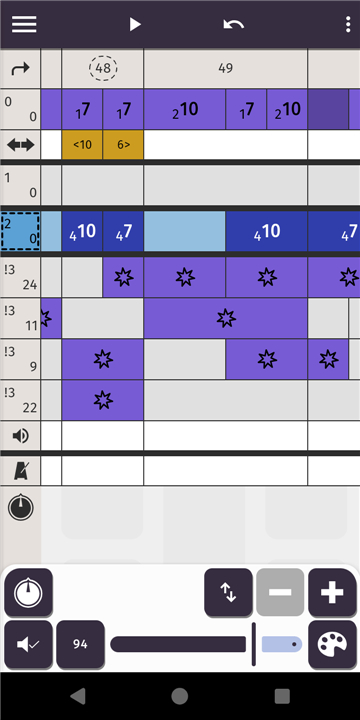
A: Instead of traditional piano‑roll grids, Pagan presents notes and beats as scalable symbols that snap into logical positions with a single tap or drag. Because each element automatically aligns to the underlying tempo and key, you spend less time correcting quantization errors and more time shaping phrasing. The system also allows you to zoom in for fine‑grain edits or pull back to see the whole arrangement at a glance.
Q: Can I use Pagan to record a full song from start to finish?
A: Absolutely. You can begin with a quick melodic fragment, expand it into verses, choruses, and bridges, add multiple instrument layers, and fine‑tune dynamics—all within the same session. When the composition is complete, Pagan lets you export a high‑resolution WAV file ready for mixing, mastering, or immediate sharing.
Version History
v1.8.10——12 May 2026
A Music Sequencer Download the latest version of Pagan: A Music Sequencer to enjoy new features and updates immediately!
*1.8.10
Minor bug fixes and improvements. Install or update to the newest version to check it out!
*1.8.9
Minor bug fixes and improvements. Install or update to the newest version to check it out!
*1.8.8
Minor bug fixes and improvements. Install or update to the newest version to check it out!