PasswdSafe - Password Safe
Overview and Platform
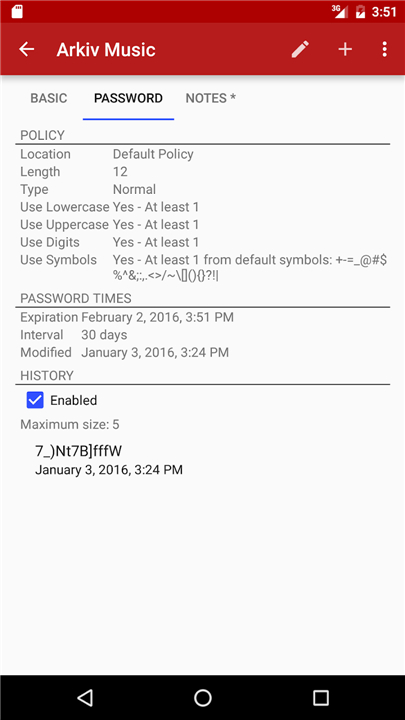
• PasswdSafe is a dedicated Android port of the popular Password Safe application (pwsafe.org).
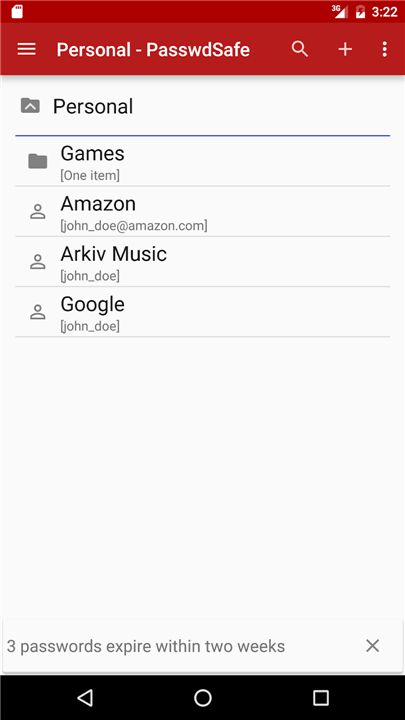
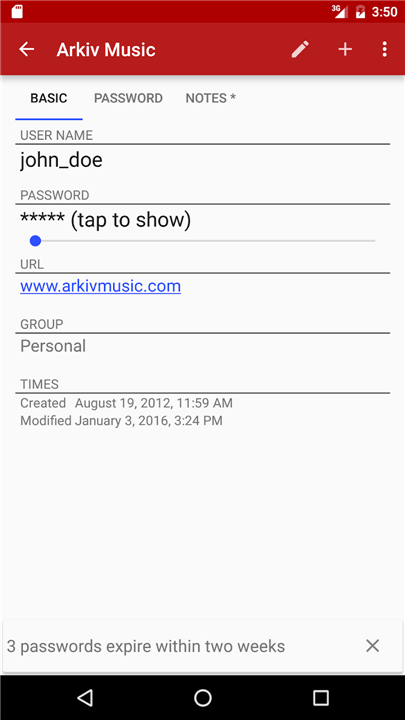
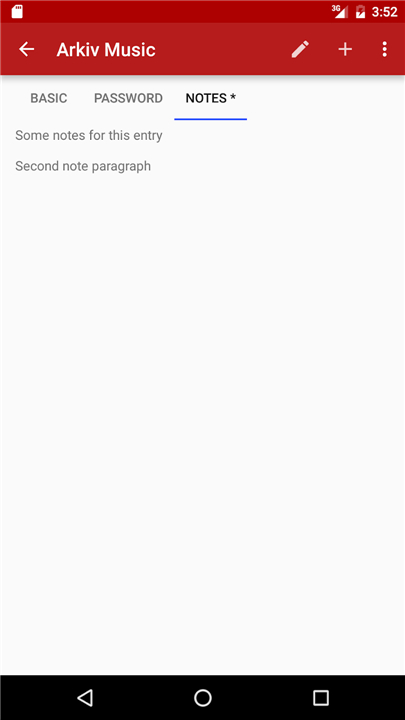
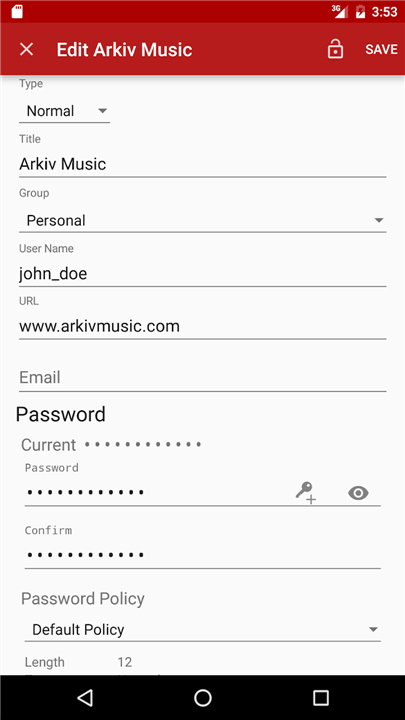
• It enables users to securely manage, search, and organize passwords, credentials, and sensitive notes directly on Android mobile devices.
• The application maintains full compatibility with desktop Password Safe database formats, allowing seamless access across platforms.
Cloud Synchronization
• Easily keep password databases updated across multiple locations and mobile devices.
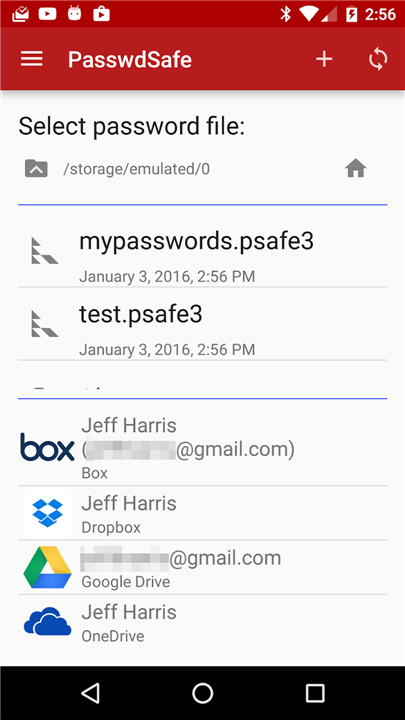
• Integrates with various cloud storage providers through the dedicated companion application, PasswdSafe Sync.
• Provides efficient file management to keep remote vault files securely updated.
Advanced Security and Authentication
• Biometric Access: Safely store master passwords and unlock database files using integrated fingerprint scanners on devices running Android 6.0 or higher.
• Hardware Token Support: Features strong two-factor authentication (2FA) capabilities by supporting YubiKey NEO hardware tokens.
• Data Encryption: Ensures all stored login details and sensitive information remain protected against unauthorized access.
Important Usage Warning
• Backup Policy: Users are strongly advised to regularly create and maintain known-good backup copies of all password databases in separate, safe locations.
• Risk Mitigation: Keeping independent backups protects critical credentials against potential software bugs, file corruption, or device failure.
FAQ
Q: Can I use my existing Password Safe database files on PasswdSafe?
A: Yes. PasswdSafe reads and writes the same .pwsafe file format used by the desktop version. Just copy your database to the device (via USB, email, or a cloud service) and open it in the app; all entries, groups, and notes will appear exactly as they do on your computer.
Q: How does cloud synchronization work with PasswdSafe?
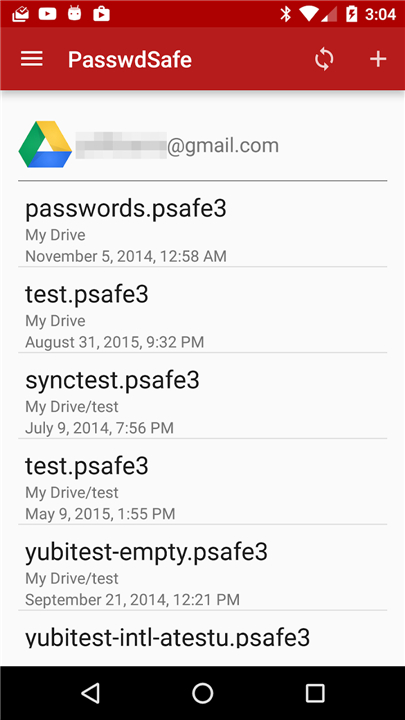
A: PasswdSafe itself does not sync directly; instead, it works together with the companion app PasswdSafe Sync. PasswdSafe Sync connects to popular cloud storage providers (such as Google Drive, Dropbox, OneDrive, or Nextcloud) and keeps a remote copy of your vault file up to date. Whenever you save changes in PasswdSafe, Sync uploads the updated file, and any changes made on another device are downloaded back to keep everything consistent.
Q: Which cloud storage services are supported by PasswdSafe Sync?
A: PasswdSafe Sync currently supports Google Drive, Dropbox, Microsoft OneDrive, and any WebDAV‑compatible service (including Nextcloud and ownCloud). Adding a new provider is as simple as entering your login credentials within the Sync app and selecting the folder where your vault should reside.
Version History
v6.27.2——26 Aug 2026
PasswdSafe is a port of Password Safe (http://pwsafe.org) to Android Download the latest version of PasswdSafe - Password Safe to enjoy new features and updates immediately!
*6.27.2
Support TOTP authentication codes for two-factor authentication. Support pasting TOTP codes in the PasswdSafe keyboard. Fix opening of files with YubiKeys.
Fix bug saving the YubiKey secret key header field which causes load problems on the PC
*6.27.1
Support TOTP authentication codes for two-factor authentication. Support pasting TOTP codes in the PasswdSafe keyboard. Fix opening of files with YubiKeys.
*6.27.0
Support TOTP authentication codes for two-factor authentication. Support pasting TOTP codes in the PasswdSafe keyboard.