GPS Emulator
Advanced Location Simulation Tool
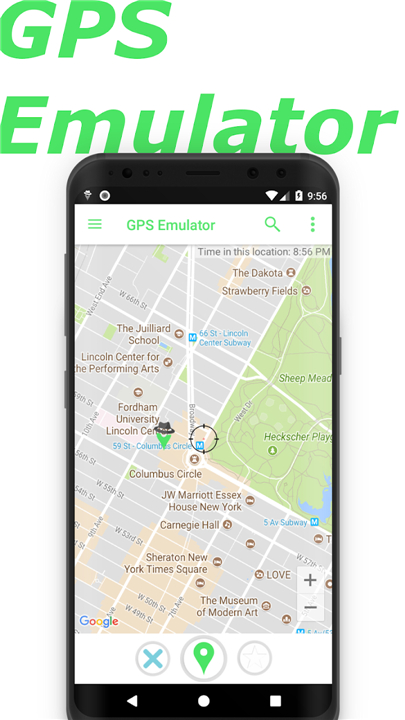
• GPS Emulator is a robust utility designed to provide users with complete control over their device's location services.
• By creating a sophisticated virtual environment, this application allows you to relocate your smartphone to any coordinate on the globe, effectively tricking other installed applications into recognizing the fake location as your authentic position.
Core Functionality and Precision
• The application offers more than just a simple location swap.
• It provides granular control over the data being transmitted to your device’s internal sensors.
• Key features include:
1. Dynamic Location Shifting:
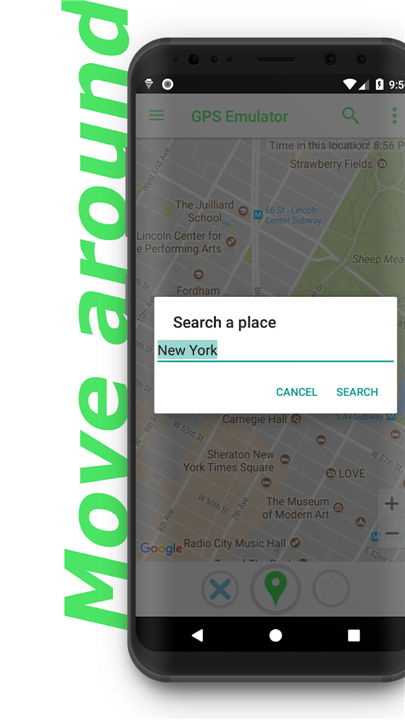
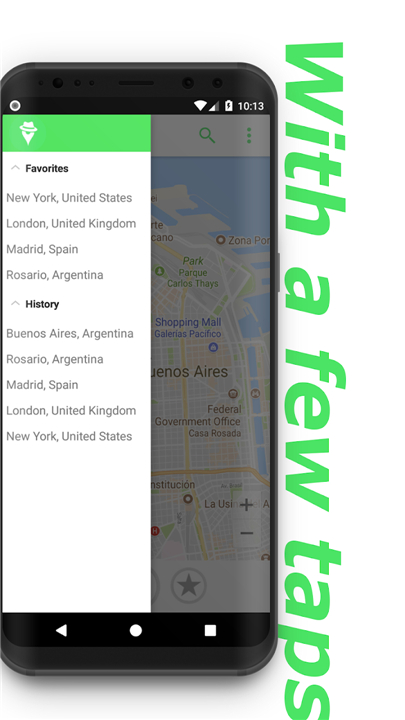
+ Effortlessly transport your device to any country, city, or specific street address worldwide.
2. Altitude Adjustment:
+ Manually configure the elevation of your simulated position to match real-world geography.
3. Accuracy Calibration:
+ Tweak the radius of accuracy to mimic various GPS signal conditions, ranging from high-precision satellite locks to variable cellular-triangulated positioning.
4. Time Synchronization:
+ Automatically synchronize the mobile device's system time to reflect the local time zone of the fake location, ensuring consistency across time-sensitive apps.
Map Integration and System Control
To ensure a seamless user experience, GPS Emulator incorporates high-fidelity mapping tools and deep system integration:
1. Versatile Mapping Interfaces:
• Choose between standard map, satellite imagery, and terrain views to identify specific points of interest with ease.
2. Google Play Services Injection:
• Users have the option to enable or disable fake coordinate injection specifically for Google Play Location Services, allowing for targeted testing across different application frameworks.
3. Background Stability:
• The service is optimized to run consistently in the background, maintaining the simulated coordinates even when navigating other software.
Developer Ethics and Compliance
• It is essential to note that GPS Emulator is strictly engineered as a professional tool.
• This application was not designed to facilitate cheating in location-based games or to bypass restrictive geofencing policies.
• It is intended solely for developer testing, debugging of geo-aware applications, and privacy-conscious users who wish to mask their actual whereabouts during routine software operations.
FAQ
Q: How does the app manage to trick other applications so effectively?
A: The tool works by providing more than just a simple coordinate swap; it offers granular control over the data being transmitted to your device’s internal sensors. By intercepting these signals and replacing them with simulated data, it ensures that the operating system and other third-party apps receive a consistent and convincing stream of location information.
Q: Can I simulate my location at a specific street address or just a general city?
A: You have the freedom to be as specific as you need with the dynamic location shifting feature. This function allows you to effortlessly transport your device to any country or city, and you can even pinpoint a specific street address anywhere in the world to ensure your simulation is as accurate as possible.
Q: Is it possible to change my altitude using this tool?
A: OuYes, the app includes an altitude adjustment feature that allows you to manually configure the elevation of your simulated position. This is particularly useful if you are testing an application that relies on vertical geography or height-based data to function correctly.
Version History
v3.19——6 May 2026
GPS Emulator is a location tool app that sets a fake GPS position on your device. Download the latest version of GPS Emulator to enjoy new features and updates immediately!
*3.19
Minor bug fixes and improvements. Install or update to the newest version to check it out!
*3.18
Minor bug fixes and improvements. Install or update to the newest version to check it out!
*3.17
Minor bug fixes and improvements. Install or update to the newest version to check it out!