Notesnook Secure Private Notes
Overview
• Take back control of your thoughts, ideas, and daily plans. Notesnook offers a safe, distraction-free space to write, organize, and create without surveillance, tracking, or artificial limits.
Complete Privacy and Security
• Always-On Encryption: Your notes are encrypted on your device before reaching the cloud, ensuring only you can read them.
• Zero Knowledge: Everything remains private—even your notebook names and tags are fully encrypted.
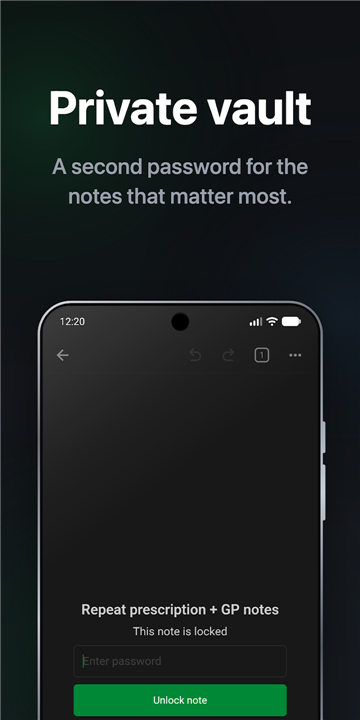
• Advanced Protection: Safeguard sensitive information with app locks, biometrics, and a secondary encrypted vault.
• Privacy Mode: Prevent unauthorized viewing by blocking app previews and screenshots.
Unlimited Access Across All Devices
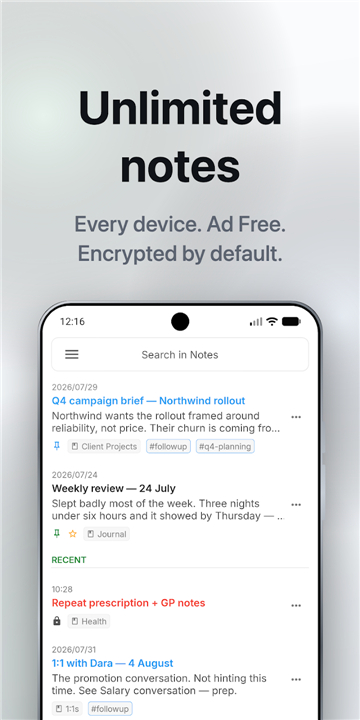
• No Constraints: Enjoy unlimited notes and device syncing on every plan without restrictive caps.
• Cross-Platform Syncing: Pick up right where you left off on phone, tablet, laptop, or browser.
• Reliable Offline Mode: Write anywhere without an internet connection; your data syncs securely once you are back online.
Rich Writing and Organization
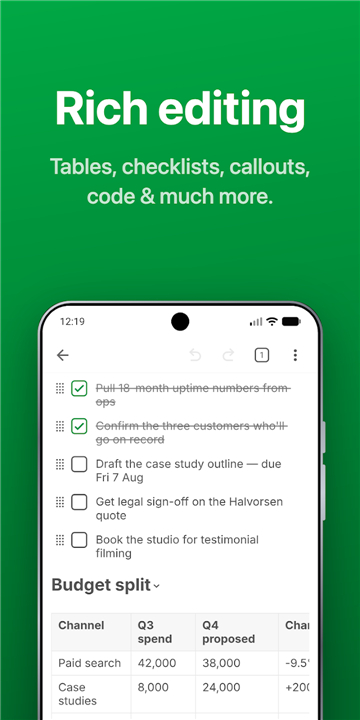
• Dynamic Editor: Go beyond plain text with full Markdown support, tables, code blocks, task lists, and math formulas.
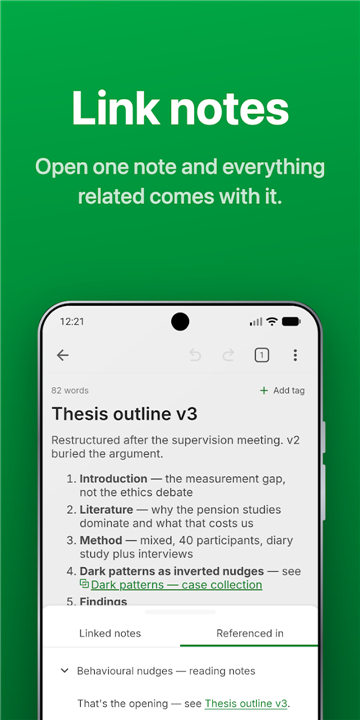
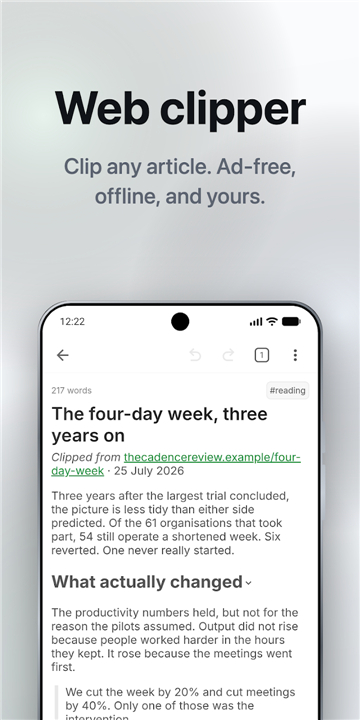
• Personal Knowledge Base: Interlink your notes to build a personal wiki, or clip clean web articles directly into your library.
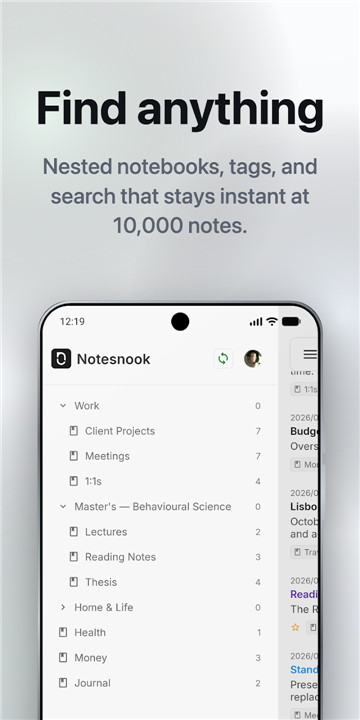
• Intuitive Sorting: Organize effortlessly using nested notebooks, tags, colors, and lightning-fast search.
Productivity and Quick Capture
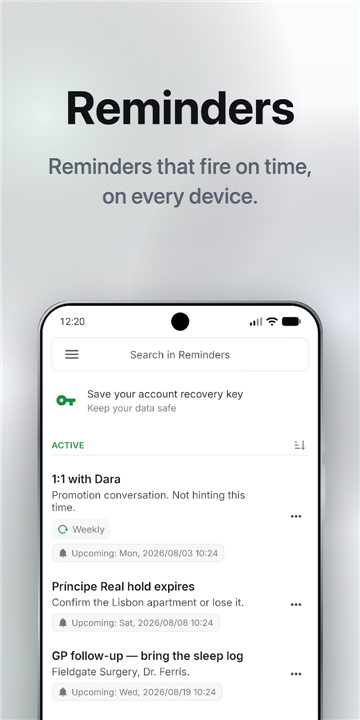
• Task Management: Stay focused with daily task lists, outlines, and synchronized reminders.
• Instant Notes: Capture ideas on the fly using home screen widgets, notification drawer shortcuts, and quick-share options.
• Secure Sharing: Publish select notes as password-protected links whenever you need to share.
Open Source and True Ownership
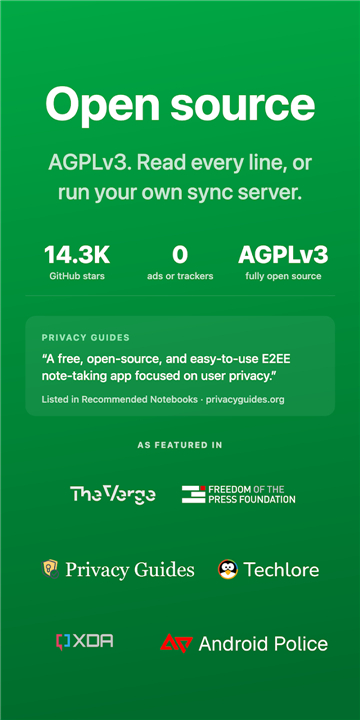
• 100% Open Source: Inspect the code or self-host your own server for total independence.
• Zero Vendor Lock-In: Import from other apps and export your data as PDF, Markdown, HTML, or plain text anytime.
• Clean Experience: Enjoy a workspace completely free of ads, trackers, and user monitoring.
Flexible Options
• Free Forever: Includes unlimited notes, unlimited devices, primary organization tools, and full end-to-end encryption.
• Pro Tier: Adds premium features like app lock, encrypted vaults, recurring reminders, and extra storage.
Empower your creativity and protect your digital privacy today with Notesnook.
FAQ
Q: Can the team at Notesnook or any third parties see my notebook names or tags?
A: No, they cannot see any of that information. Thanks to Notesnook's strict zero-knowledge architecture, everything you create is fully encrypted. This includes not just the body of your notes, but also your notebook names, tags, and other organizing metadata, ensuring complete privacy.
Q: Is there a limit to how many devices I can sync on the free plan?
A: You will be happy to know that Notesnook does not impose any restrictive caps on your productivity. Both the free and premium plans offer unlimited notes and unlimited device syncing, allowing you to access your content whenever and wherever you need it.
Q: How does syncing work if I suddenly lose my internet connection while writing?
A: Notesnook features a highly reliable offline mode that lets you keep writing without interruption. Any changes or new notes you make while offline are saved securely on your local device, and they will automatically and securely sync to the cloud once your internet connection is restored.
Version History
v3.4.9——12 Aug 2026
Encrypted notes, notebooks and journal. Unlimited notes, free on all devices. Download the latest version of Notesnook Secure Private Notes to enjoy new features and updates immediately!
*3.4.9
- Fix drag/drop issues in task-lists and improved UX
- Minor bug fixes and improvements
Thank you for using Notesnook!
*3.4.8
- Added sync status icon in sidebar
- Added new reminder shortcut in app icon context menu
- Improved editor saving reliability
- Minor bug fixes and improvements
Thank you for using Notesnook!
*3.4.7
- Add option to clear note version history
- Minor bug fixes and improvements
Thank you for using Notesnook!