Cryptomator: Full Version
Overview
• Your digital life belongs to you.
• Take back absolute control of your cloud storage with Cryptomator, the ultimate shield for your personal information.
• By encrypting your files instantly on your device before they ever reach the cloud, Cryptomator ensures that you, and only you, hold the keys to your digital kingdom.
Effortless Protection
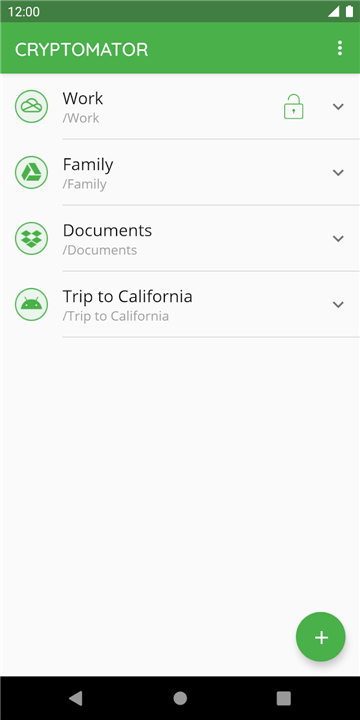
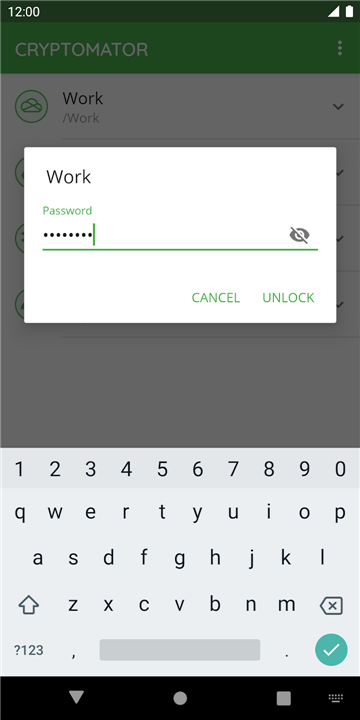
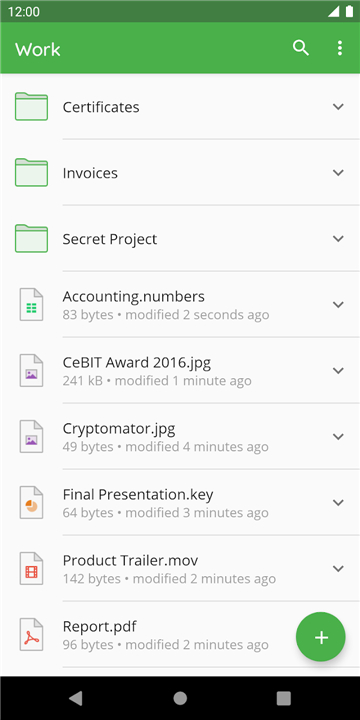
• Create a secure vault instantly with a single password, with no accounts or complex configurations required.
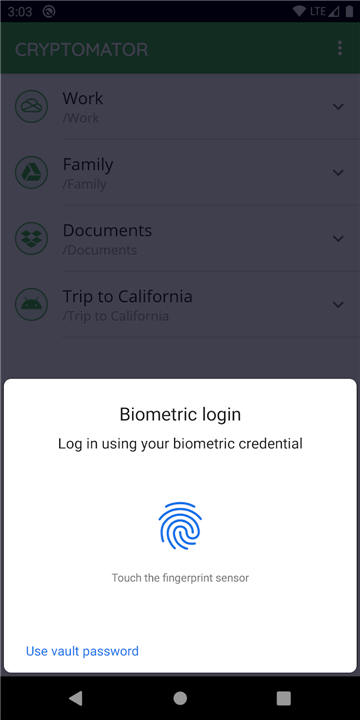
• Unlock your encrypted files in seconds using convenient fingerprint authentication.
• Enjoy digital self-defense made simple configuration-free, designed for everyone.
Universal Freedom
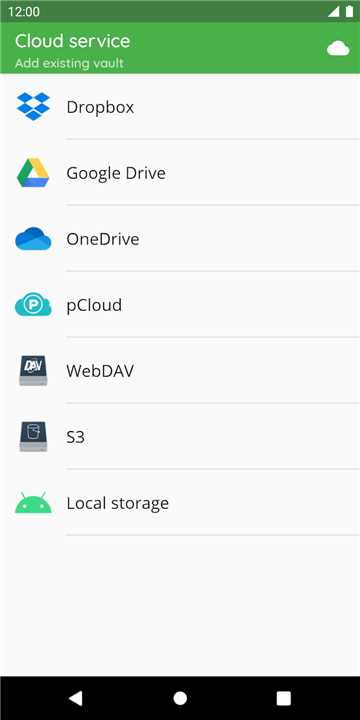
• Works seamlessly across major cloud services, including Google Drive, Dropbox, OneDrive, S3, and WebDAV.
• Access your secure vaults across all your devices, from mobile phones to desktop computers.
• Save vaults directly to Android's local storage for easy integration with third-party synchronization tools.
Uncompromising Transparency
• Trust a fully open-source platform, meaning the code is publicly visible and independently verified.
• Guard file names and contents with military-grade AES 256-bit encryption.
• Prevent intrusion with scrypt-protected password security and automatic vault locking when the app runs in the background.
A Trusted Movement
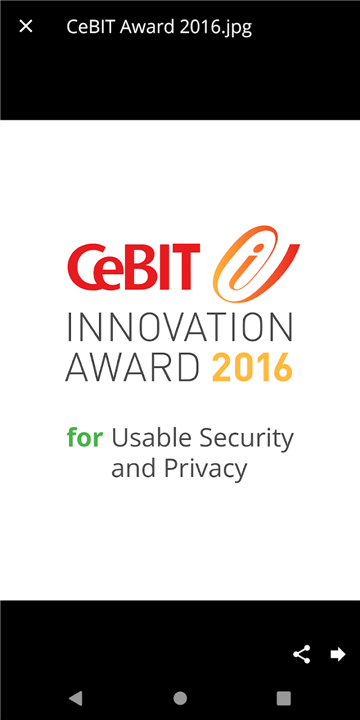
• Proud winner of the prestigious CeBIT Innovation Award for Usable Security and Privacy.
• Relied upon by hundreds of thousands of users worldwide to protect their digital sovereignty.
• Join a growing community of privacy advocates on Mastodon and Facebook.
FAQ
Q: Do I need to create an account or sign up to use Cryptomator?
A: Not at all! Cryptomator is designed for ultimate privacy, meaning you can create a secure vault instantly using just a single password without having to register an account, sign up for a subscription, or share any of your personal information.
Q: How does the encryption process keep my files safe from prying eyes?
A: Cryptomator secures both your file contents and file names using military-grade AES 256-bit encryption. Additionally, your master password is secured using scrypt to prevent brute-force attacks, ensuring top-tier digital defense for your most sensitive documents.
Q: Which cloud storage providers are compatible with Cryptomator?
A: You can use Cryptomator with almost any major cloud service available. It integrates seamlessly with popular providers like Google Drive, Dropbox, OneDrive, Amazon S3, and any service that supports the WebDAV protocol.
Version History
v2.0.0——13 Aug 2026
Secure your files with Cryptomator. Get AES 256-bit cloud encryption for Google Drive, OneDrive & Dropbox. Protect your digital privacy. Download the latest version of Cryptomator: Full Version to enjoy new features and updates immediately!
*2.0.0
Minor bug fixes and improvements. Install or update to the newest version to check it out!
*1.12.3
Minor bug fixes and improvements. Install or update to the newest version to check it out!
*1.12.2
Minor bug fixes and improvements. Install or update to the newest version to check it out!