Game Counter
Overview
• The Game Counter app serves as the essential digital companion for enthusiasts of board games, card games, and role-playing adventures.
• It streamlines the scoring process, eliminating the need for physical aids like pen, paper, or clumsy tokens, allowing players to focus entirely on the game itself.
• This versatile application significantly enhances the gameplay experience for virtually any tabletop game.
Comprehensive Score Tracking
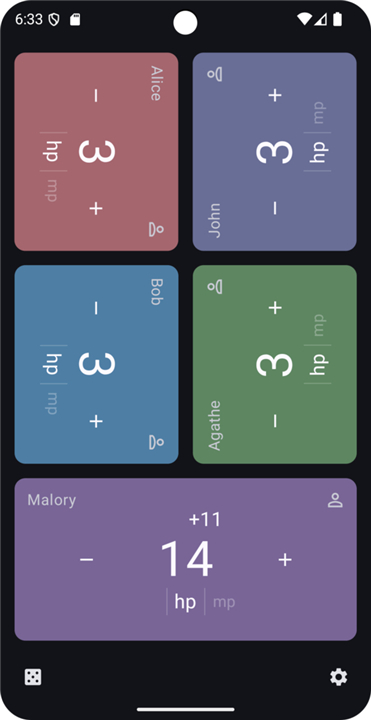
• Effortlessly manage an unlimited number of players and their respective scores within any single game session, perfect for large groups or complex scenarios.
• Go beyond simple point tallies by tracking multiple distinct counters for each player simultaneously, ideal for games with various resources, life points, or victory conditions.
• For example, a player might track "Health," "Mana," and "Gold" all on their individual digital card.
Customization and Personalization
1. Flexible Counter Configuration:
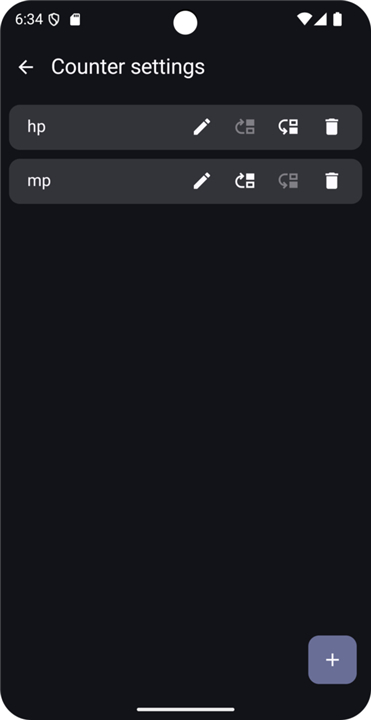
• Assign custom names to each counter, moving beyond generic "Score" to specific game elements like "Victory Points," "Mulligans," "Health," or "Rage," making the interface instantly recognizable for your current game.
2. Precise Initial Values:
• Set exact starting values for any counter, effortlessly accommodating starting resources, handicaps, or specific game setup requirements with ease.
3. Player Identification and Aesthetics:
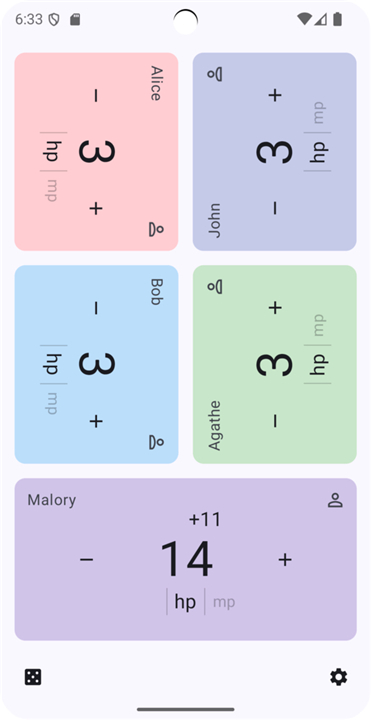
• Personalize each player's dedicated counter card by allowing them to select their preferred color from a vibrant palette.
• This ensures quick visual identification during multi-player games and adds a touch of individual flair to the digital tabletop.
Enhanced Gameplay Utilities
1. Integrated Dice Roller:
• Access a versatile digital dice roller capable of simulating dice of any size (e.g., d4, d6, d8, d10, d12, d20, and even custom-sided dice), eliminating the need for physical dice and ensuring fair, random outcomes every time.
2. Fair Player Order Selection:
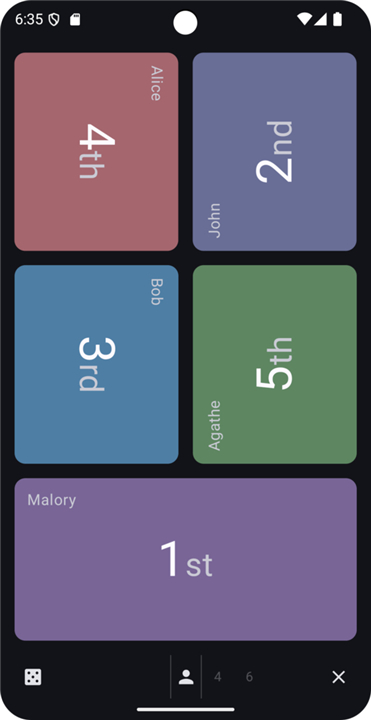
• Utilize a built-in randomizer to quickly and impartially determine player turn order, saving time and preventing disputes at the start of any game session.
User Experience and Efficiency
Rapid Score Adjustments:
• Make significant point changes swiftly by simply long-pressing the plus or minus buttons.
• This allows scores to increment or decrement in larger steps without multiple taps, ideal for quick updates during fast-paced gameplay or when dealing with large point values.
FAQ
Q: What types of games can I use the Game Counter app for?
A: You can use the Game Counter app for virtually any tabletop game! Whether you're playing complex board games, fast-paced card games, or immersive role-playing games, its versatile tracking features are designed to adapt to your needs and streamline your gameplay.
Q: How does the Game Counter app enhance my overall game experience?
A: By digitizing and centralizing all your scoring and counter management, the app significantly streamlines your gameplay. It removes the hassle of fumbling with physical score pads, pens, or tokens, allowing you and your fellow players to dive deeper into the game's strategy and fun without interruptions
Q: Is there a limit to how many players I can track in a single game session?
A: Not at all! The Game Counter app is built to be incredibly flexible, allowing you to effortlessly manage an unlimited number of players and their scores within any single game session. This makes it perfect for large gatherings or games with a high player count.
Version History
v2.6.0——11 May 2026
A customizable game point counter Download the latest version of Game Counter to enjoy new features and updates immediately!
*2.6.0
- button increment size is now configurable per counter
- add a spanish translation
Both of these improvements were contributed by @valonsodev, thank you!
*2.5.4
Add Italian translation, thanks Albano Battistella!
*2.4.1
fix an issue with upright layout where there could be an empty row of tiles