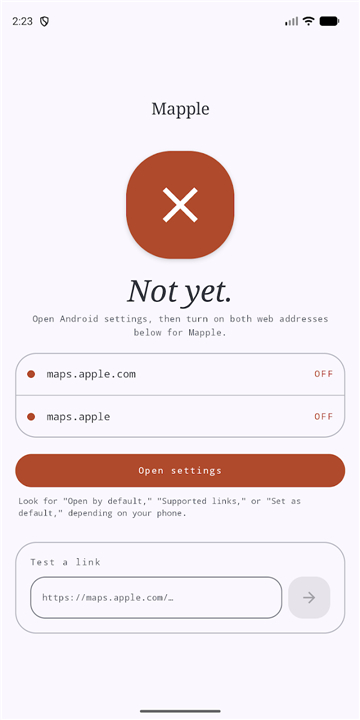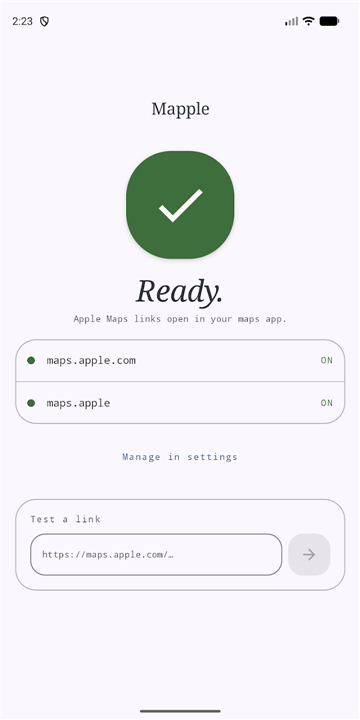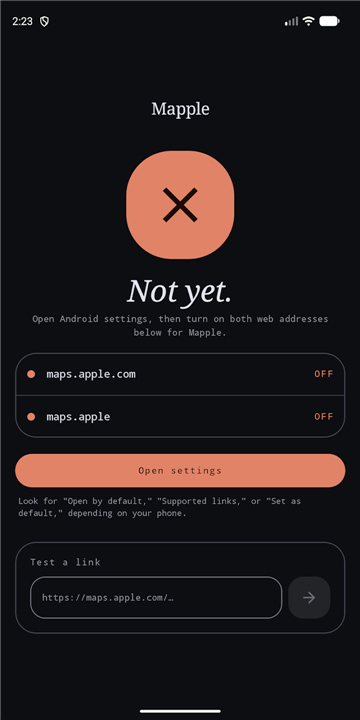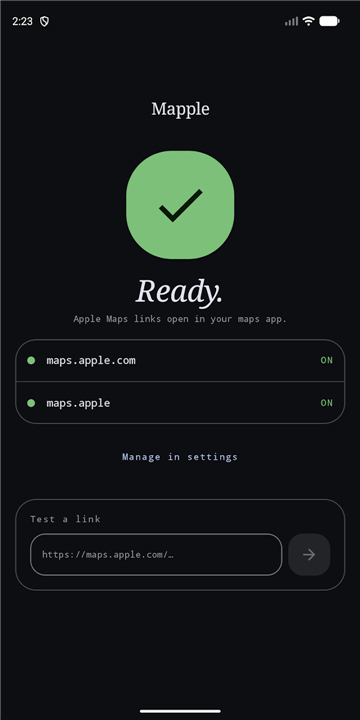
Mapple: Redirect Apple Maps
Overview
• Mapple is a lightweight, open‑source utility that intercepts any Apple Maps URL—whether a full‑length link or a shortened “maps.app.goo.gl” variant—and automatically forwards it to the mapping application you have set as the default on your device.
• This makes it possible to continue using your favorite navigation service (for example, Google Maps) even when a link was originally generated for Apple Maps.
How It Works
• When an Apple Maps link is opened, Mapple detects the URL scheme (http://maps.apple.com/... or its short‑link equivalents).
• The tool extracts the essential data: place name, latitude/longitude, search query, or direction parameters.
• It then constructs an equivalent URL for the default maps app installed on the device and launches that app, preserving the original intent of the link.
Key Features
• Comprehensive link support – Handles all Apple Maps URLs, including short‑links and URLs containing embedded coordinates, place IDs, or direction waypoints.
• Full data preservation – Places, coordinates, search terms, and turn‑by‑turn directions are transferred without loss of fidelity.
• Cross‑platform compatibility – Works on Android devices where users typically prefer Google Maps or alternative map services.
• Privacy‑first – No advertisements, user accounts, analytics, or third‑party tracking SDKs are bundled with the app.
• Open‑source transparency – Source code, issue tracking, and contribution guidelines are publicly available at https://github.com/pluscubed/am2geo.
Installation & Usage
• Install Mapple from the appropriate app store or side‑load the APK.
• Set your preferred mapping application as the system default for “geo:” intents.
• Open any Apple Maps link; Mapple will seamlessly redirect it.
Legal Disclaimer
• Mapple is an independent project and is not affiliated with, endorsed by, or sponsored by Apple Inc. or Google LLC.
• Apple Maps is a trademark of Apple Inc.; Google Maps is a trademark of Google LLC.
Support & Contributions
• For bug reports, feature requests, or to contribute code, visit the GitHub repository linked above.
FAQ
Q: How does Mapple handle shortened Apple Maps links?
A: Mapple handles all types of Apple Maps URLs, including full-length links and shortened variants such as "maps.app.goo.gl", intercepting and redirecting them seamlessly.
Q: How does Mapple extract and transfer mapping data from a link?
A: When an Apple Maps link is opened, Mapple detects the URL scheme and extracts key data like place names, latitude and longitude coordinates, search queries, or direction parameters. It then constructs a corresponding URL for your default mapping app and launches it.
Q: Will I lose my search terms or turn-by-turn directions during the redirect?
A: Not at all. Mapple features full data preservation, meaning details such as places, coordinates, search terms, and turn-by-turn direction waypoints are transferred completely without any loss of fidelity.
Version History
v1.0.3——19 Aug 2026
Open Apple Maps links in your default maps app Download the latest version of Mapple: Redirect Apple Maps to enjoy new features and updates immediately!
*1.0.3
Minor bug fixes and improvements. Install or update to the newest version to check it out!
*1.0.2
Minor bug fixes and improvements. Install or update to the newest version to check it out!
*1.0.1
Minor bug fixes and improvements. Install or update to the newest version to check it out!