Calliope mini
Overview
• The Calliope mini is a pocket-sized microcontroller designed to make coding, hardware development, and digital literacy accessible to learners of all skill levels.
Hardware & Visual Display
• 25 Red LEDs: Arranged in a 5x5 grid, these lights display custom text, numerical data, static icons, and dynamic animations.
• 3 RGB LEDs: Offer full-color customization, allowing for multi-color light signals, status indicators, and visual effects.
• 2 Programmable Buttons: Labeled A and B, these tactile inputs allow users to trigger actions, navigate menus, or interact with games.
Integrated Sensors
• Combined Motion & Position Sensor: Utilizes an onboard accelerometer to detect movement, orientation, tilt, pitch, and physical gestures such as shaking.
• Digital Compass: Measures magnetic fields to determine directional headings, enabling navigation and orientation-based projects.
Connectivity & Network Capability
• Bluetooth Module: Enables seamless wireless communication with smartphones, tablets, computers, and neighboring Calliope mini units.
• Message Transmission: Allows users to send short messages, share sensor data, or build remote-control systems between interconnected devices.
Software & Creative Possibilities
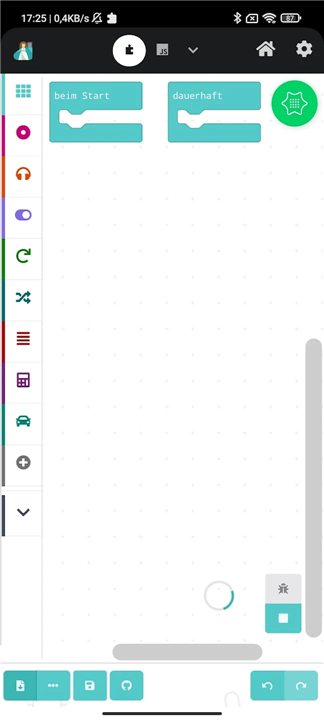
• Intuitive Block Programming: Supports beginner-friendly, block-based editors that allow users to assemble code with just a few clicks.
• Advanced Coding Options: Transitions easily into text-based languages, including JavaScript and Python, for complex projects.
• Robotics & Automation: Connects easily to external motors, actuators, and supplementary sensors to create custom robotics, smart devices, and interactive experiments.
FAQ
Q: How can I display information visually using the built-in LEDs on the Calliope mini?
A: You have two great options for visual output right on the board. First, there is a central five-by-five grid containing twenty-five red LEDs, which is perfect for scrolling text, displaying numerical data, or showing custom static icons and animations. Additionally, the board features three fully customizable RGB LEDs that allow you to experiment with multi-color light signals, status indicators, and vibrant visual effects.
Q: What function do the physical buttons on the board serve?
A: The Calliope mini includes two programmable tactile buttons labeled A and B. You can program these buttons to trigger specific actions in your code, navigate through custom-made menus, or act as interactive controllers for games you design yourself.
Q: How does the Calliope mini detect physical movement and orientation?
A: It utilizes a built-in combined motion and position sensor, which features an onboard accelerometer. This clever sensor can detect a wide range of physical inputs, such as when the board is shaken, tilted, pitched, or turned upside down, allowing you to create highly interactive, movement-based projects.
Version History
v2.0.9——28 Jul 2026
Hacking, tinkering, coding - create your programs on the go! Download the latest version of Calliope mini to enjoy new features and updates immediately!
*2.0.9
- Partial flashing rewritten as a stable Kotlin foreground service
- Partial flashing now supports Open Roberta Lab and MicroPython hex files
- Many BLE stability fixes: operation queue, retry with backoff, bonding safety net, faster recovery from system kills
- Legacy (V2) DFU flashing fixed
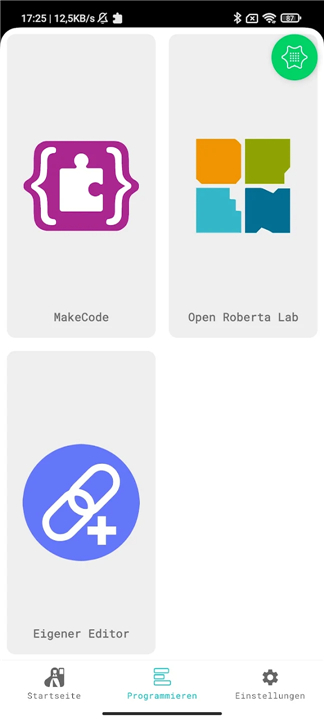
- Modernized UI with MaterialCardView and floating bottom navigation
- Editor order and FAB position are now remembered
- MakeCode language follows device locale
- New MicroPython demo games
*2.0.8
- Editoren Cardboard Control und Cardboard Face hinzugefügt
*2.0.7
- Fixed UI issues
- Fixed status bar icons
- Improved translations
- Fixed screen rotation bug
- New feature: Clear Calliope Mini connections
- Refactored code and UI