SmartThings
Overview
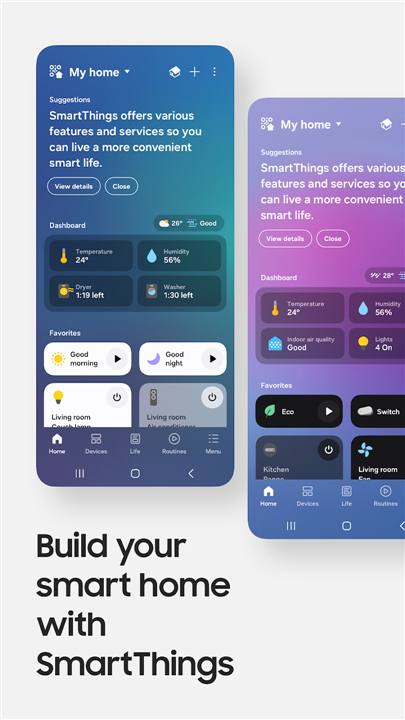
• Elevate your daily life by transforming your house into a home that truly listens.
• SmartThings bridges the gap between you and your technology, creating a seamless flow of comfort and control that moves with you.
Unified Connectivity
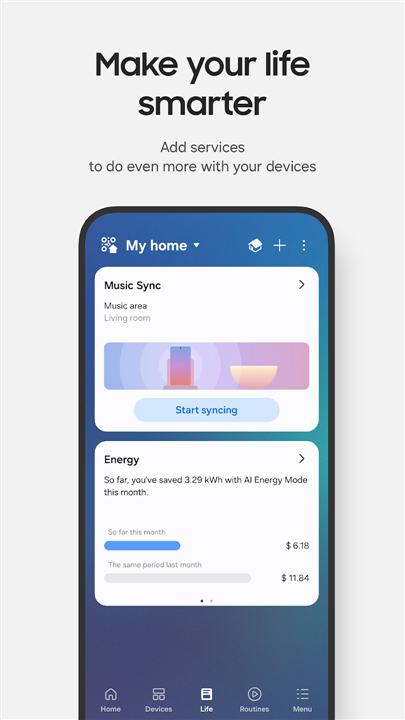
• Integrate hundreds of leading brands like Ring, Nest, and Philips Hue into one powerful ecosystem.
• Sync your Samsung Smart TVs and appliances for a cohesive household experience.
• Master your environment hands-free using voice assistants including Alexa, Bixby, and Google Assistant.
Intelligent Living
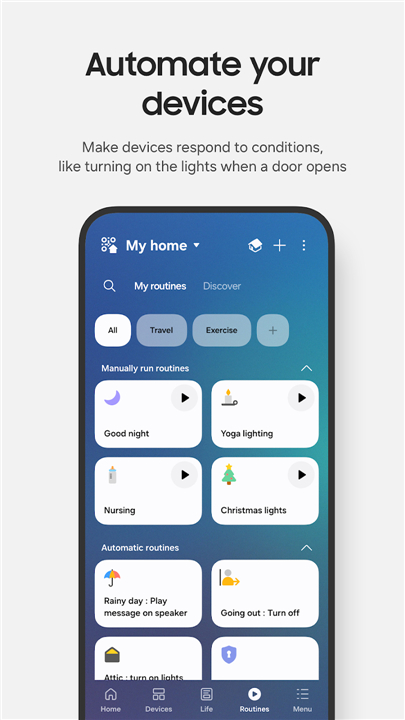
• Design personalized routines that respond to the time of day, weather, or your unique habits, allowing your home to run itself in the background.
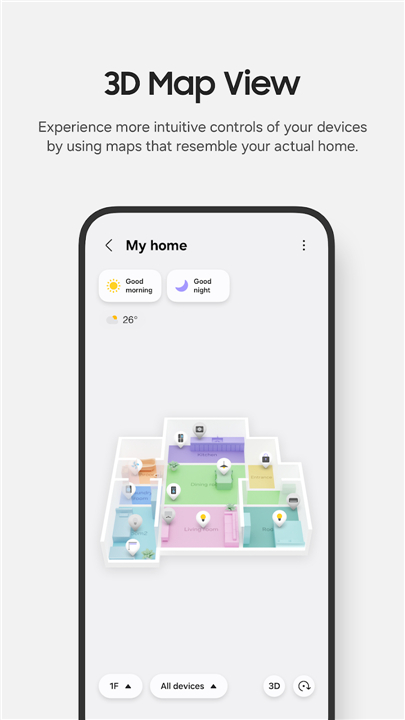
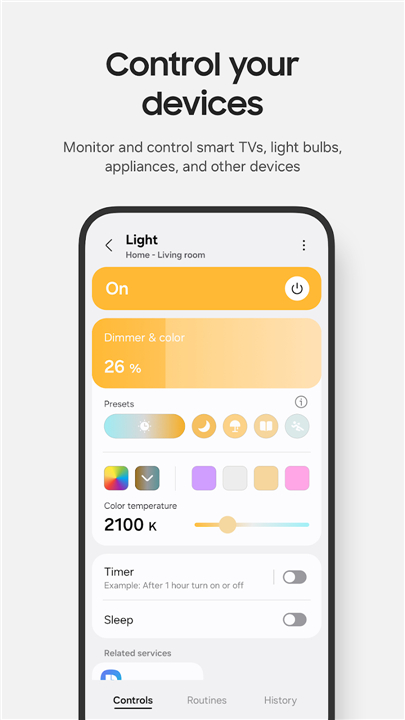
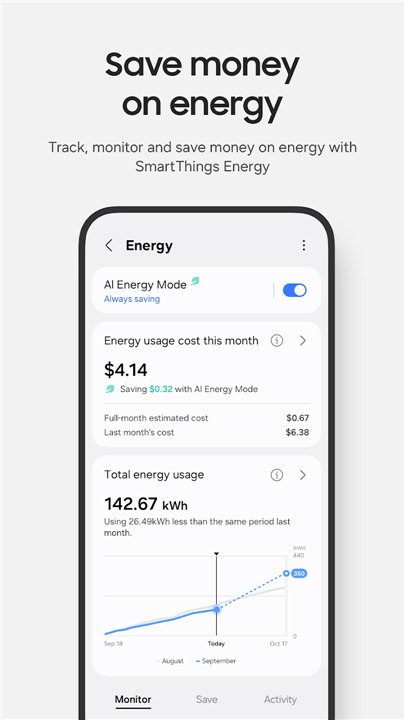
• Monitor and manage your living space from anywhere in the world.
• Share control with family members to keep every resident connected.
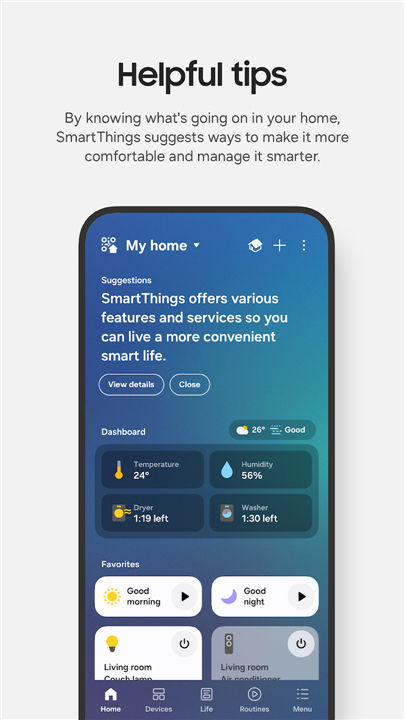
• Stay informed with instant notifications regarding the status of your devices.
Wearable Integration
• Extend your reach to your wrist with Wear OS support, featuring custom tiles and watch face complications for instant access.
• Navigate your smart home directly from your watch when paired with your mobile device.
Technical Requirements
• Optimized for Samsung Galaxy smartphones, though compatible with various mobile devices.
• Requires a minimum of 3GB RAM for reliable performance.
• Optional permissions for location, camera, and sensors are utilized to unlock advanced automation and easy device setup.
FAQ
Q: Which third-party brands can I integrate into my SmartThings setup?
A: One of the strongest features of SmartThings is its wide compatibility, as it allows you to sync products from many leading brands like Ring, Nest, and Philips Hue. This means you can bring your cameras, thermostats, and smart lighting into one powerful ecosystem alongside your Samsung Smart TVs and household appliances for a truly cohesive experience.
Q: Can I control my smart home devices using voice commands?
A: You can absolutely enjoy hands-free master control over your environment by using popular voice assistants. SmartThings is built to work seamlessly with Alexa, Google Assistant, and Samsung’s own Bixby, giving you the flexibility to adjust your settings using whichever AI platform you prefer.
Q: How do personalized routines work within the SmartThings app?
A: Personalized routines are automated sequences that trigger based on specific conditions like the time of day, current weather, or your personal habits. By setting these up, you can allow your home to run itself in the background, such as having the lights dim and the thermostat adjust automatically as soon as the sun sets or when you arrive home.
Version History
v1.8.45.24——5 May 2026
SmartThings is a smart home app that connects, controls, and automates devices across brands. Download the latest version of SmartThings to enjoy new features and updates immediately!
*1.8.45.24
• Select your desired category in the Routine creation assistant to get Routine suggestions, and even receive recommendations for your next personalized automation (supported in Korea, US, Brazil, Germany, Spain, France, Italy)
• Update all related Routines at once when replacing a device
• See transparent execution history showing when and why Routines ran
Update now and experience it!
*1.8.41.23
In order to provide you with better services, some features have been improved in the new version.
*1.8.37.23
SmartThings is a smart home app that connects, controls, and automates devices across brands. Download and install old versions of SmartThings that suits your device model and enjoy your favorite features!
In order to provide you with better services, some features have been improved in the new version.
- By connecting your Samsung devices to SmartThings, you can receive proactive diagnosis on product issues and easily receive necessary support for making service & maintenance reservations.(KR/AU)
- When you need help, press the Safe button. SmartThings Safe service can send notifications to members and ask for help.