MESH client - remote forensics
Overview
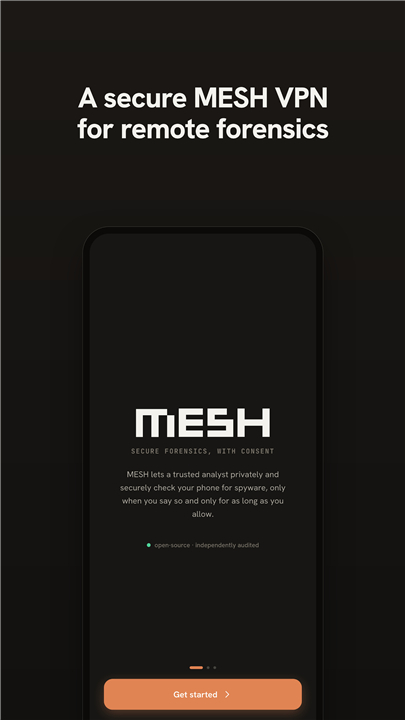
• MESH client enables a trusted analyst to perform remote forensic analysis on Android devices.
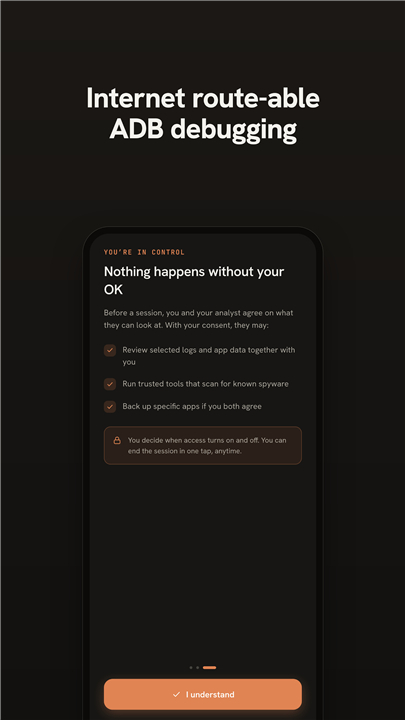
• It provides wireless ADB debugging and secure interaction with forensic tools without exposing the device to the public internet.
Problem Addressed
• Mobile devices commonly sit behind NAT, firewalls, or carrier‑grade networks that block inbound connections.
• Traditional remote forensics rely on centralized VPN servers or risky port‑forwarding, which can be complex and insecure.
Core Architecture
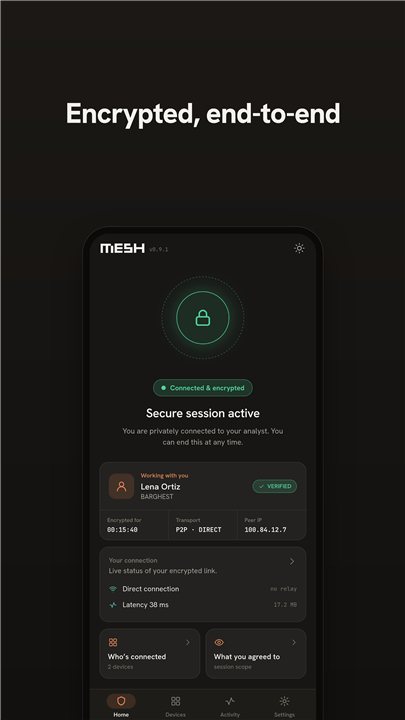
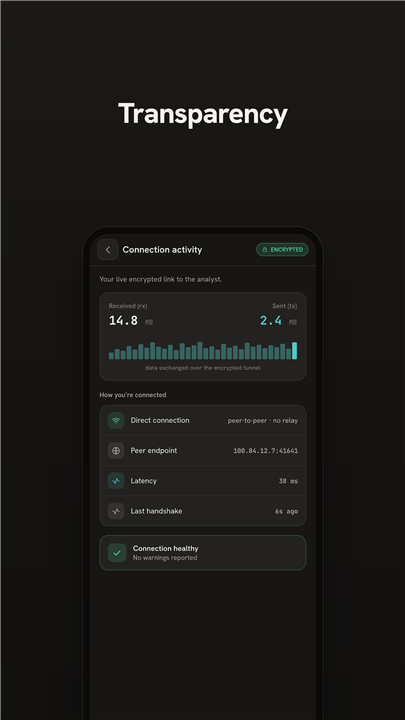
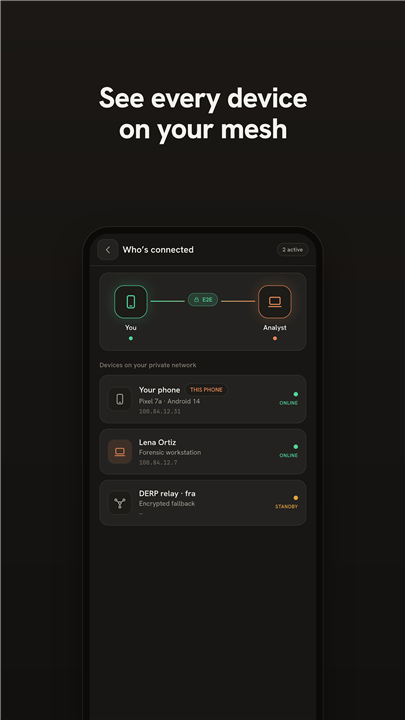
• Uses WireGuard‑based tunneling coordinated through Tailscale to create a peer‑to‑peer secure mesh.
• Each device receives a private IP address, allowing it to communicate with analyst‑operated infrastructure as if on the same local network.
• Traffic is encrypted end‑to‑end; no third‑party can inspect the content.
Technical Implementation
• Leverages Android’s VpnService API to create a virtual TUN interface.
• The interface routes only the packets required for MESH connections (remote ADB, forensic tool communication).
• It is not a general‑purpose VPN; it does not provide anonymization or broadband routing for other apps.
• The client functions only when paired with pre‑configured, analyst‑run infrastructure; standalone use is not supported.
Supported Forensic Workflows
• Enables remote use of tools such as WARD, MVT, AndroidQF, and libimobiledevice.
• Analysts can execute commands, acquire memory images, inspect file systems, and monitor device state over the secure tunnel.
Limitations & Considerations
• Requires prior installation of the MESH client and configuration of the analyst side.
• Performance depends on the underlying WireGuard/Tailscale link; high latency may affect interactive debugging.
• Does not replace physical access for techniques that need low‑level hardware interaction.
Further Information
• Source code and detailed documentation are available at: https://github.com/BARGHEST-ngo/MESH
FAQ
Q: How does MESH solve the common problem of devices being behind NAT or firewalls?
A: Traditional remote forensics often require inbound connections that are blocked by carrier‑grade NATs, corporate firewalls, or home routers. MESH flips the model: the Android device initiates an outbound WireGuard connection to the analyst‑run Tailscale mesh. Because the connection originates from inside the device’s network, it traverses NATs and firewalls seamlessly, giving the analyst a private IP address to reach the device.
Q: Do I need a VPN server to run MESH, or does it rely on a third‑party service?
A: MESH does not require you to operate a generic VPN server. It leverages the existing Tailscale infrastructure (which can be self‑hosted or used via the Tailscale SaaS) to coordinate WireGuard peers. The analyst simply provisions a Tailscale account, creates an auth key for the mesh, and shares that key with the MESH client on the Android device.
Q: Is the traffic between my workstation and the Android device encrypted?
A: Yes. All traffic flowing through the MESH tunnel is encapsulated in WireGuard, which provides strong, modern cryptography (ChaCha20‑Poly1305 for encryption and Poly1305 for authentication). The connection is end‑to‑end encrypted, so neither Tailscale nor any intermediary can inspect or modify the content.
Version History
v0.2.1-beta——17 Sep 2026
MESH enables remote wireless debugging for Android, providing mobile forensics. Download the latest version of MESH client - remote forensics to enjoy new features and updates immediately!
*0.2.1-beta
Minor bug fixes and improvements. Install or update to the newest version to check it out!
*0.2.0-beta
Minor bug fixes and improvements. Install or update to the newest version to check it out!
*0.1.7-alpha
Minor bug fixes and improvements. Install or update to the newest version to check it out!