Moshidon for Mastodon
Overview
• Moshidon is a community‑driven fork of the official Mastodon Android client.
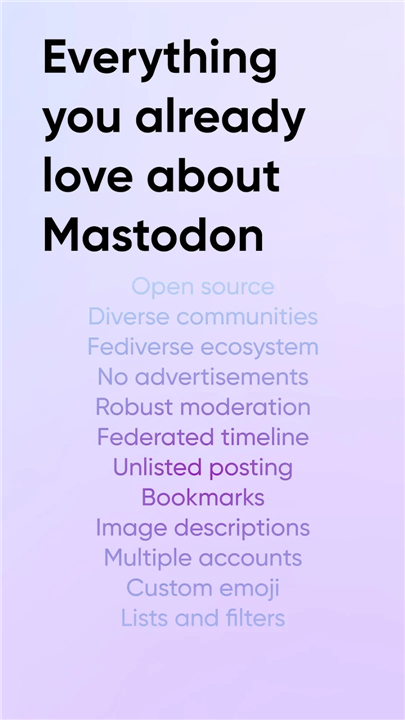
• It keeps the core experience of the upstream app while adding a suite of features that the official version lacks—most notably a federated timeline, unlisted posting, and a built‑in image‑description viewer.
• The project aims to give power users and newcomers a richer, more customizable way to interact with the Fediverse from their phones.
Visual customization
• Material‑You theming – automatically adopts the device’s colour palette for a cohesive look.
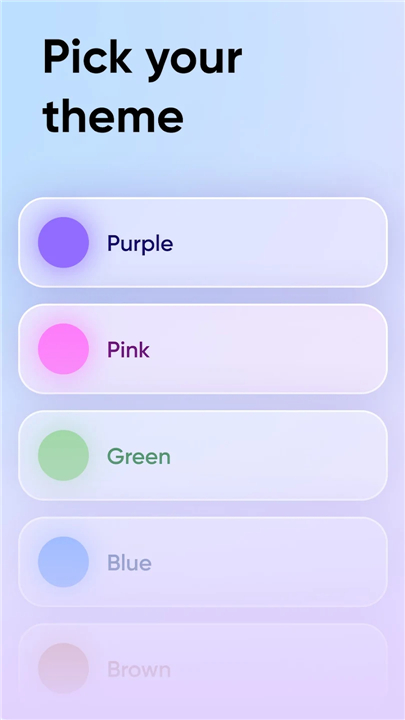
• Additional colour schemes – a range of preset palettes let users switch between light, dark and vibrant themes without leaving the app.
Content filtering & translation
• Filtered posts – posts that match user‑defined filters appear with a clear warning label, allowing safe browsing.
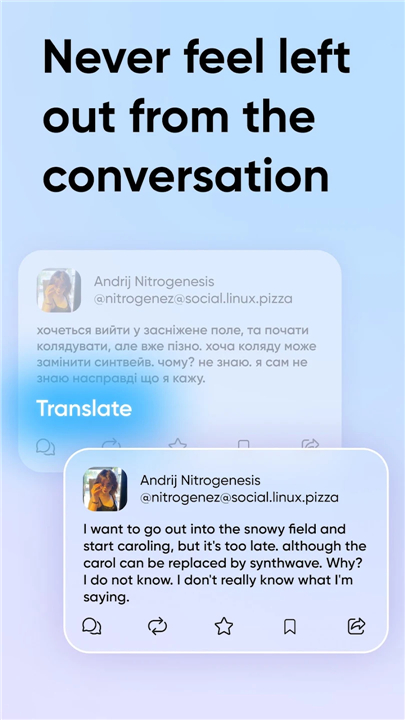
• Translate button – one‑tap translation of foreign‑language toots using the device’s preferred language.
Posting options
• Toot language picker – select the language of each toot, improving accessibility for multilingual audiences.
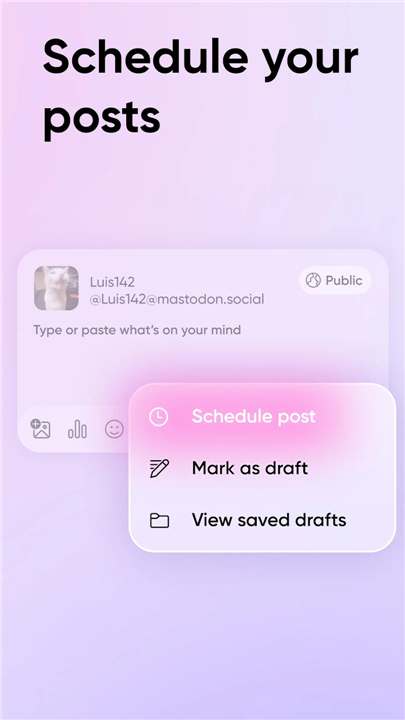
• Unlisted posting – publish publicly while keeping the toot out of trends, hashtag pages and public timelines.
• Delete and re‑draft – remove a toot and immediately repost a revised version, mimicking an edit function.
Timeline enhancements
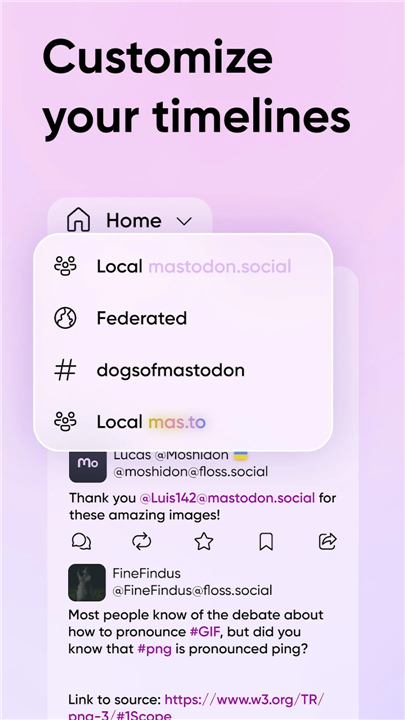
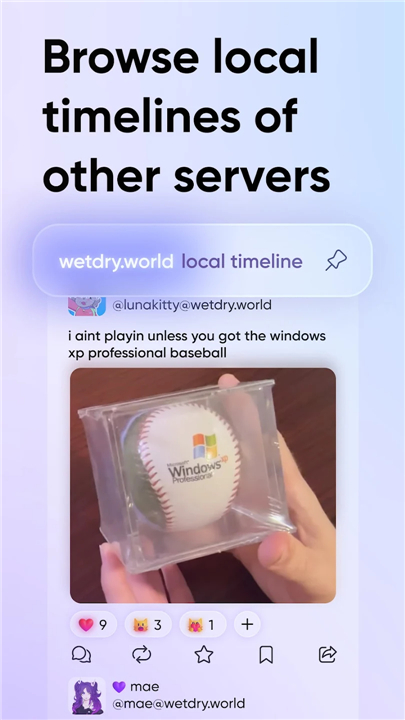
• Federated timeline – view all public toots from every instance connected to your home server, not just local content.
• Follow hashtags – add specific hashtags to your home feed, receiving new posts as they appear.
Interaction & usability
• Image description viewer – quickly reveal alt‑text for images and videos, supporting accessibility.
• Pinning posts – pin up to five toots on your profile and browse others’ pinned content via a dedicated tab.
• Follow‑request handling – accept or decline requests directly from notifications or a separate list.
• Extras – added interaction icons on notifications, streamlined menus, and removal of several UI annoyances present in the official client.
FAQ
Q: Why should I consider switching to Moshidon if I already use the official app?
A: If you ever felt limited by the official client—perhaps you wanted to see posts from across the Fediverse, hide your toots from trending lists, or quickly translate foreign‑language posts—Moshidon gives you those capabilities without needing a separate app. It also introduces visual customizations and smoother interaction flows that make everyday browsing feel more personal and less cluttered.
Q: How does Material‑You theming work in Moshidon?
A: When you enable Material‑You, Moshidon reads the colour palette your device generates from your wallpaper and system settings. It then applies those hues to the app’s UI elements, so the client blends seamlessly with the rest of the phone’s look and feel. You can still switch to one of the preset light, dark, or vibrant themes at any time if you prefer a more classic appearance.
Q: Can I change the app’s colour scheme without leaving the app?
A: Absolutely. Moshidon includes a selection of preset palettes that you can toggle from within the settings screen. Whether you want a bright, high‑contrast theme for daytime reading or a muted dark mode for night use, the switch happens instantly and does not require a restart.
Version History
v2.3.0+fork.110.moshinda——27 Aug 2026
Mastodon for Android but it's Material You and has more features Download the latest version of Moshidon for Mastodon to enjoy new features and updates immediately!
*2.3.0+fork.110.moshinda
- Fix timeline loading on some more up to date mastodon servers
- Small fixes and improvements
*2.3.0+fork.109.moshinda
Minor bug fixes and improvements. Install or update to the newest version to check it out!
*2.3.0+fork.108.moshinda
Fixed a bunch of crashes
Small bug fixes and improvements