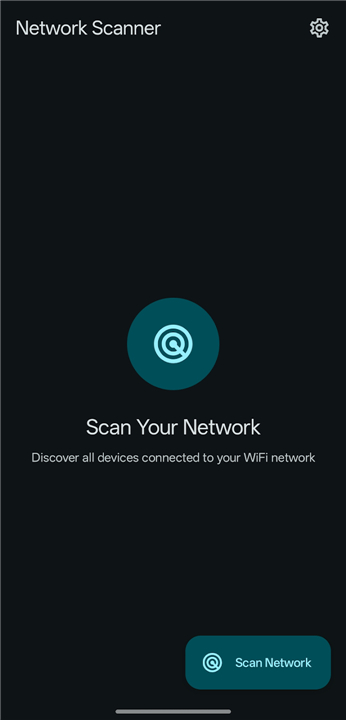
Network Scanner
Master Your Digital Environment
• Empower yourself with a high-performance tool designed to bring clarity to your local network.
• Network Scanner offers a fast, lightweight, and sophisticated way to visualize every connection, giving you the insight needed to manage your digital space with confidence.
Core Capabilities
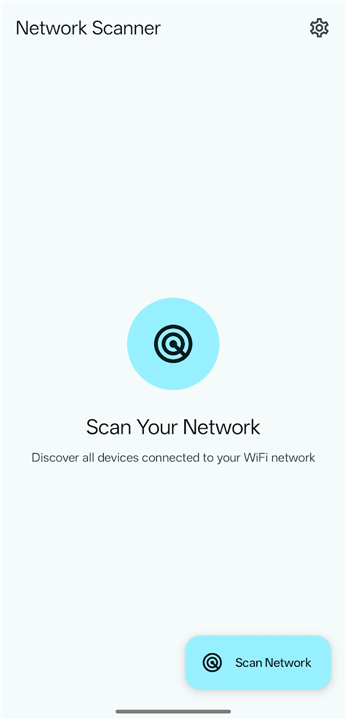
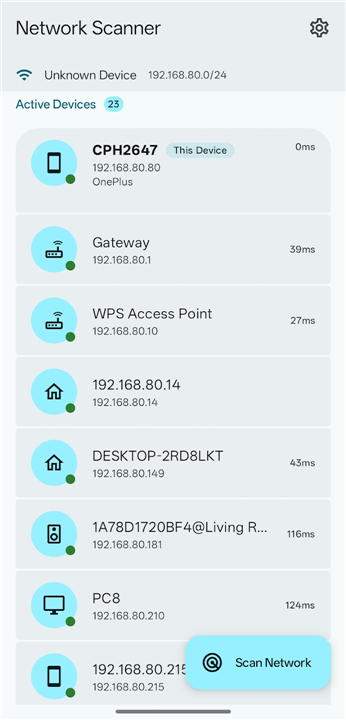
• Instant discovery of all devices connected to your WiFi network
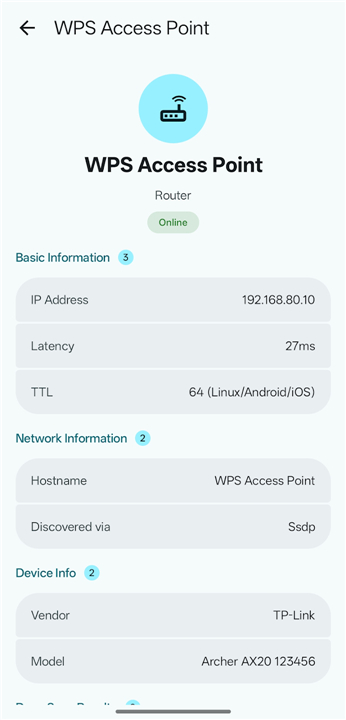
• Comprehensive insights including IP addresses, MAC addresses, and hostnames
• Advanced port scanning to identify active services and potential vulnerabilities
• Intelligent device categorization for an organized overview
• Modern and intuitive interface powered by Material Design 3
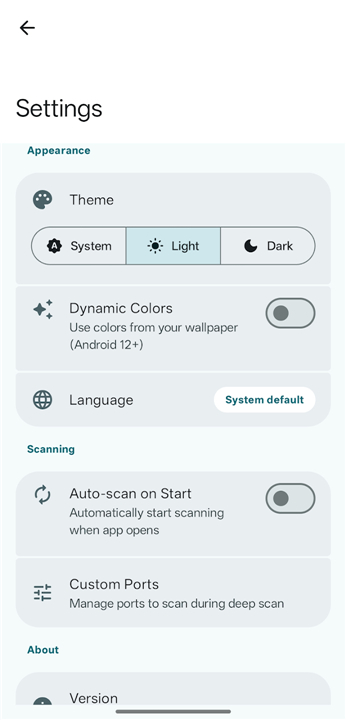
• Fully customizable settings to tailor the experience to your specific needs
A New Standard for Privacy
• Reclaim your digital sovereignty with an application built on trust and transparency.
• Your data belongs to you, and we ensure it stays that way.
+ Zero advertisements, tracking, or background analytics
+ Complete local operation with no external internet connection required
+ 100% open-source code (GPL-3.0) for total auditability and peace of mind
+ Minimal permission requests to ensure your security remains a priority
Professional Versatility
Whether you are securing a home office or exploring the latest tech, this tool is built for those who value precision.
• Monitor and manage home or office networks with professional-grade accuracy
• Identify and remove unauthorized devices to keep your connection secure
• Easily locate IP addresses for printers, smart home gadgets, and cameras
• Streamline troubleshooting to resolve connectivity issues in moments
Transparent Access
• We believe in radical honesty regarding how our tools interact with your hardware.
• We only request the essential permissions required to serve you:
+ Network and WiFi access: Essential for communicating with your local devices.
+ Location services: Utilized strictly to satisfy Android requirements for WiFi scanning, never for tracking your movements.
FAQ
Q: Is this application free to use and open-source?
A: Yes, the application is entirely free and released under the GPL-3.0 open-source license. This means that the code is 100% transparent and available for anyone to audit, ensuring that there are no hidden features or security risks, which provides total peace of mind for privacy-conscious users.
Q: How does the tool help me identify devices on my network?
A: The app performs an instant discovery of all devices connected to your WiFi and provides a comprehensive breakdown of each one. You will be able to see essential details such as IP addresses, MAC addresses, and hostnames, allowing you to know exactly what hardware is interacting with your network at any given time.
Q: Why does the app request permission to access my location?
A: This permission is requested solely to satisfy specific requirements within the Android operating system for WiFi scanning. Android ties the ability to see network names and scan for nearby devices to location services, but we want to assure you that we never use this information to track your physical movements or share your location data.
Version History
v1.1.7——10 Aug 2026
Secure your WiFi with our fast Network Scanner. Identify IP addresses, scan ports, and manage devices with this private, open-source tool. Download the latest version of Network Scanner to enjoy new features and updates immediately!
*1.1.7
Minor bug fixes and improvements. Install or update to the newest version to check it out!
*1.1.6
Minor bug fixes and improvements. Install or update to the newest version to check it out!
*1.1.5
Minor bug fixes and improvements. Install or update to the newest version to check it out!