Amaze File Manager
User Experience and Interface Design
• Fully open-source, lightweight, and bloat-free architecture ensuring fast and smooth performance.
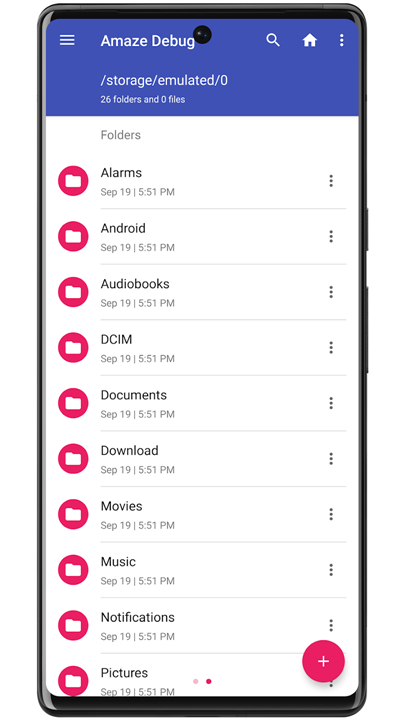
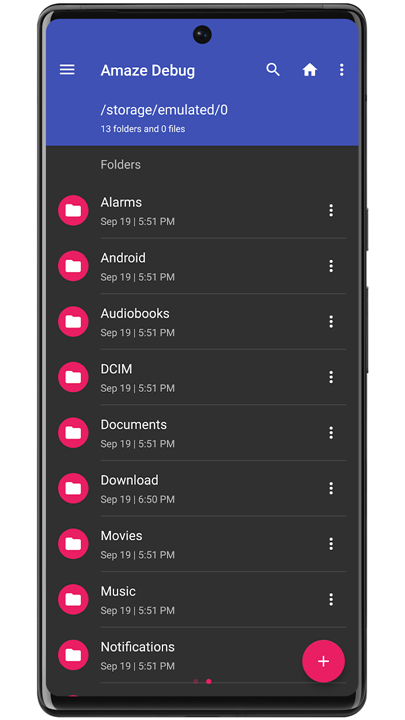
• Modern layout built strictly on Google's Material Design guidelines, complete with custom themes and visual icon packs.
• Seamless multi-tab management paired with drag-and-drop gestures for intuitive multitasking.
• Quick-access side navigation drawer to instantly reach key directories, search tools, file history, and bookmarks.
• Completely ad-free experience with zero paywalled core features.
Advanced File and Application Management
• Complete file manipulation toolkit including standard operations like copy, cut, delete, compress, and extract.
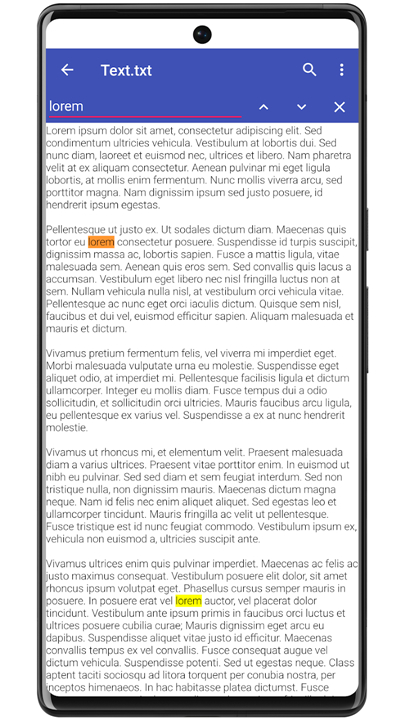
• Integrated readers and viewers for specialized files, including a Database Reader, Zip/Rar parser, APK reader, and Text Reader.
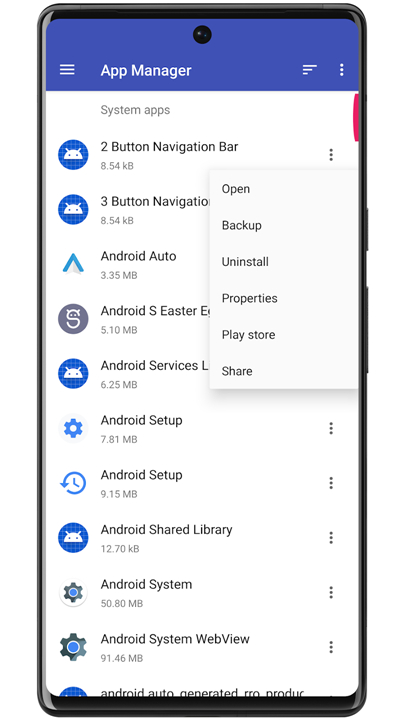
• Built-in App Manager allowing users to inspect, back up, or uninstall applications directly.
• Dedicated Root Explorer designed for advanced users requiring system-level directory access.
Connectivity, Cloud, and Data Security
• High-security AES file encryption and decryption capabilities to protect sensitive user data (Android 4.3+).
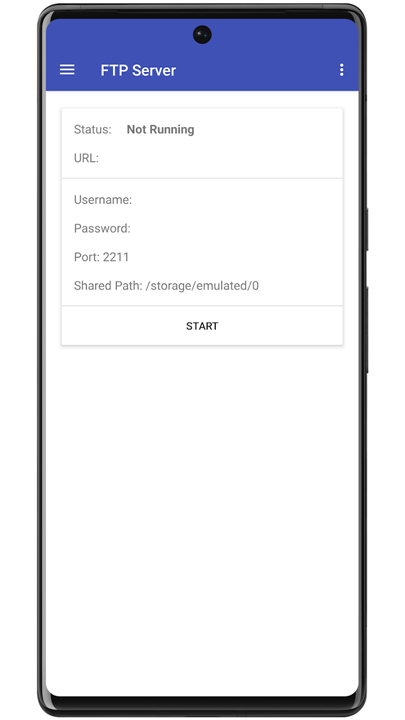
• Host a local FTP or FTPS server for fast, wireless file sharing across local networks.
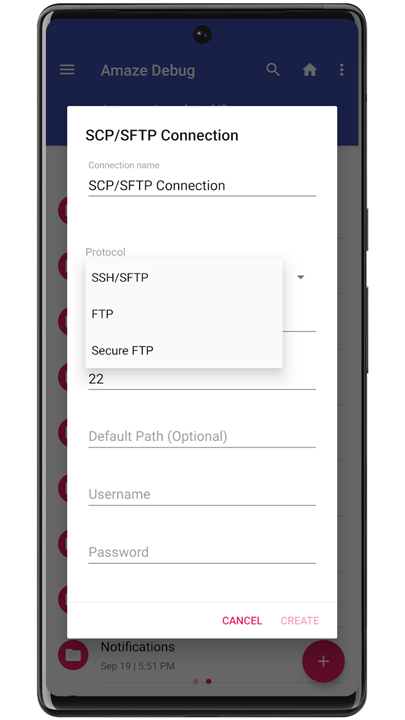
• Embedded SMB and SFTP client support to effortlessly connect to remote servers and network shares.
• Cloud storage functionality expandable via the optional Amaze Cloud plugin.
Community, Open Source, and Development
• Developed by Team Amaze: Arpit Khurana, Vishal Nehra, Emmanuel, and Raymond Lai.
• Open-source code available for review and contribution on GitHub.
• Optional user support available through in-app donations or purchasing the cloud plugin on the Play Store.
• Active community involvement and development discussions hosted on Telegram and XDA Developers.
FAQ
Q: Is the user interface customizable to match my personal preferences?
A: You will find that the app follows Google’s Material Design guidelines very strictly, providing a modern and clean layout right out of the box. For those who like to personalize their tools, the app offers various custom themes and visual icon packs, allowing you to change the look and feel of the interface to suit your style.
Q: How does the app handle multitasking when I need to move files between different folders?
A: To make multitasking as intuitive as possible, the app utilizes a seamless multi-tab management system. This feature, paired with built-in drag-and-drop gestures, allows you to navigate through different directories and move your data around without having to constantly hit the back button.
Q: Where can I find my most frequently used folders and search tools within the app?
A: Everything you need for quick navigation is tucked away in a convenient side navigation drawer. From this drawer, you can instantly jump to your key directories, view your recent file history, access specialized search tools, or manage your favorite bookmarks for even faster access.
Version History
v3.11.3——10 Aug 2026
Amaze is a file manager app that makes everyday file browsing and tasks simple. Download the latest version of Amaze File Manager to enjoy new features and updates immediately!
*3.11.3
* Fixes for path traversal vulnerabilities
*3.11.2
- Fix Auto Reloading Bug
- Fix Translations
- Fix Media Scanner Auto Update Bug
- Migrate File Operations to use Rust
*3.11.1
Minor bug fixes and improvements. Install or update to the newest version to check it out!