MakeACopy Offline OCR Scanner
Overview
• MakeACopy is a privacy-oriented, open-source document scanning application designed specifically for Android users who prioritize data security.
• It enables the conversion of physical paperwork into digital formats without requiring an internet connection or cloud processing.
Advanced Image Capture and Processing
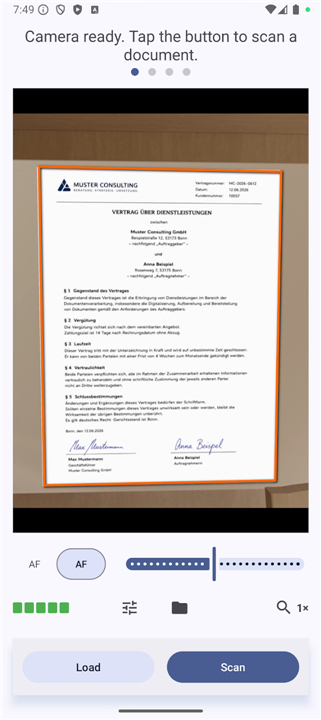
• Utilizes the device camera to capture high-resolution images of documents, receipts, and notes.
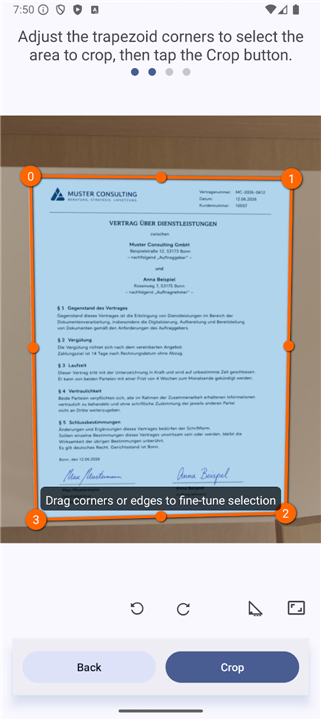
• Employs OpenCV for intelligent edge detection to automatically identify document boundaries during the scanning process.
• Features perspective correction tools to straighten and crop images, ensuring professional results even when captures are taken at an angle.
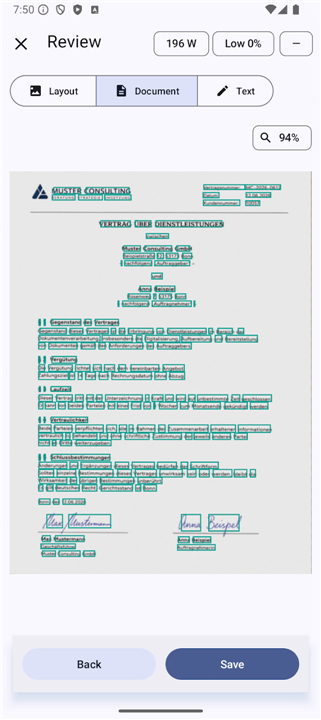
On-Device Optical Character Recognition
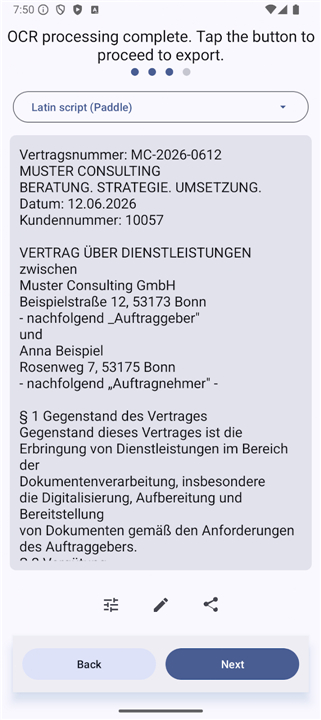
• Integrates high-performance, offline Optical Character Recognition to extract text directly on the hardware.
• The primary distribution uses PaddleOCR for modern, efficient text recognition.
• An alternative version utilizing Tesseract is maintained via GitHub for users requiring specific legacy language data or specialized workflows.
• All processing remains 100% local, ensuring that sensitive information never leaves the device.
Export and User Interface
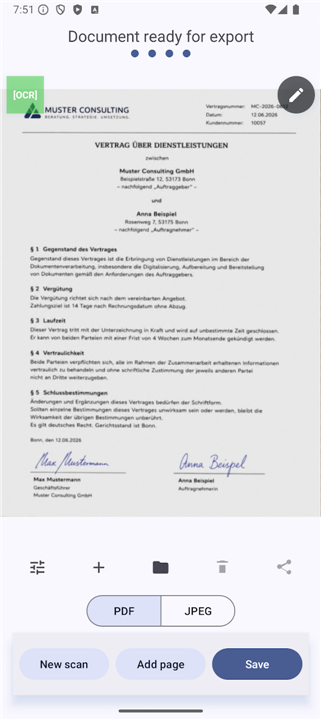
• Generates searchable PDF files, allowing users to locate specific terms within scanned documents easily.
• Supports exporting extracted content as plain text for editing and documentation.
• Built with a Material 3 interface that provides a fluid user experience with both light and dark mode support.
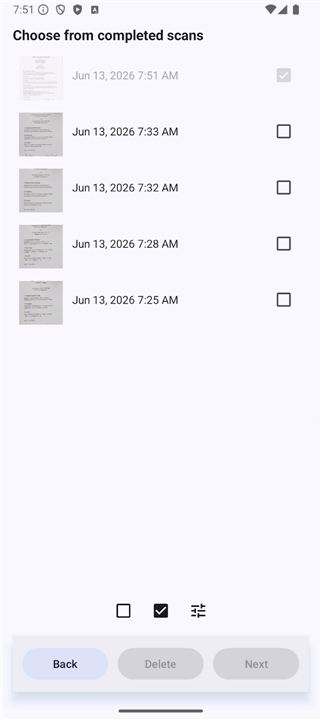
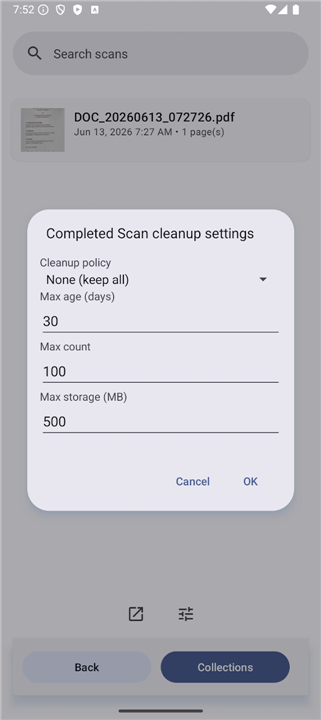
• Facilitates local file management and seamless sharing with other installed applications.
Privacy and Technical Integrity
• Operates under a strictly zero-tracking policy with no advertisements or hidden telemetry.
• Maintains F-Droid compliance by building all native libraries, including OpenCV, from source to ensure reproducible builds.
• Distributed under the Apache License 2.0, promoting transparency and community-driven development.
• Requires no account creation or internet permissions, keeping all user data strictly private.
FAQ
Q: How does MakeACopy ensure my document data stays secure?
A: Your security is maintained by keeping 100% of the image processing and text extraction directly on your device's hardware. Because the application requires no internet permissions, your sensitive information never leaves your phone.
Q: How does MakeACopy assist with taking clean document scans?
A: The app uses your phone's camera to capture high-resolution images of your files. It leverages OpenCV to automatically detect document boundaries and offers perspective correction tools to straighten and crop photos that were taken at an angle.
Q: What types of physical items can I capture with MakeACopy?
A: You can use MakeACopy to scan a wide variety of physical items, including standard paper documents, business receipts, handwritten notes, and printed text.
Version History
v4.6.2——29 Jul 2026
Offline OCR document scanner with searchable PDFs, privacy and open source Download the latest version of MakeACopy Offline OCR Scanner to enjoy new features and updates immediately!
*4.6.2
• New support for vertical Japanese text: correct detection, reading order and PDF text layer for vertical layouts.
• Added Noto Sans JP (Kana subset) font for better Japanese rendering in exported PDFs.
• Added support for "Multi-column layout" OCR
• Updated build tooling (Gradle 8.14.3).
*4.6.1
* More accurate corner detection in the crop view: corners now stay on the document edges after layout changes.
* New edge-snap corner refinement for sharper document boundaries.
* Improved black & white conversion: cleaner pages, fewer speckles, better readability of faint text and low-res scans.
*4.6.0
• Full-text search across your scan library, now including recognized OCR text (Room/FTS5).
• Search results are highlighted in the scan list for faster navigation.
• Various stability and performance improvements under the hood.