geteduroam
Overview
• geteduroam is the official mobile and desktop application developed directly by the international eduroam project.
• It is designed to streamline secure Wi-Fi access for students, researchers, faculty, and staff across participating higher education and research institutions globally.
Core Functionality
• Integrates seamlessly with the eduroam Configuration Assistant Tool (CAT) framework.
• Fetches and applies custom network configurations created directly by local institutional IT administrators.
• Automates complex technical settings, such as security certificates, encryption standards, and network identification parameters.
Step-by-Step Setup Process
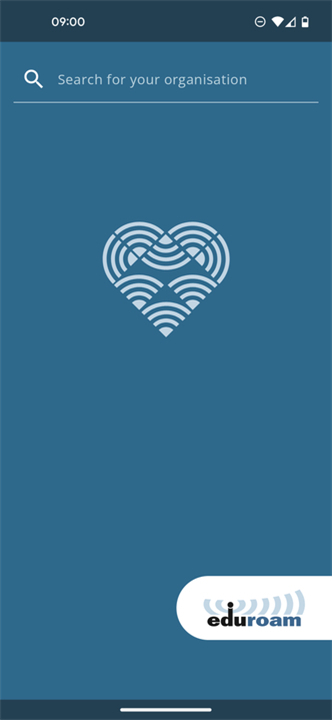
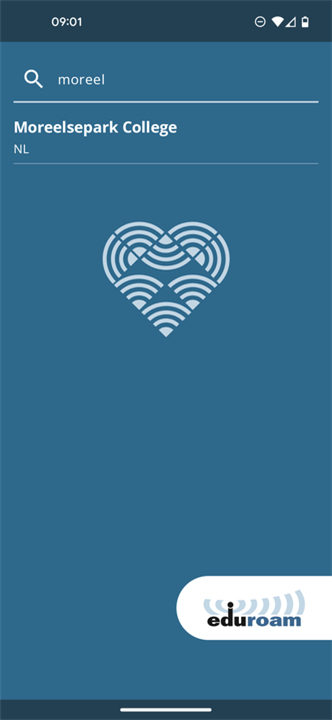
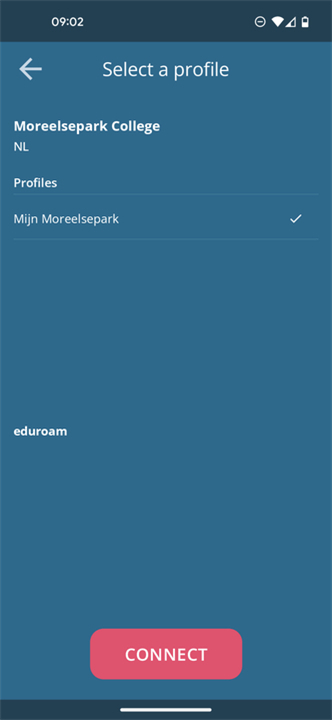
• Institution Selection: Search for and select your home university or organization from the built-in institutional directory.
• Credential Authentication: Provide your institutional login details (username and password) securely within the app interface.
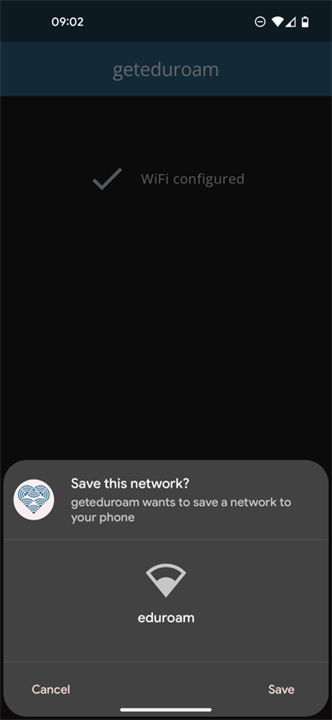
• Automated Deployment: The application automatically installs necessary security certificates and configures the device's wireless profile.
• Instant Connectivity: Once configured, your device automatically connects to the secure eduroam network on your home campus and at visiting locations worldwide.
Key Benefits and Security
• Enhanced Protection: Prevents credential theft by enforcing strict authentication rules and validating network server certificates.
• Error Prevention: Eliminates connection failures caused by manual network configuration mistakes.
• Global Mobility: Enables seamless, continuous roaming across thousands of participating hotspots in over 100 countries.
FAQ
Q: How do I set up geteduroam on my device for the first time?
A: Setting up the app involves a simple, guided process. First, search for and select your home university or organization from the built-in institutional directory. Next, enter your official login credentials securely into the app interface. Finally, geteduroam automatically installs the necessary security certificates and network profiles, giving you instant access to the eduroam network.
Q: Do I need to log in again every time I visit a new campus?
A: No, you only need to complete the setup process once using your home institution's credentials. Once geteduroam finishes setting up your device, you will automatically connect to eduroam Wi-Fi whenever you visit participating universities, research centers, and libraries worldwide.
Q: How does geteduroam protect my login credentials from being stolen?
A: Security is one of the main reasons to use geteduroam. The app enforces strict authentication rules and validates network server certificates before sending your credentials across the airwaves. This protects your university login details from evil-twin attacks or fake Wi-Fi hotspots that attempt to harvest passwords.
Version History
v2.3.0——20 Aug 2026
Configure eduroam by using your institution profile Download the latest version of geteduroam to enjoy new features and updates immediately!
*2.3.0
This version brings a solution for users that have phones with Apps going in Hibernation / Deep Sleep: it will guide you to the right settings when notifications are required.
It fixes crashes for organizations that provide logo's too big for some smaller devices to process.
This version allows profiles pre-filled with password-based credentials.
This version allows other browsers (such as Edge) to work with Custom Tabs.
*2.2.0
This version brings a solution for users that have phones with Apps going in Hibernation / Deep Sleep: it will guide you to the right settings when notifications are required.
It fixes crashes for organizations that provide logo's too big for some smaller devices to process.
This version allows profiles pre-filled with password-based credentials.
*2.1.7
Fixed an issue that could cause the application to crash when renewing a certificate.
Fixed an issue that could cause the application to crash when processing multiple WiFi suggestions.